
Twibird
Bookmark Organization Tool
Your Twitter/X Likes & Bookmarks, Organized & Searchable
- Pricing
- Free
- Category
- Productivity
- Listed
- Jan 12, 2026
- Updated
- May 25, 2026
Promoted
 KurodyneSell the tools from your AI side projects. Listing is free.
 Sidrune AI85% off. Stable Claude API for agent developers. Pay as you go. Invoices & refunds available.
 Pixmax.aiPixmax.ai is an all-in-one AI workspace for videos, visual stories, and marketing content.
 RewindType any X/Twitter handle. Get their year back as a narrated video story. Then ask it anything.
 SEOify - Improve your SEO & rankingsBuild links to rank in Google. Improve your DR with links you can start building now.Advertise here270,000+ people visit Dang.ai every month.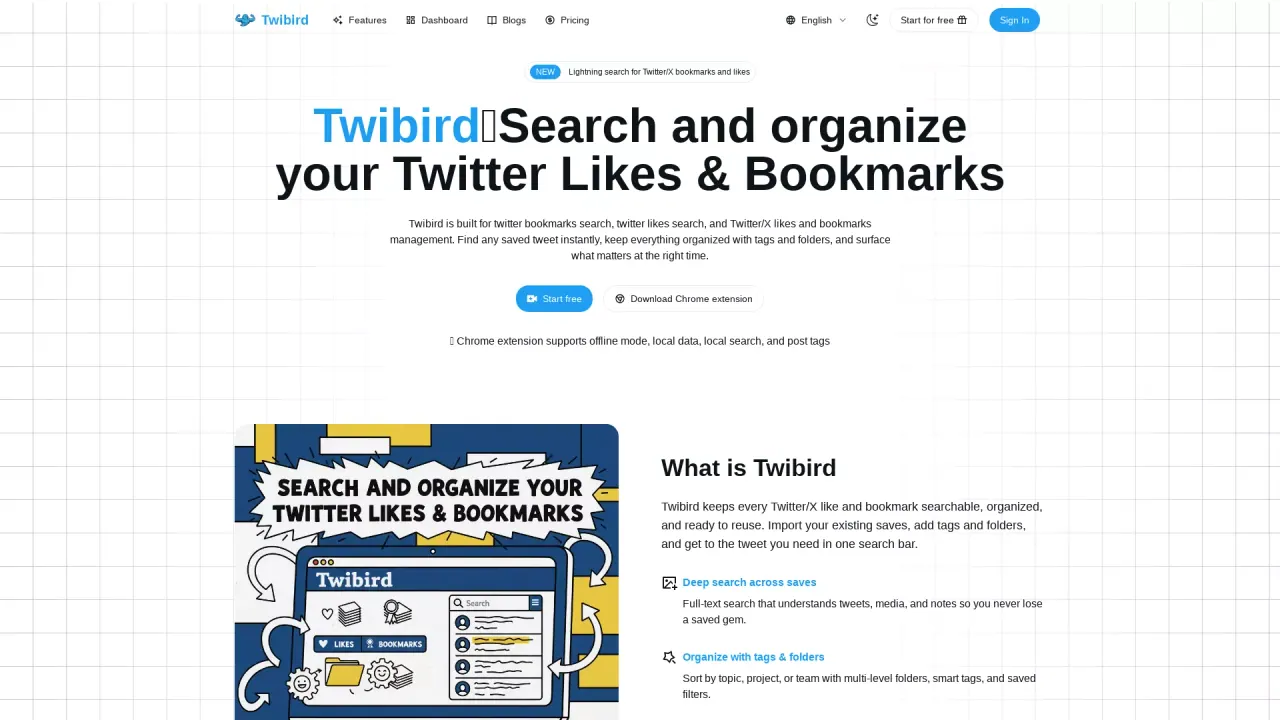
What does Twibird do?
What is the main use case for Twibird?
Twibird — Your Twitter/X Likes & Bookmarks, Organized & Searchable
What impact has twibird.com had on its users or the industry?
Turn your Twitter/X likes and bookmarks into a searchable, organized library with Twibird.
Can a user use Twibird for free?
yes, Twibird is the smart workspace for Twitter/X likes and bookmarks that turns your saved tweets into a searchable library. With powerful full-text search, customizable tags, and intuitive folders, finding what you saved has never been easier — no login sharing or complex setup required. 
What features does Twibird offer for Twitter/X bookmarks and likes management?
Twibird offers a comprehensive set of features for managing Twitter/X bookmarks and likes, including the ability to search saved tweets using a full-text query, organize content with tags and folders, and maintain sync for automatic updates. The tool also provides an offline mode through a Chrome extension, allowing local data storage and search without external authentication or password sharing. Additional features include export options to CSV/Notion, customizable reminders, and a unified inbox to oversee saves with quick actions.
How does Twibird ensure user account safety when syncing Twitter/X data?
Twibird ensures user account safety by using a Chrome extension to fetch Twitter/X bookmarks and likes directly in the user's browser. This approach eliminates the need for OAuth tokens or password sharing typically required for API access, significantly reducing security risks. Data is managed in-browser, which means Twibird never posts on the user's behalf, and permissions are strictly limited to reading likes and bookmarks only, reinforcing a privacy-first commitment.
Can a user export and back up their Twitter/X bookmarks and likes using Twibird?
Yes, Twibird allows users to export and back up their Twitter/X bookmarks and likes effortlessly. Users can export any collection to CSV or Notion, ensuring that they can keep an offline copy of their data whenever needed. This feature supports comprehensive data management and enables users to maintain control over their saved content, making it easy to back up important information and revisit it whenever required.
This listing is claimed
Own Twibird? Sign in with the email used to claim it to manage this listing, or upgrade to Pro for featured-first placement and a newsletter feature.