
lookfor
Verified
AI-Native Customer Experience Tool
AI-native customer experience platform for Shopify automating support, increasing CRO & tracking customer behavior.
Promoted
 KurodyneSell the tools from your AI side projects. Listing is free.
 Sidrune AI85% off. Stable Claude API for agent developers. Pay as you go. Invoices & refunds available.
 Pixmax.aiPixmax.ai is an all-in-one AI workspace for videos, visual stories, and marketing content.
 RewindType any X/Twitter handle. Get their year back as a narrated video story. Then ask it anything.
 SEOify - Improve your SEO & rankingsBuild links to rank in Google. Improve your DR with links you can start building now.Advertise here270,000+ people visit Dang.ai every month.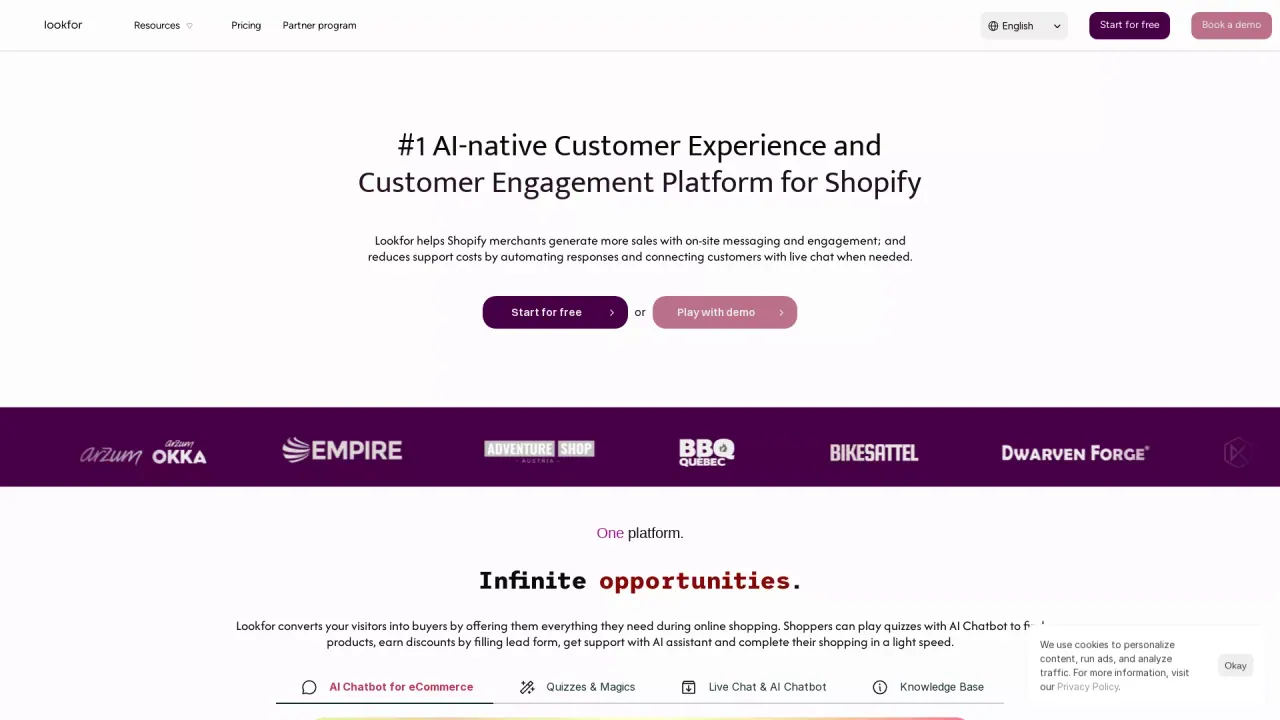
What does lookfor do?
How does onboarding and support work for successful AI Agent adoption?
Our implementation is straightforward, and onboarding is designed to be quick. Most of our clients start seeing the agent setup within a day of implementation. Our dedicated customer success team provides high-quality support and resources to ensure smooth AI adoption, helping you effectively use AI agents to automate your support workflow and improve the customer experience.
How good are Lookfor's AI agents?
Lookfor's agents are designed to handle support conversations across channels and improve the customer experience. Real-world feedback highlights strong performance, with customers noting rapid deployment and high ticket-resolution capability (for example, one testimonial mentions that lookfor can resolve nearly ninety percent of tickets in minutes).
What actions can Lookfor agents perform?
Lookfor agents can go beyond answering questions to take actions that support customer requests. Examples include updating subscriptions, submitting warranties, and handling order modifications, enabling automated, end-to-end support workflows.
Which channels can Lookfor integrate with?
Lookfor supports multiple channels, including Email, Storefront, Instagram, and Facebook, enabling a unified experience across touchpoints.
What integrations and knowledge options does Lookfor offer?
- Real-time knowledge: Integrate your proprietary knowledge—FAQs, policies, and documentation—into Lookfor’s knowledge engine to ensure accurate, authoritative responses.
- Secure action: Agents can perform actions to fulfill requests (e.g., updating subscriptions, processing changes) beyond just answering questions.
- Contact center handoff: When escalation is needed, conversations are routed to the right team member with a detailed summary for faster resolution.
- View all integrations: Lookfor supports additional integrations to fit your tech stack.
What is the typical implementation timeline to go live with Lookfor?
- TODAY: Kick off by exporting your tickets from your existing CX platform.
- THIS WEEK: Review your agent workflow with your team and refine instructions for higher accuracy.
- NEXT WEEK: Lookfor goes live across channels and starts handling customer inquiries.
- SUCCESS: Your CX is fully running through Lookfor, with production-grade insights for your team.
Does Lookfor support both inbound and outbound automation?
Yes. Lookfor provides two-direction automation—Inbound Automation and Outbound Automation—delivering a cohesive experience across channels.
This listing is claimed
Own lookfor? Sign in with the email used to claim it to manage this listing, or upgrade to Pro for featured-first placement and a newsletter feature.