
AutoLocalise
AI App Localization Tool
AutoLocalise auto-translates your app UI without translation files. Works with React, Next.js, Expo, and more.
- Pricing
- Freemium
- Category
- Development
- Listed
- Aug 22, 2025
- Updated
- May 25, 2026
Promoted
 Sidrune AI85% off. Stable Claude API for agent developers. Pay as you go. Invoices & refunds available.
 Pixmax.aiPixmax.ai is an all-in-one AI workspace for videos, visual stories, and marketing content.
 SEOify - Improve your SEO & rankingsBuild links to rank in Google. Improve your DR with links you can start building now.Advertise here270,000+ people visit Dang.ai every month.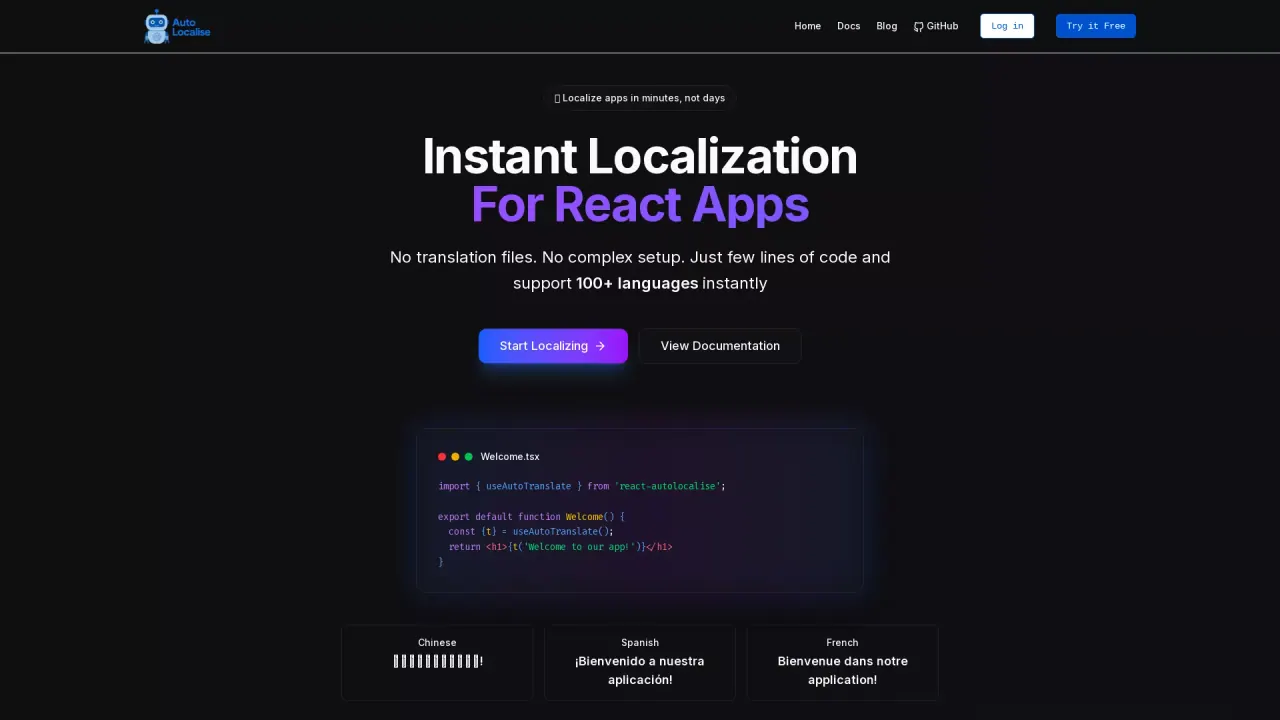
What does AutoLocalise do?
How does AutoLocalise work for internationalizing apps quickly?
AutoLocalise streamlines internationalization with zero-configuration localization. Add a few lines of code and you instantly support 100+ languages in React, Python, Next.js, and Expo. The process happens in the background and includes:
- Auto-Extract Text: The SDK automatically detects text you want to translate from your components as users interact.
- Instant Translation: Text is sent to our AI-powered translation service and translated to the user’s language in real time.
- Cache & Update: Translations are cached for fast performance and automatically updated across all app instances.
Which frameworks and platforms does AutoLocalise support?
AutoLocalise works with a range of popular frameworks and platforms, and more are planned:
- React (Stable, 16.8+ with hooks)
- Next.js (Stable, SSR/SSG support with App Router)
- React Native (Stable)
- Expo (Stable)
- Python (Stable)
- Django, Flask, FastAPI
- Vue.js (Planned, Coming soon)
- Flutter (Planned, Coming soon)
How many languages are supported by AutoLocalise?
AutoLocalise supports 100+ languages. Examples shown include English, Spanish, French, and Japanese, with broader language coverage available through the platform.
How do I get started with AutoLocalise in my app?
Follow these steps:
- Install AutoLocalise: npm install react-autolocalise
- Import and use: set your API key and translate strings with the provided t function (e.g., t('Hello World'))
- Deploy & scale: translations update automatically in real time and are served via a global CDN for fast performance.
What are the pricing plans and what do they include?
- Free: $0/month
- 10,000 characters/month
- 1 project
- Live translation editing
- 100+ languages
- Pro: $9/month
- 250,000 characters/month
- 1 editor member per project included (+$2/mo per additional member)
- Unlimited viewers
- 100+ languages
- Extra characters: $1 per additional 30,000 characters
- Priority support
- Enterprise: Customized
- Unlimited characters
- All languages
- Priority support
- Custom integrations
- On-premise deployment
- SLA guarantee
- Custom billing
You can also Start Free or Start Pro Trial, and there are options to view Documentation and Pricing.
Can I share translations across multiple apps in the same project?
Yes. Shared Projects let you share translations across multiple applications within the same project.
Do you offer a free plan and trials?
Yes. There is a Free plan suitable for side projects and testing. For broader use, a Pro plan is available, with trial options to evaluate features before committing.
Where can I view documentation and pricing?
Documentation and pricing are available through the site links: View Documentation and View Pricing.
This listing is claimed
Own AutoLocalise? Sign in with the email used to claim it to manage this listing, or upgrade to Pro for featured-first placement and a newsletter feature.