Blackbox
AI Powered Coding Assistant
Code 10x faster with Blackbox, an AI powered coding assistant. Extract code from videos and autocomplete.
- Pricing
- Free trial
- Category
- Assistant
- Listed
- Apr 20, 2023
- Updated
- May 25, 2026
Promoted
 Sidrune AI85% off. Stable Claude API for agent developers. Pay as you go. Invoices & refunds available.
 Pixmax.aiPixmax.ai is an all-in-one AI workspace for videos, visual stories, and marketing content.
 SEOify - Improve your SEO & rankingsBuild links to rank in Google. Improve your DR with links you can start building now.Advertise here270,000+ people visit Dang.ai every month.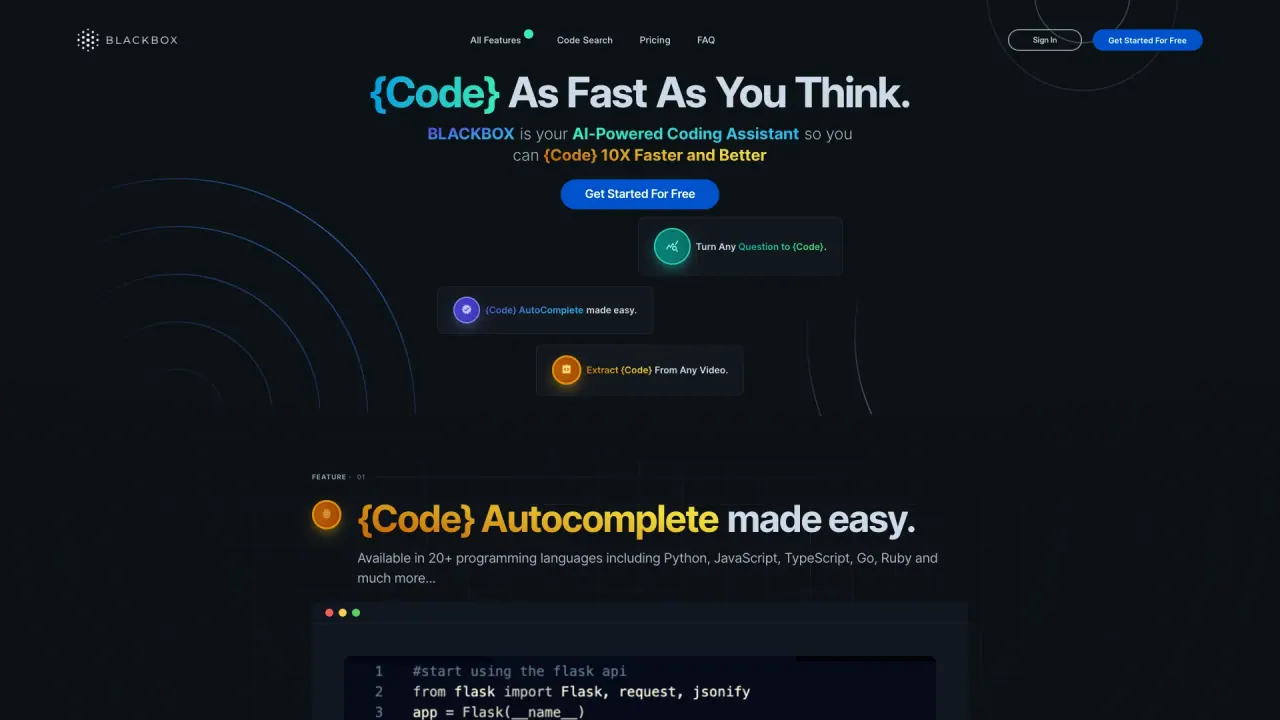
What does Blackbox do?
What surfaces does Blackbox support?
Blackbox spans six surfaces to fit how you work:
- CLI: Dispatch autonomous agents from your terminal with multi-agent parallel execution, automatic PR creation, and CI/CD pipeline integration.
- IDE: Work inside your editor (VS Code or Blackbox IDE) with real-time code generation, context-aware refactoring, and an integrated test runner.
- CLOUD: Keep code healthy with 24/7 autonomous operation, automated monitoring & fixes, and team dashboards & controls.
- API: Programmable agent execution via OpenAI-compatible endpoints, multi-agent orchestration, and WebSocket streaming.
- MOBILE: Review agent work, approve PRs, and dispatch new tasks from your phone with push alerts and quick-action capabilities.
- BUILDER: Describe your vision in natural language and generate full-stack apps with one-click deployment.
How can Blackbox integrate with VSCode?
You can integrate Blackbox directly in VSCode by installing the Blackbox extension from the VSCode marketplace. In the IDE, you get real-time code generation, context-aware refactoring, and an integrated test runner—delivered right where you write code.
What are the main features of Blackbox AI?
Key capabilities include:
- Multi-agent parallel execution with simultaneous exploration of solutions
- Automatic PR creation and CI/CD pipeline integration
- In-IDE features: inline code generation, context-aware refactoring, and an integrated test runner
- 24/7 autonomous operation in the Cloud, with automated monitoring and fixes
- Team dashboards & controls for visibility and governance
- OpenAI-compatible API endpoints with multi-agent orchestration and WebSocket streaming
- Mobile app support: push alerts, PR review & approval, and one-tap dispatch
- Builder: natural language to full-stack apps with full-stack generation and one-click deployment
- Chairman LLM for running agents in parallel and evaluating candidates, then packaging the winner into a PR with results
Note: The platform emphasizes six surfaces (CLI, IDE, Cloud, API, Mobile, Builder) and the associated capabilities across them.
What is Chairman LLM and how does it work?
Chairman LLM runs multiple agents in parallel for the same task and evaluates each candidate on criteria such as correctness, performance, risk, and complexity. The winning solution is packaged into a PR with test results, an evaluation breakdown, and a diff, ready to review and merge.
How do I get started with Blackbox?
You can start for free by visiting the Get Started page on Blackbox. From there you can choose CLI, IDE (via the VSCode extension), Cloud, or API workflows and explore the documentation to begin building.
Is there a mobile app?
Yes. The Blackbox mobile app lets you review agent work, approve PRs, and dispatch new tasks from anywhere, with push notification alerts to keep you in the loop.
Does Blackbox support open-source models?
Yes. Blackbox uses Frontier plus open-source models, accessible through a single endpoint for simplicity and flexibility.
Can I deploy to staging?
Yes. The platform demonstrates staging deployments (examples show deploying to staging and monitoring health before production).
What built-in agent templates are available?
Blackbox ships with a suite of built-in agent templates, including:
- AGENT-01 REFACTOR
- AGENT-02 MIGRATE
- AGENT-03 TEST-GEN
- AGENT-04 DEPLOY
- AGENT-05 REVIEW
- AGENT-06 DOCS
- AGENT-07 SECURITY
- AGENT-08 PERF
- AGENT-09 SCAFFOLD
- AGENT-10 TRANSLATE
- AGENT-11 ROLLBACK
- AGENT-12 LINT-FIX
- AGENT-13 CANARY
- AGENT-14 SCHEMA
Is Blackbox accessible via an OpenAI-compatible API?
Yes. The API provides OpenAI-compatible endpoints, along with multi-agent orchestration and WebSocket streaming to power your workflows.
Is this your tool?
Claim Blackbox to manage this listing, or upgrade to Pro for featured-first placement and a newsletter feature.