
MCP Explorer
MCP One-Click Creation Tool
🚀Create MCP Server With AI Just One-Click.
- Pricing
- Freemium
- Category
- Development
- Listed
- Jul 31, 2025
- Updated
- May 25, 2026
Promoted
 KurodyneSell the tools from your AI side projects. Listing is free.
 Sidrune AI85% off. Stable Claude API for agent developers. Pay as you go. Invoices & refunds available.
 Pixmax.aiPixmax.ai is an all-in-one AI workspace for videos, visual stories, and marketing content.
 RewindType any X/Twitter handle. Get their year back as a narrated video story. Then ask it anything.
 SEOify - Improve your SEO & rankingsBuild links to rank in Google. Improve your DR with links you can start building now.Advertise here270,000+ people visit Dang.ai every month.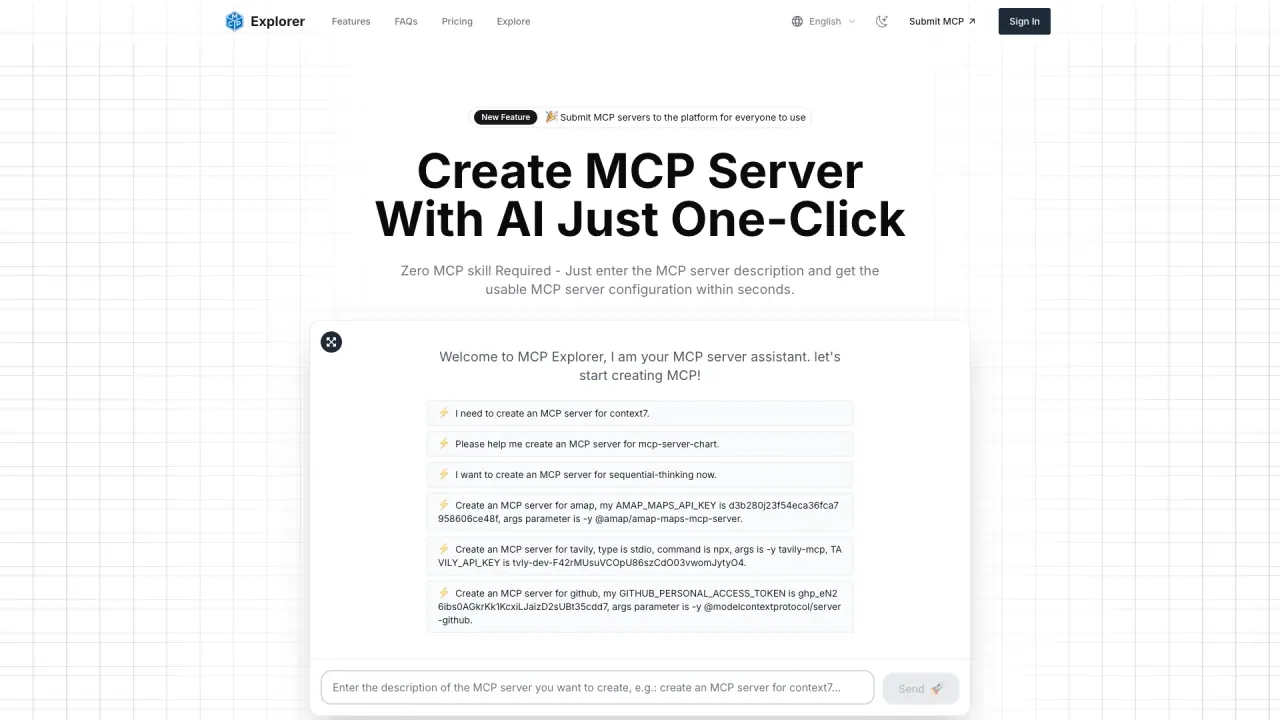
What does MCP Explorer do?
What is MCP Explorer?
MCP Explorer is a professional MCP portal platform that helps you explore the Model Context Protocol. It collects and organises MCP servers from around the world, enabling users to browse, use, share, and learn about MCP servers. It also offers service grouping and revenue sharing for submitted servers.
Can I create an MCP server with zero MCP skill?
Yes. Zero MCP skill is required—simply enter the MCP server description and you’ll get a usable MCP server configuration within seconds.
How do MCP servers work?
MCP servers expose data sources, tools, and prompts via a client–server architecture. They maintain a secure one-to-one connection with clients within host applications, such as Claude Desktop, and control their own resources.
What can MCP servers provide?
MCP servers can share resources (files, documents, data), expose tools (API integrations, operations), and provide prompts (templated interactions). They control their own resources and maintain clear security boundaries.
How does Claude use MCP, and are MCP servers secure?
Security is built into the MCP protocol. Servers control their own resources and manage their authentication and access controls without needing to share API keys with LLM providers. This helps maintain secure, bounded access for AI clients like Claude.
How can I submit an MCP server?
You can submit your MCP server by clicking the Submit button in the navigation bar or by going to the GitHub issues page. Provide details about your server, including name, description, features, and connection information, and you can also set revenue sharing with the platform.
What are the steps to get started with MCP Explorer?
Follow these steps:
- Register an account
- Create an API key to access MCP server permissions
- Create service groups to organize your MCP servers
- Submit MCP servers to publish and share with others
How many MCP servers are available on MCP Explorer?
MCP Explorer aggregates over 10,000 MCP servers for users to browse, use, and share.
What is MCP Service Grouping?
MCP Service Grouping lets you group frequently used MCP servers for easier access and faster navigation.
Can I set revenue sharing for my MCP server?
Yes. MCP Service Revenue Sharing allows you to create your own MCP server and set revenue sharing with the platform.
What pricing plans does MCP Explorer offer and what are their prices?
MCP Explorer offers three plans with discounted and regular prices:
- Lite Plan: $9.9 USD (regularly $19.9). Includes account creation/review, browse all MCP servers, access to free MCP servers, 1000 credits for paid MCP usage, and support via WeChat/Alipay.
- Basic Plan: $19.9 USD (regularly $29.9). Includes Lite features plus create MCP service route groups, group frequently used MCP servers, one URL to call frequently used MCP, 2000 credits for paid MCP usage.
- Professional Plan: $29.9 USD (regularly $39.9). Includes Basic features plus create your own MCP server, availability after submission, the ability to set revenue-sharing ratio (3:7), 3000 credits for paid MCP usage, and support via WeChat/Alipay.
Is there a free trial or free tier for MCP Explorer?
The site promotes a free experience, but the listed plans are Lite, Basic, and Professional with discounted prices. There is no explicitly stated free tier beyond the promotional messaging.
How can I contact support?
For questions and help, you can contact support@mcpso.cc.
This listing is claimed
Own MCP Explorer? Sign in with the email used to claim it to manage this listing, or upgrade to Pro for featured-first placement and a newsletter feature.