
Icons8' Image Upscaler
Verified
AI Image Upscaling
Use Icons8 Smart Upscaler to enhance photo quality with AI super-resolution, supporting batch uploads up to 500 images and max 7680×7680 output.
Promoted
 Sidrune AI85% off. Stable Claude API for agent developers. Pay as you go. Invoices & refunds available.
 Pixmax.aiPixmax.ai is an all-in-one AI workspace for videos, visual stories, and marketing content.
 SEOify - Improve your SEO & rankingsBuild links to rank in Google. Improve your DR with links you can start building now.Advertise here270,000+ people visit Dang.ai every month.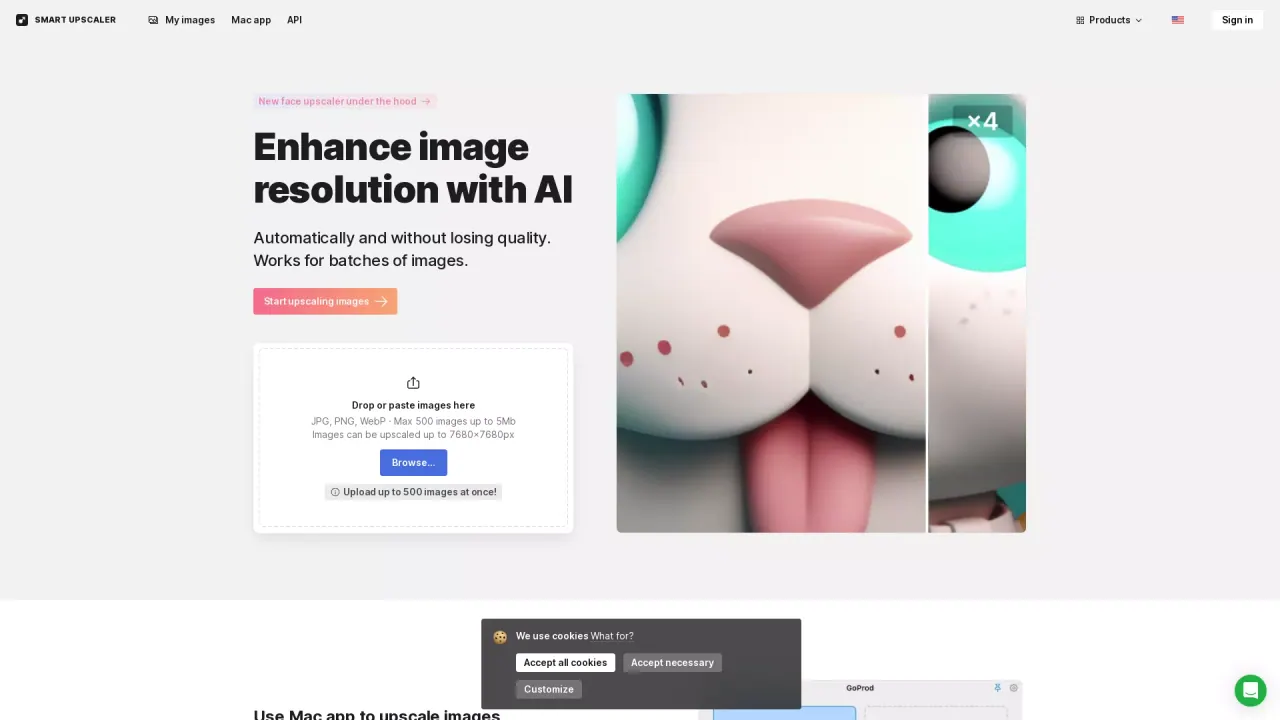
What does Icons8' Image Upscaler do?
Icons8 Smart Upscaler enhances image resolution using AI super-resolution, designed to enlarge photos without losing details. It uses deep learning trained on millions of images, and the dataset is continually expanded to improve upscaling quality.
You can upscale images directly in your browser by dropping or pasting files. It supports JPEG, PNG, and WebP, with a max of 500 images per upload (up to 5MB per image). The upscaled output can reach up to 7680×7680 pixels, and smaller inputs (under 3000×3000) typically produce more dramatic results.
Smart Upscaler also fits into automated workflows with the Smart Upscaler API. The API supports fully automated editing, including sharpening, noise reduction, and upscaling, so you can integrate image quality improvements without manual processing.
For watermarks, paid options are available: a prepaid package starting at $10 for 50 images (use anytime), a limited subscription at $9 for 100 images per month with rollover credits, and an unlimited subscription for $99/month for any number of images. Your uploaded images are stored securely for viewing history and re-downloading enlarged results, and they are not used for machine learning or shared/showcased.
If you prefer a desktop workflow, GoProd is a Mac app that combines background removal and image upscaling in one tool for daily image-quality tasks.
What does Smart Upscaler do?
Smart Upscaler increases image resolution using AI super-resolution, aiming to preserve details while making images sharper and clearer.
Which file types and upload limits are supported?
JPEG, PNG, and WebP are supported. You can upload up to 500 images at once, with up to 5MB per image.
How large can images be upscaled to?
Upscaled images can reach up to 7680 × 7680 pixels. For best results, images smaller than 3000 × 3000 pixels tend to upscale more dramatically.
How can I remove watermarks?
Watermarks can be removed with paid options: a prepaid package starting at $10 for 50 images, a limited subscription at $9 for 100 images/month with rollover credits, or an unlimited subscription for $99/month.
Where are my uploaded images stored, and are they used for training?
Uploaded images are stored securely so you can view history and re-download enlarged results without re-uploading. They aren’t used for machine learning and aren’t shared or showcased.
Is there an API if I want automated upscaling?
Yes. The Smart Upscaler API supports automated editing for sharpening, noise reduction, and upscaling. You can get an API key to start integrating these capabilities.
This listing is claimed
Own Icons8' Image Upscaler? Sign in with the email used to claim it to manage this listing, or upgrade to Pro for featured-first placement and a newsletter feature.