
AI Smart Upscaler
Verified
AI Image Upscaling
Use AI to enhance images and photos. Increase image resolution and quality by up to 8x or use the scaling API
Promoted
 Pixmax.aiPixmax.ai is an all-in-one AI workspace for videos, visual stories, and marketing content.
 RewindType any X/Twitter handle. Get their year back as a narrated video story. Then ask it anything.
 KurodyneSell the tools from your AI side projects. Listing is free.
 Sidrune AI85% off. Stable Claude API for agent developers. Pay as you go. Invoices & refunds available.
 SEOify - Improve your SEO & rankingsBuild links to rank in Google. Improve your DR with links you can start building now.Advertise here270,000+ people visit Dang.ai every month.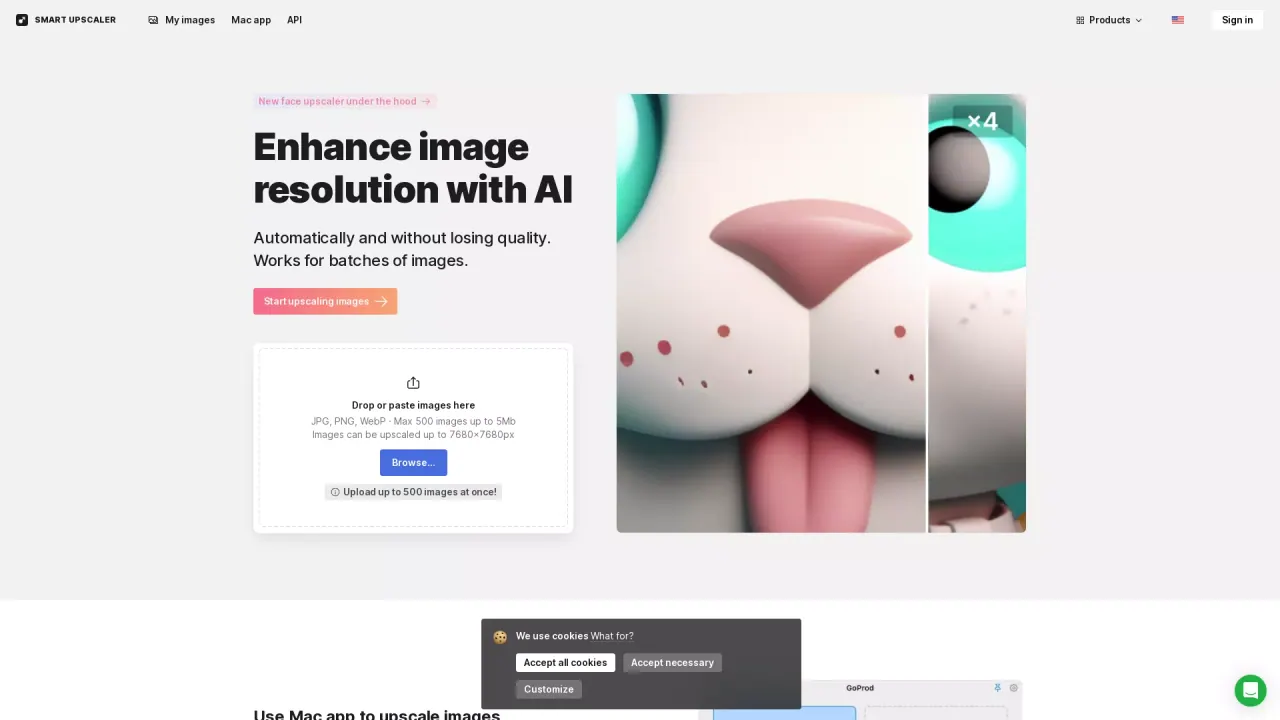
What does AI Smart Upscaler do?
How does AI Smart Upscaler work to enhance image resolution without losing quality?
AI Smart Upscaler uses state-of-the-art AI to upscale images (super-resolution) while preserving detail. It analyzes over 5 million images with deep learning, continually expanding its dataset to synthesize or sharpen as needed so you get higher resolution without significant quality loss.
What image formats and sizes does AI Smart Upscaler support, and what are the limits?
AI Smart Upscaler supports JPG, PNG, and WebP. Each image can be up to 5 MB, and you can upload up to 500 images in a single batch. Images can be upscaled up to 7680 x 7680 pixels. For best results, images smaller than 3000 x 3000 pixels generally upscale more dramatically.
How can I start using AI Smart Upscaler?
Drop or paste images into the uploader to begin upscaling. The platform supports up to 500 images per batch and up to 5 MB per image. You can view and re-download enlarged photos from your history.
How can businesses integrate AI Smart Upscaler into their workflow?
Businesses can integrate AI Smart Upscaler via the API. Obtain an API key to enable automated sharpening, noise reduction, and upscaling within existing workflows. For large batches, consider the Upscaler API or contact Icons8 for batch processing options.
How do I handle large batches of images?
For large batches, use the Upscaler API or contact Icons8 to learn about batch processing options. The API supports automated processing of many images at once.
How much does watermark removal cost and what options exist?
Watermark removal options include:
- Prepaid package: starting at $10 for 50 images (use anytime)
- Limited subscription: 100 images/month for $9 (rollover credits)
- Unlimited subscription: $99/month for any number of images
For very large batches, consider the Upscaler API or contact us about batch processing options.
Where are my images stored, and are they used for training?
Uploaded images are stored securely so you can view your history and re-download the enlarged photos. We don’t use your pictures for machine learning, and we don’t share or showcase them.
What images work best with Smart Upscaler?
JPEG or PNG images that are smaller than 3000 x 3000 pixels tend to produce the best results; the smaller the image, the more dramatic the upscale.
Is there a Mac app, and what is GoProd?
Yes. There is a Mac app you can use to upscale images and remove backgrounds. GoProd is a two-in-one background remover and image upscaler app for Mac, designed to be faster and more convenient than the web.
How can I remove backgrounds and what related tools are offered?
Background removal is available via Icons8’s Background Remover tool, which supports batch uploading. For Mac users, the GoProd app provides both background removal and upscaling capabilities.
This listing is claimed
Own AI Smart Upscaler? Sign in with the email used to claim it to manage this listing, or upgrade to Pro for featured-first placement and a newsletter feature.