
Color Page AI
AI Creative Coloring Tool
Free to try! Use our AI coloring pages generator to create and download high-quality, printable coloring pages.
- Pricing
- Free trial
- Category
- Family
- Listed
- Aug 21, 2025
- Updated
- May 25, 2026
Promoted
 KurodyneSell the tools from your AI side projects. Listing is free.
 Sidrune AI85% off. Stable Claude API for agent developers. Pay as you go. Invoices & refunds available.
 Pixmax.aiPixmax.ai is an all-in-one AI workspace for videos, visual stories, and marketing content.
 RewindType any X/Twitter handle. Get their year back as a narrated video story. Then ask it anything.
 SEOify - Improve your SEO & rankingsBuild links to rank in Google. Improve your DR with links you can start building now.Advertise here270,000+ people visit Dang.ai every month.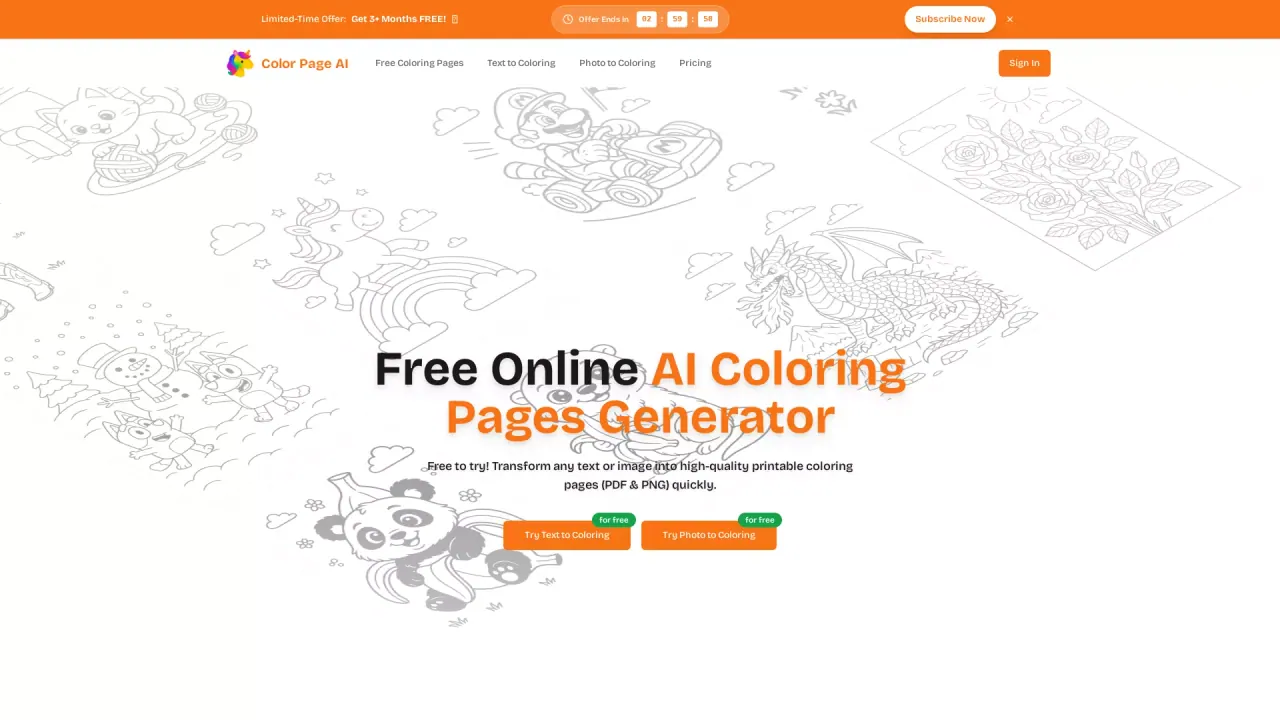
What does Color Page AI do?
What is Color Page AI?
Color Page AI is an online tool that turns your text or photos into ready-to-print coloring pages in a short time. No design skills are required—just type, click, and start coloring. Output formats include PDF and PNG.
How does Color Page AI create coloring pages from text or photos?
- Describe a prompt or upload a photo. 2) Our custom-trained AI transforms it into clean, high-quality line art. 3) Download the result as PNG or PDF and print.
What download formats are available for coloring pages?
You can download your coloring pages as PNG or PDF, and they are optimized for printing.
Do I get to try Color Page AI for free, and what happens after the free credits?
New accounts start with free credits to test drive text-to-coloring and photo-to-coloring. After those credits run out, you can purchase more credits or subscribe to a plan. The coloring pages generator remains accessible across all plans.
Can I use Color Page AI on PC and mobile?
Yes. It runs in any modern browser on a laptop, tablet, or phone, so you can create pages wherever inspiration strikes.
Is Color Page AI safe for my data and privacy?
Color Page AI is designed with safety in mind. Your files are transferred over secure connections, stored with industry-standard encryption, and never shared without your permission.
What inputs can I use to generate coloring pages?
You can input descriptive prompts (text) or upload photos. The service supports both text-to-coloring and photo-to-coloring workflows.
What advanced features does Color Page AI offer?
Key features include Advanced AI Generation for diverse, high-quality pages, a Smart Style Engine to adapt styles for optimal coloring, and Intelligent Print Optimization to ensure print-ready results across formats and paper sizes.
This listing is claimed
Own Color Page AI? Sign in with the email used to claim it to manage this listing, or upgrade to Pro for featured-first placement and a newsletter feature.