
AI Illustration Generator
Verified
AI Illustration Generation
Illustration Generator helps you create style-consistent AI illustration and icon PNGs from prompts or reference images.
Promoted
 Pixmax.aiPixmax.ai is an all-in-one AI workspace for videos, visual stories, and marketing content.
 RewindType any X/Twitter handle. Get their year back as a narrated video story. Then ask it anything.
 KurodyneSell the tools from your AI side projects. Listing is free.
 Sidrune AI85% off. Stable Claude API for agent developers. Pay as you go. Invoices & refunds available.
 SEOify - Improve your SEO & rankingsBuild links to rank in Google. Improve your DR with links you can start building now.Advertise here270,000+ people visit Dang.ai every month.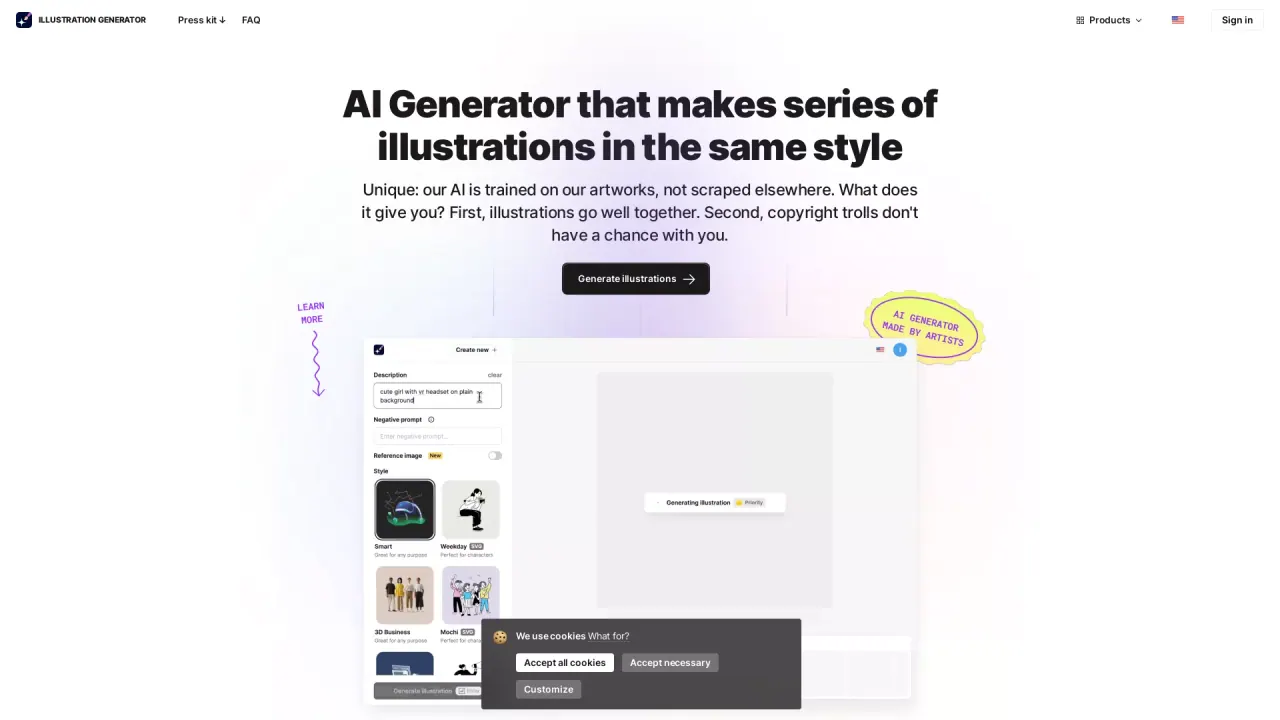
What does AI Illustration Generator do?
Illustration Generator is a vector-style AI illustration tool that creates illustrations and icons in a matching, cohesive set of styles. It’s designed to help your graphics look like they belong together—so each new image you generate in the same style remains visually consistent across your project.
You can generate by entering a text prompt or by uploading an image as reference. Pick an art style, then click Generate to produce a high-quality result. To steer outputs, use negative prompts to specify what you don’t want, choose different aspect ratios (not just squares), and set background options. A History feature also makes it easy to revisit and reuse previously generated images.
The tool is built to reproduce authentic authors’ art styles: it’s trained on Icons8’s own artwork datasets (created by a team of artists and engineers), rather than scraping images from across the internet. This is intended to help you produce “infinite packs” of consistent graphics in unique styles.
Illustration Generator is for designers, marketers, and creators who need reusable illustration/icon sets quickly—without hand-crafting each variation. You can also download images with backgrounds or with transparent backgrounds, making it easier to fit generated assets into your existing layouts.
What can I generate with Illustration Generator?
You can generate illustrations and icons in the same consistent style, and download the results as image files.
How do I create a consistent set of illustrations?
Enter a prompt (or upload a reference image), choose a style, and generate. Repeat the process using the same style so the next images match the previous ones.
Can I guide results using negative prompts?
Yes. Negative prompts let you specify what you don’t want included in your generated graphics.
Does it support transparent backgrounds and background removal?
Yes. You can download images with backgrounds or with transparent backgrounds.
What are the best uses for aspect ratios in this tool?
You can select the aspect ratio you need for your layout instead of being limited to squares.
Can it generate icons and understand non-English prompts?
Yes for icons, and prompts can be provided in multiple languages to fit your workflow.
This listing is claimed
Own AI Illustration Generator? Sign in with the email used to claim it to manage this listing, or upgrade to Pro for featured-first placement and a newsletter feature.