
Whatfontis
AI Font Identifier
Identify any font from an image with an AI font finder that matches over 1.2M free and commercial fonts and shows 60+ close alternatives.
What does Whatfontis do?
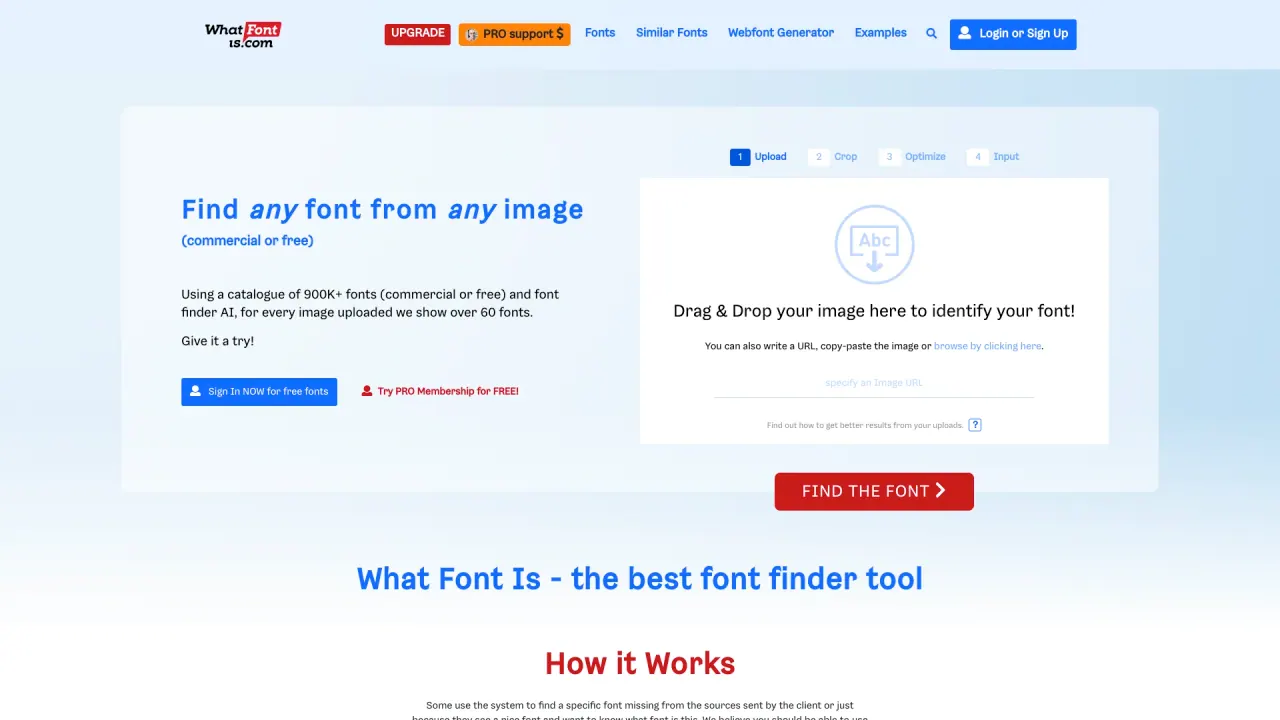
WhatFontIs is an AI-powered font finder that identifies fonts directly from images. Upload an image (or paste a URL / clipboard image), and the AI analyzes the letter shapes (glyphs) against a database of over 1.2M fonts, covering both free and commercial options.
After processing, you’ll get an exact match when possible or a list of 60+ similar fonts, each with links to download or buy. The workflow follows four steps: Upload, Crop, Optimize, Input. Upload a clean image of the text to improve results, and use the built-in editor when you need to adjust the image.
For cursive or connected/script fonts, you may need to separate letters manually. WhatFontIs includes tools to split letters and adjust image settings like brightness/contrast and orientation, helping the AI better read each character. Font usage still depends on each font’s license—use the font according to whether it’s free or commercial.
How do I identify a font in WhatFontIs?
Upload an image with the text (or paste an image URL / use clipboard). The AI analyzes the glyphs through the upload–crop–optimize–input steps and returns an exact match or 60+ similar fonts.
What’s the font database size in WhatFontIs?
The matcher covers over 1.2M fonts, including both free and commercial fonts.
If my font isn’t an exact match, what do I get?
You’ll see 60+ fonts that are very similar to what’s in your image, with links to download or buy. Re-uploading a clearer image after edits can improve outcomes.
Why might WhatFontIs fail to identify my font correctly?
Low-resolution images, distorted text, or unclear letter shapes often reduce accuracy. Try a cleaner image and use the editor to improve brightness/contrast and orientation.
Can WhatFontIs handle cursive or connected script fonts?
It tries to automatically separate letters, but cursive fonts may require you to separate each letter using the advanced image editor for better recognition.
Can I use an identified font for a logo or business work?
License rules control usage. WhatFontIs provides font name/source/price and licensing info, so make sure you use the font according to its free or commercial license terms.
Is this your tool?
Claim Whatfontis to manage this listing, or upgrade to Pro for featured-first placement and a newsletter feature.