
SkyworkSuperAgent
Verified
AI Productivity Tool
Skywork ai Your AI Workforce Awaits.
- Pricing
- Freemium
- Category
- Project Management
- Listed
- Sep 10, 2025
- Updated
- May 25, 2026
Promoted
 Sidrune AI85% off. Stable Claude API for agent developers. Pay as you go. Invoices & refunds available.
 Pixmax.aiPixmax.ai is an all-in-one AI workspace for videos, visual stories, and marketing content.
 SEOify - Improve your SEO & rankingsBuild links to rank in Google. Improve your DR with links you can start building now.Advertise here270,000+ people visit Dang.ai every month.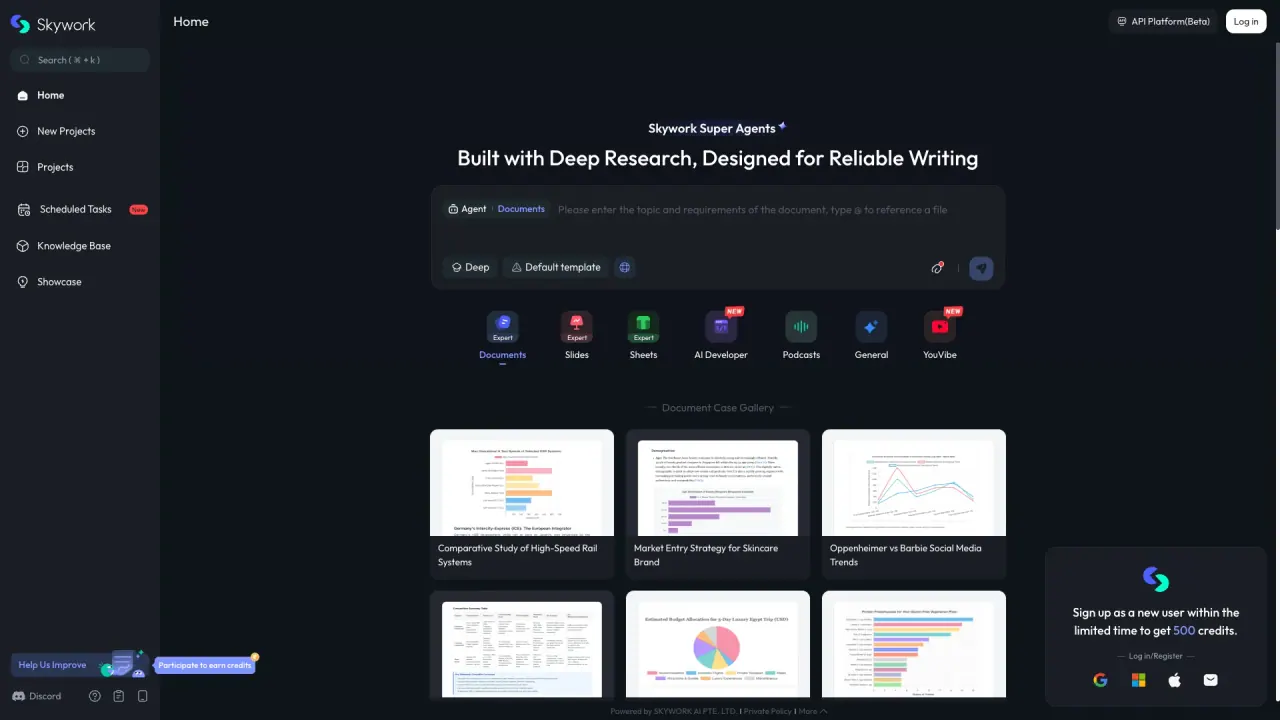
What does SkyworkSuperAgent do?
How can Skywork Super Agent help in project management?
Skywork Super Agent centralizes project work in one general workspace, helping you organize projects, schedule tasks, and manage multi-step workflows. Create new projects, schedule and track tasks, and monitor progress across your projects.
What types of documents and presentations can Skywork Super Agent generate?
Skywork Super Agent can generate documents, slides, and spreadsheets using templates and expert guidance. It offers content templates for areas like market entry strategies, social media trends analysis, and operation manuals for various systems. You can also replicate and replay tasks for comparative studies and other projects.
How does Skywork Super Agent ensure reliable writing and deep research?
Skywork Super Agent uses deep research capabilities, templates, and expert assistance to help you produce high-quality content. AI-driven insights help ensure the information is current and well-researched.
Is there a free option to use Skywork?
Yes. The site promotes a free option with unlimited free creation when you sign up.
Where can I find help, tutorials, and guides for Skywork?
You can access the Tutorials Hub, Help Center, FAQ, and How-To Guide on the Skywork site for help and learning resources.
Can I access Skywork on mobile or download apps?
Yes. Skywork offers mobile apps for iOS and Android; you can download them via the Download for iOS and Download for Android options on the product pages.
How do I start a new project or explore templates?
In Skywork, you can start new projects and browse trending or existing projects from the Projects area, which includes New Projects, Projects, and Trending Projects.
This listing is claimed
Own SkyworkSuperAgent? Sign in with the email used to claim it to manage this listing, or upgrade to Pro for featured-first placement and a newsletter feature.