
Clean Paste
AI Watermark Removal Tool
The #1 Free AI Watermark Remover
- Pricing
- Free
- Category
- Development
- Listed
- Aug 24, 2025
- Updated
- May 25, 2026
Promoted
 KurodyneSell the tools from your AI side projects. Listing is free.
 Sidrune AI85% off. Stable Claude API for agent developers. Pay as you go. Invoices & refunds available.
 Pixmax.aiPixmax.ai is an all-in-one AI workspace for videos, visual stories, and marketing content.
 SEOify - Improve your SEO & rankingsBuild links to rank in Google. Improve your DR with links you can start building now.Advertise here270,000+ people visit Dang.ai every month.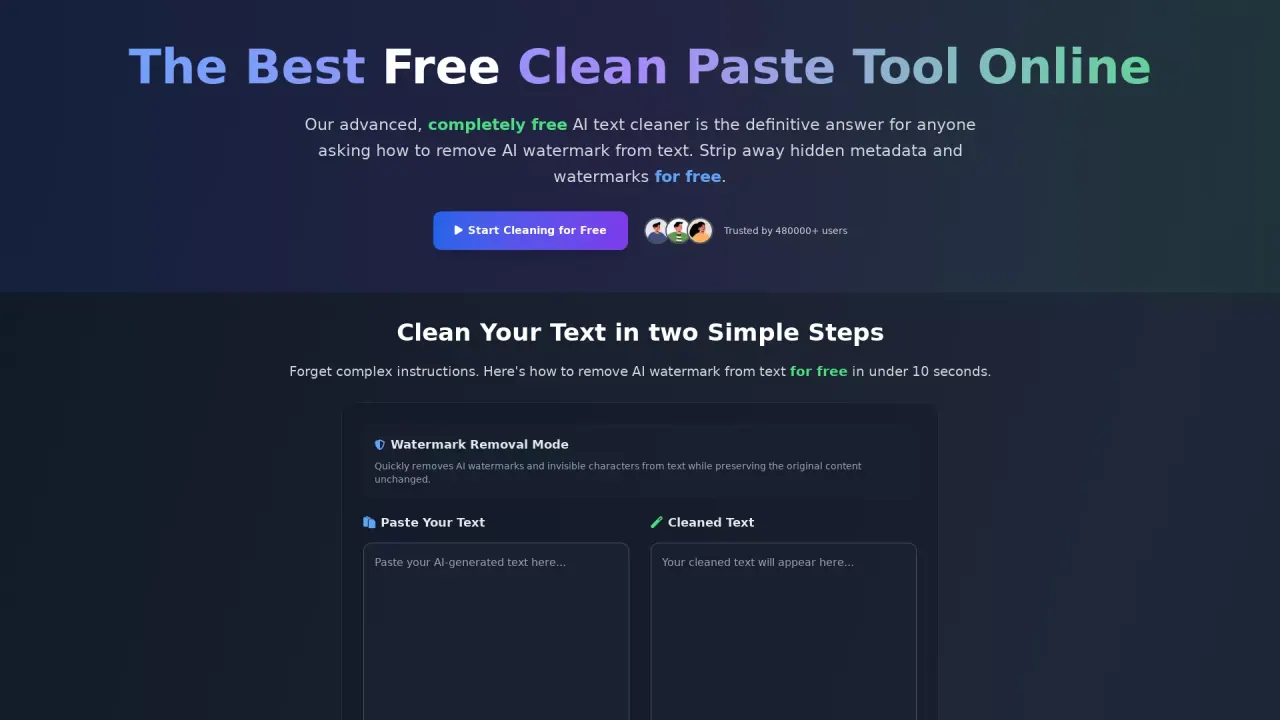
What does Clean Paste do?
How does Clean Paste clean my text and remove invisible characters, zero-width spaces, hidden metadata, and AI watermarks?
Clean Paste uses advanced algorithms to detect and strip invisible characters, zero-width spaces, hidden metadata, and AI watermarks from your text. Simply paste your content and click Clean—processing happens instantly while preserving the original content.
Is Clean Paste truly free to use, and are there any limits or required sign-up?
Yes. Clean Paste is 100% free with no sign-up, no usage limits, and no premium features—accessible to everyone.
What invisible elements can Clean Paste remove from text?
Clean Paste removes invisible characters including zero-width spaces, hidden metadata, AI watermarks, and other formatting artifacts. All features are available to all users at no charge.
Can Clean Paste remove AI watermarks from text?
Yes. Clean Paste includes a watermark removal capability to strip AI watermarks while preserving the natural tone and quality of your content.
How long does cleaning take?
Processing is instant. Most cleaning occurs in under 10 seconds.
Who is Clean Paste for?
Clean Paste serves students (to remove hidden characters from essays) and content creators & bloggers, as well as professionals who want clean, properly formatted text.
What features or modes does Clean Paste offer?
Key features include a Watermark Removal Mode with Real-time processing and Auto-paste, along with options to remove AI watermarks and to clear invisible characters.
Do I need to provide an account or sign in to use Clean Paste?
No sign-in or account is required. It’s accessible directly on the Clean Paste website.
Where can I access Clean Paste?
You can access Clean Paste at cleanpaste.org (the Clean Paste website) and start cleaning by pasting your text.
This listing is claimed
Own Clean Paste? Sign in with the email used to claim it to manage this listing, or upgrade to Pro for featured-first placement and a newsletter feature.