
Mapify
Verified
AI Mind Map Generator
Summarize any content into stunning mind maps with AI.
Promoted
 Sidrune AI85% off. Stable Claude API for agent developers. Pay as you go. Invoices & refunds available.
 Pixmax.aiPixmax.ai is an all-in-one AI workspace for videos, visual stories, and marketing content.
 SEOify - Improve your SEO & rankingsBuild links to rank in Google. Improve your DR with links you can start building now.Advertise here270,000+ people visit Dang.ai every month.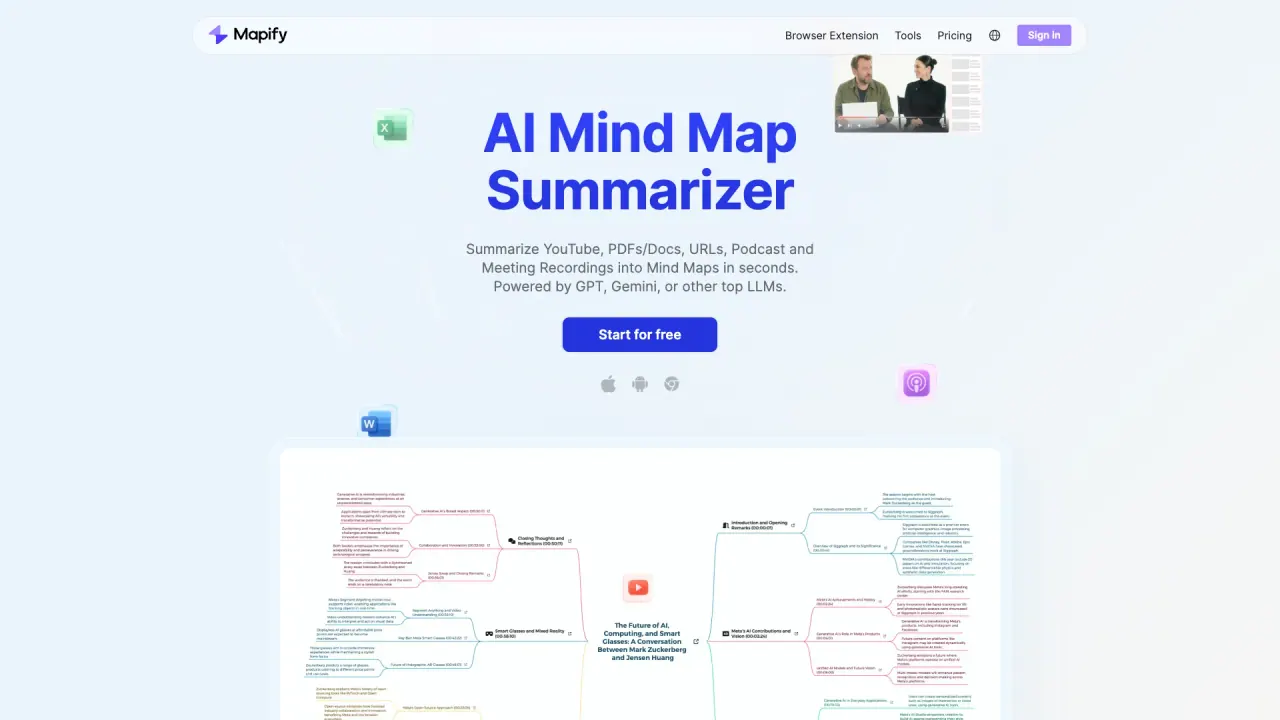
What does Mapify do?
Which platforms does Mapify support?
Mapify is available on Web, Mobile, and as a Browser Extension, with maps that stay synced across devices.
What sources can I convert into mind maps?
Mapify can transform a variety of content into mind maps, including:
- YouTube videos
- PDFs and other documents
- Web pages
- Podcasts and meeting recordings
- Long text (paste it directly)
- Images and photos
- Audio files
How can Mapify help with brainstorming and planning?
Mapify offers AI Templates for brainstorming, analysis, and planning. You can expand ideas in one click to grow any branch, then edit, customize, and share your maps.
Can I chat with my documents or ask questions about them?
Yes. You can chat with your file to grasp its content, and there are built-in “Chat with Your File” and “Ask Anything” capabilities to extract insights.
Does Mapify translate and summarize documents in other languages?
Yes. Mapify can translate and summarize foreign documents in 30+ languages.
Does Mapify include a web search feature and source links?
Yes. Web-powered AI search enriches your mind maps and adds reliable source links.
How can I export or share my mind maps?
You can share mind maps via a link or export them in multiple formats, including image, PDF, and Markdown.
Can I present a mind map as slides?
Yes. You can transform your mind map into polished slides for meetings, reports, or classrooms.
Does Mapify include an AI image generator?
Yes. The Image Generator creates contextual illustrations to enrich your mind maps.
How do I start using Mapify and what about pricing?
There is a free starting option (Start for free). For paid plans and details, visit the Pricing page and sign in to access the full feature set.
This listing is claimed
Own Mapify? Sign in with the email used to claim it to manage this listing, or upgrade to Pro for featured-first placement and a newsletter feature.