PDFgear
AI PDF Management Software
PDFgear is a free, AI-powered PDF editor and toolkit that lets you edit, OCR, convert, merge, and sign PDFs across web and mobile.
Promoted
 Sidrune AI85% off. Stable Claude API for agent developers. Pay as you go. Invoices & refunds available.
 Pixmax.aiPixmax.ai is an all-in-one AI workspace for videos, visual stories, and marketing content.
 RewindType any X/Twitter handle. Get their year back as a narrated video story. Then ask it anything.
 KurodyneSell the tools from your AI side projects. Listing is free.
 SEOify - Improve your SEO & rankingsBuild links to rank in Google. Improve your DR with links you can start building now.Advertise here270,000+ people visit Dang.ai every month.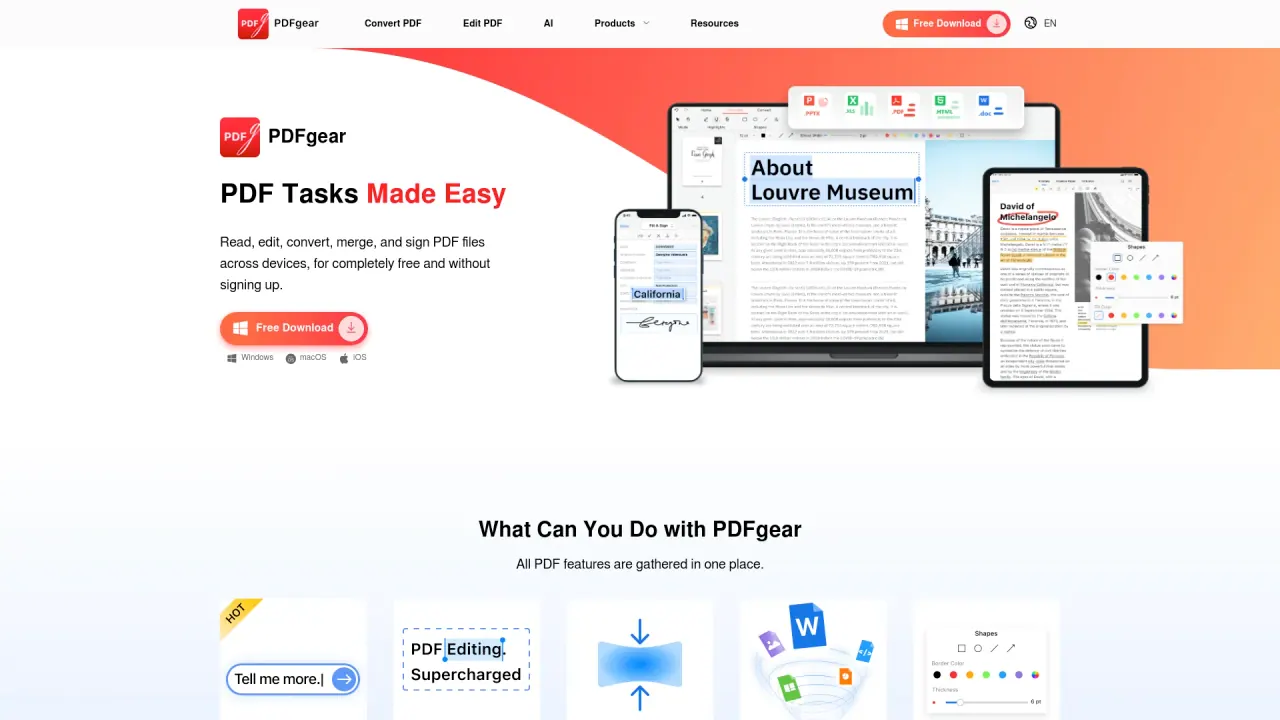
What does PDFgear do?
PDFgear helps you work with PDFs using AI-assisted features and a practical set of PDF tools. Use the AI assistant to chat with your documents, and rely on OCR to extract text from image-based files—then edit, annotate, and organize as needed.
Get productive across devices with free downloads for Windows, macOS, iOS, and Android, plus online tools you can use in a browser without signing up. Typical workflows include editing PDF content, highlighting and annotating, rotating or deleting pages, and creating or filling forms.
PDFgear also supports conversions and common document management tasks. Convert between PDFs and formats like Word, TXT, JPG/PNG, Excel, PPT/PPTX, and PSD, and use batch conversion when working with multiple files. You can also merge, split, compress, scan paper documents to PDF/Word/images using OCR on mobile, and sign PDFs.
For readers who want to turn PDFs into spoken content or summaries, PDFgear includes tools like TextaVoice (text to speech) and PDF Copilot for AI-powered interaction within your PDFs. There’s also a screen recorder for macOS (Record Go) if you need to capture tutorials or demos.
Is PDFgear free to use?
Yes—online tools are completely free and don’t require signing up. Free downloads are available for Windows, macOS, iOS, and Android, including educational and business features.
What devices and platforms does PDFgear support?
PDFgear supports Windows, macOS, iOS, Android, and web-based online tools. You can switch between desktop, mobile, and browser workflows.
What AI features does PDFgear offer for PDFs?
PDFgear includes an AI assistant (PDF Copilot) for interacting with PDFs and an OCR capability to extract text from image-based documents or scanned PDFs. OCR supports 30+ languages.
Can I convert PDFs to and from other file types?
Yes. You can convert between PDF and formats such as Word, TXT, JPG/PNG, Excel, PPT/PPTX, and PSD, plus conversions like HEIC to PDF and Word to PDF. Batch conversion is available.
Can I sign PDFs with PDFgear?
Yes. PDFgear includes signing tools, and it supports offline use for tasks like editing, signing, and compression without an internet connection.
Does PDFgear store my files on its servers when I use the online tools?
PDFgear does not retain user files on its web servers, and files are removed when the browser session ends.
This listing is claimed
Own PDFgear? Sign in with the email used to claim it to manage this listing, or upgrade to Pro for featured-first placement and a newsletter feature.