
AI Studios
AI Video Generator
Create lifelike AI avatar videos from scripts, documents, or links with dubbing and translations in 150+ languages in one all-in-one studio.
Promoted
 Sidrune AI85% off. Stable Claude API for agent developers. Pay as you go. Invoices & refunds available.
 Pixmax.aiPixmax.ai is an all-in-one AI workspace for videos, visual stories, and marketing content.
 AI Checker PlusAI detector that highlights which passages AI wrote. Free check, no sign-up. Plagiarism too.
 RewindType any X/Twitter handle. Get their year back as a narrated video story. Then ask it anything.
 KurodyneSell the tools from your AI side projects. Listing is free.
 SEOify - Improve your SEO & rankingsBuild links to rank in Google. Improve your DR with links you can start building now.Advertise here270,000+ people visit Dang.ai every month.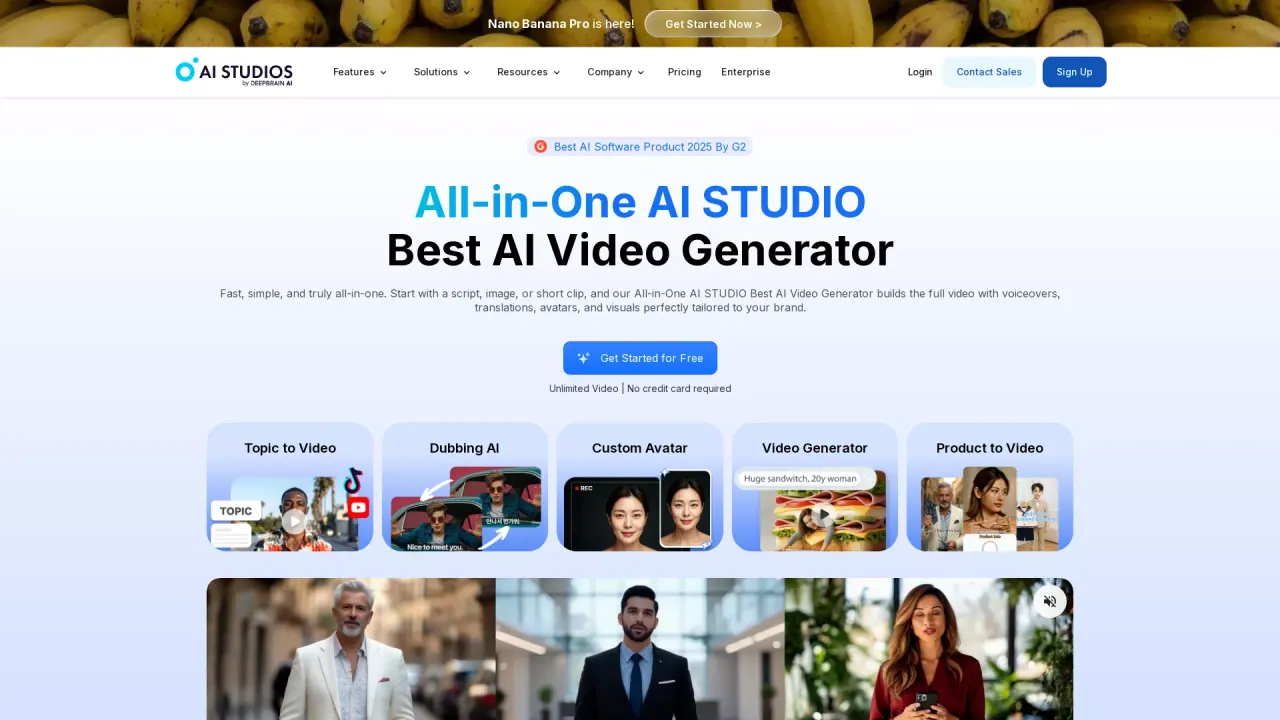
What does AI Studios do?
AI Studios is an all-in-one AI video studio that turns scripts, docs, or URLs into polished videos featuring lifelike AI avatars, visuals, and narration. Start from a script, topic, link, or file, then generate scenes using ready-to-use avatars and voices tailored to your needs.
The studio combines video creation with built-in Text-to-Speech and multilingual dubbing. Dub and translate content into 150+ languages with automatic lip-sync and voice cloning, then refine translations using an editable script before exporting. You can also work with multi-speaker content, where the system detects speakers and dubs each with distinct cloned voices.
AI Studios also supports avatar creation and interactive training experiences. Choose from 2,000+ ready-to-use avatars or create custom avatars from short video recordings, photos, or product interactions. For learning and training, build interactive training videos with AI avatars, embedded quizzes, branching scenarios, and SCORM exports for LMS integration.
For global and high-volume teams, AI Studios offers an enterprise option focused on organization needs, including collaboration, security/compliance support, dedicated support, and RESTful API access with webhooks and bulk operations. There’s also a free plan to get started without a credit card.
What inputs can I use to create a video in AI Studios?
You can start from a script, a document, or a web URL, and generate a full video with avatars, narration, and visuals. You can also create videos from a topic.
Can AI Studios dub and translate videos into other languages?
Yes. AI Studios translates and dubs into 150+ languages with automatic lip-sync and voice cloning, so the dubbed versions feel natural. You can review and edit the translation using an editable script before exporting.
Do I need editing skills or recording equipment to make videos?
No. You can generate videos from text, uploads, or links in one workflow, using built-in tools for voice, avatars, translation, and publishing.
How do generative credits work for AI Studios?
Generative Credits are used for select features such as AI Images, Generative Video, and product/custom avatar creation. Most editing and avatar-video features don’t require credits, and you can buy add-on packs if you run out.
Can I create a custom AI avatar?
Yes. Create custom avatars from a short video recording, or generate photo avatars from still images. You can also create product avatars that can interact with products.
Is there an API for automation?
Yes. AI Studios provides a RESTful API, plus webhook and bulk operation support to automate video creation workflows.
Is this your tool?
Claim AI Studios to manage this listing, or upgrade to Pro for featured-first placement and a newsletter feature.