
Text to Brainrot
Text to Brainrot Generator
Turn 200–2000 characters of text into engaging brainrot videos with selectable modes, languages, voice, and themed media.
Promoted
 Sidrune AI85% off. Stable Claude API for agent developers. Pay as you go. Invoices & refunds available.
 Pixmax.aiPixmax.ai is an all-in-one AI workspace for videos, visual stories, and marketing content.
 RewindType any X/Twitter handle. Get their year back as a narrated video story. Then ask it anything.
 KurodyneSell the tools from your AI side projects. Listing is free.
 SEOify - Improve your SEO & rankingsBuild links to rank in Google. Improve your DR with links you can start building now.Advertise here270,000+ people visit Dang.ai every month.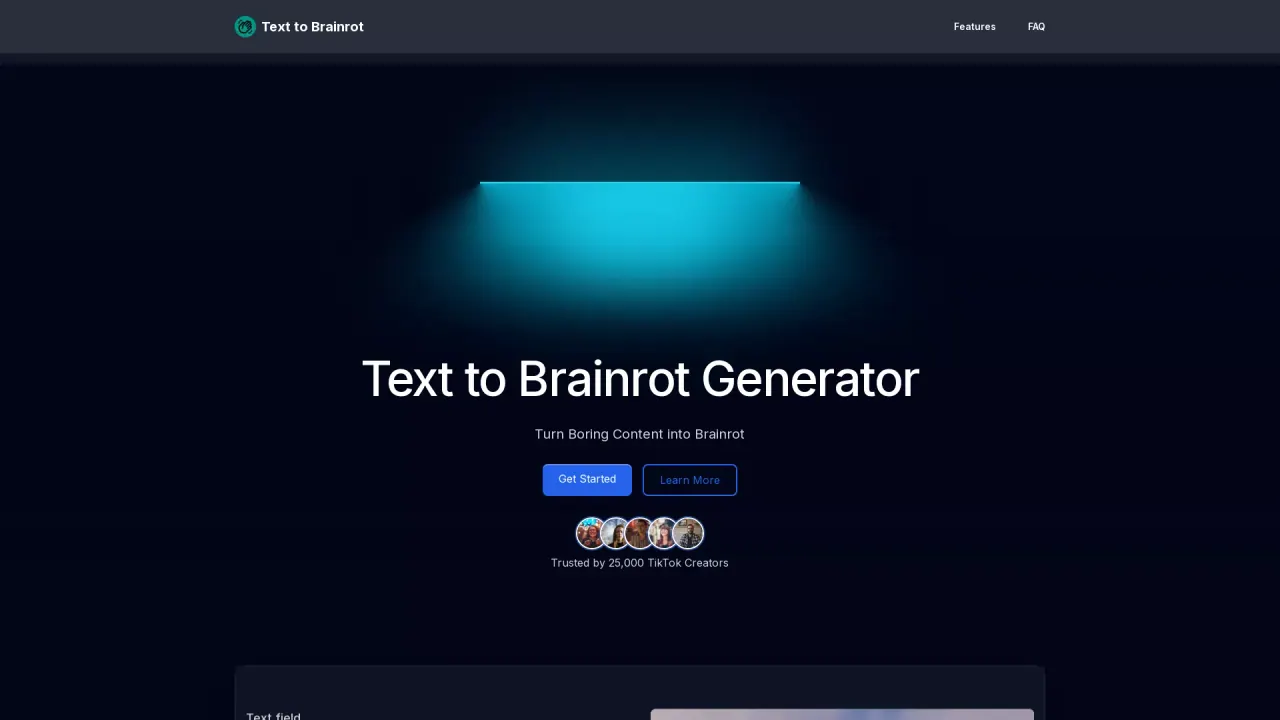
What does Text to Brainrot do?
Text to Brainrot is an AI video generator that turns your input text into fun, engaging “brainrot” style videos. Instead of starting from scratch, you paste or upload your content, choose how you want it presented, and generate a ready-to-post video experience.
The tool offers multiple modes, including Brainrot Mode, Quiz Mode, and Raw Mode, along with a quick setup for instant creation or custom mode for more detailed control. You can also choose the output language and a voice (Male or Female) to match your audience. To shape the look and sound of your video, you can select a background video from themed options (such as Minecraft and GTA categories) and pick background audio (including options like no music or various music tracks).
You can feed content through multiple input sources: type directly into the text field, upload a TXT file, upload a PDF, or provide a URL. The workflow is simple—choose your mode, enter your text or source, then generate and wait for the AI to create your video. Generation is designed for speed, with an average of about 2 videos per minute.
Text to Brainrot is free to use, with no subscription or cost mentioned for creating brainrot videos. It also includes an extensive material library of video and voice options to help you avoid searching for assets elsewhere.
What modes can I use in Text to Brainrot?
You can choose Brainrot Mode, Quiz Mode, or Raw Mode. Use quick mode for instant creation, or custom mode for more detailed control.
How much text can I enter for a generation?
Your text length must be between 200 and 2000 characters.
What input sources does Text to Brainrot support?
You can type text directly, upload a TXT file, upload a PDF, or provide a URL as the content source.
Can I customize language, voice, and the video style?
Yes. Select an output language, choose a Male or Female voice, and pick both a background video and background audio before you generate.
How fast does it generate videos?
It’s designed to be efficient, generating an average of about 2 videos per minute.
Is Text to Brainrot free to use?
Yes—it's free to create brainrot videos without any subscription or cost.
This listing is claimed
Own Text to Brainrot? Sign in with the email used to claim it to manage this listing, or upgrade to Pro for featured-first placement and a newsletter feature.