
DeepSwapAI
AI Faceswap Tool
DeepSwapAI instantly creates realistic face swap videos, photos, and GIFs with ultra-fast processing and support for multi-face swaps.
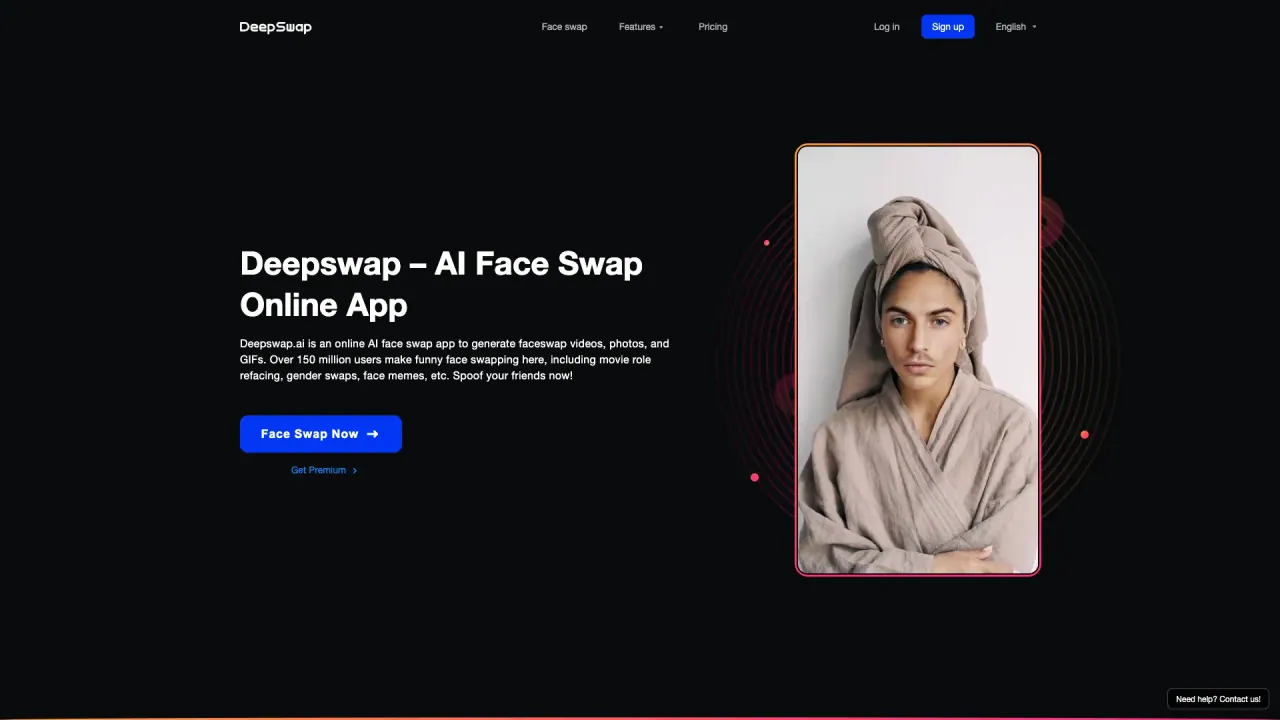
What does DeepSwapAI do?
DeepSwapAI is a web-based face swap tool that lets you swap faces across videos, photos, and GIFs. It’s built for quick results with a simple workflow: upload your file, add the face you want to swap, preview the result, and download.
The platform highlights a self-developed model with 90%+ face swap similarity, adaptation for 16+ challenging scenes, and 4K HD face swaps for consistent rendering across frames. It also supports multi-face video swaps, allowing you to reface up to 6 faces simultaneously within the same clip.
Beyond face swapping, DeepSwapAI offers additional AI tools like enhancing images, erasing backgrounds, and cartoonizing images, plus features such as Headshot Maker, Group Photos, and Memes Maker. You can also explore a fitting solution for clothes and hairstyles to see what suits you.
Do I need to install software or sign up to use DeepSwapAI?
No—DeepSwapAI runs in your browser and doesn’t require installation. You can use the app directly to upload content, create swaps, and download results.
What file types can I use for face swaps?
You can swap faces on videos, photos, and GIFs. Upload your file, add a face to swap, then preview and download the result.
How fast does a face swap take?
Processing is described as ultra-fast using high-performance GPUs—for example, a 1-minute video can take about 10 seconds.
Can I swap multiple faces in the same video?
Yes. DeepSwapAI supports swapping up to 6 faces simultaneously within the same video clip.
Does DeepSwapAI support 4K output and consistent rendering across frames?
Yes. It supports 4K HD face swaps and emphasizes consistent face rendering across frames.
Is my uploaded content collected or used with privacy in mind?
DeepSwapAI emphasizes no data collection, protecting the content you upload and create.
Is this your tool?
Claim DeepSwapAI to manage this listing, or upgrade to Pro for featured-first placement and a newsletter feature.