
Opus
AI Video Repurposing Tool
OpusClip turns long videos into shorts with one-click AI clipping, captions, reframe, and multi-platform publishing.
What does Opus do?
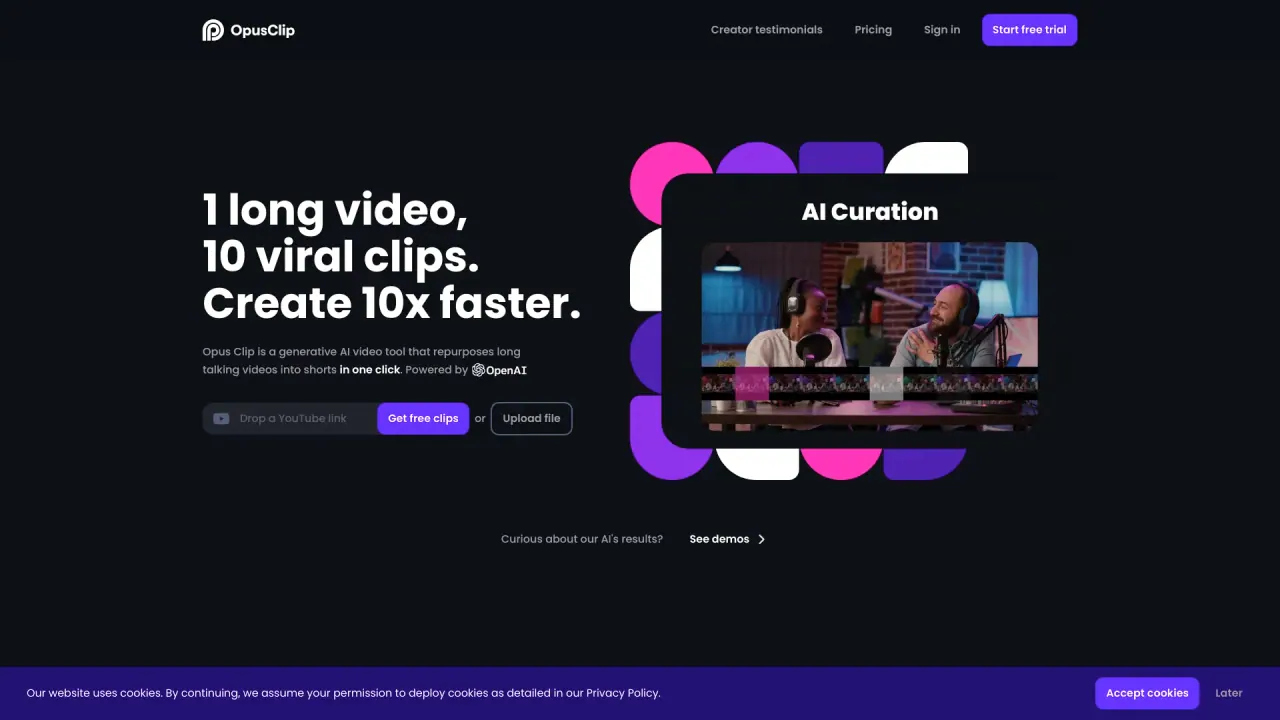
OpusClip (Opus) is an AI video clipping tool that helps you convert long videos into short-form clips and publish them to social platforms in one click. You can drop a video link or upload a file, then the AI handles clipping, captions, reframing, AI B-Roll, AI audio enhancement, and AI voice-over.
To support different platform formats, OpusClip uses ClipAnything for universal, 1-click clipping across genres, and ReframeAnything to resize videos for specific platforms while keeping moving subjects centered (with options for manual tracking when you want more control). The result is a faster workflow for creating more short-form content from the same long video.
For teams, OpusClip includes brand templates (font style, color, logo, intro & outro), a team workspace, and an API to integrate with your CMS and automate your video creation workflow. You can also access help resources like the Help Center, Learning Center, Best Practices, and product updates in the changelog.
How does OpusClip create shorts from a long video?
Add a video link or upload a file, then OpusClip automatically generates clips and applies captions, reframing, and additional AI enhancements like AI B-Roll, audio enhancement, and AI voice-over.
Can I publish clips to social platforms automatically?
Yes—OpusClip is designed to publish shorts to social platforms in one click after the clip is generated.
What sources can I use to start a clip (links or uploads)?
You can drop a video link or upload files. For Pro plan users, supported sources include YouTube, Google Drive, Vimeo, Zoom, Rumble, Twitch, Facebook, LinkedIn, Twitter, Loom, Riverside, and StreamYard.
Which languages are supported?
OpusClip supports English, German, Spanish, French, Portuguese, and more than 20 additional languages.
Does OpusClip include captions?
Yes. It provides AI captioning and can create animated captions for your clips.
Is OpusClip free to start?
Yes. Sign up is free, and you can obtain free clips.
Is this your tool?
Claim Opus to manage this listing, or upgrade to Pro for featured-first placement and a newsletter feature.