
VideoMaker.me
Verified
Free Online AI Video Maker
Turn text prompts or photos into short AI video clips in your browser using Google Veo models and 60+ effect templates.
Promoted
 AI Checker PlusAI detector that highlights which passages AI wrote. Free check, no sign-up. Plagiarism too.
 RewindType any X/Twitter handle. Get their year back as a narrated video story. Then ask it anything.
 KurodyneSell the tools from your AI side projects. Listing is free.
 Pixmax.aiPixmax.ai is an all-in-one AI workspace for videos, visual stories, and marketing content.
 SEOify - Improve your SEO & rankingsBuild links to rank in Google. Improve your DR with links you can start building now.Advertise here330,000+ people visit Dang.ai every month.
What does VideoMaker.me do?
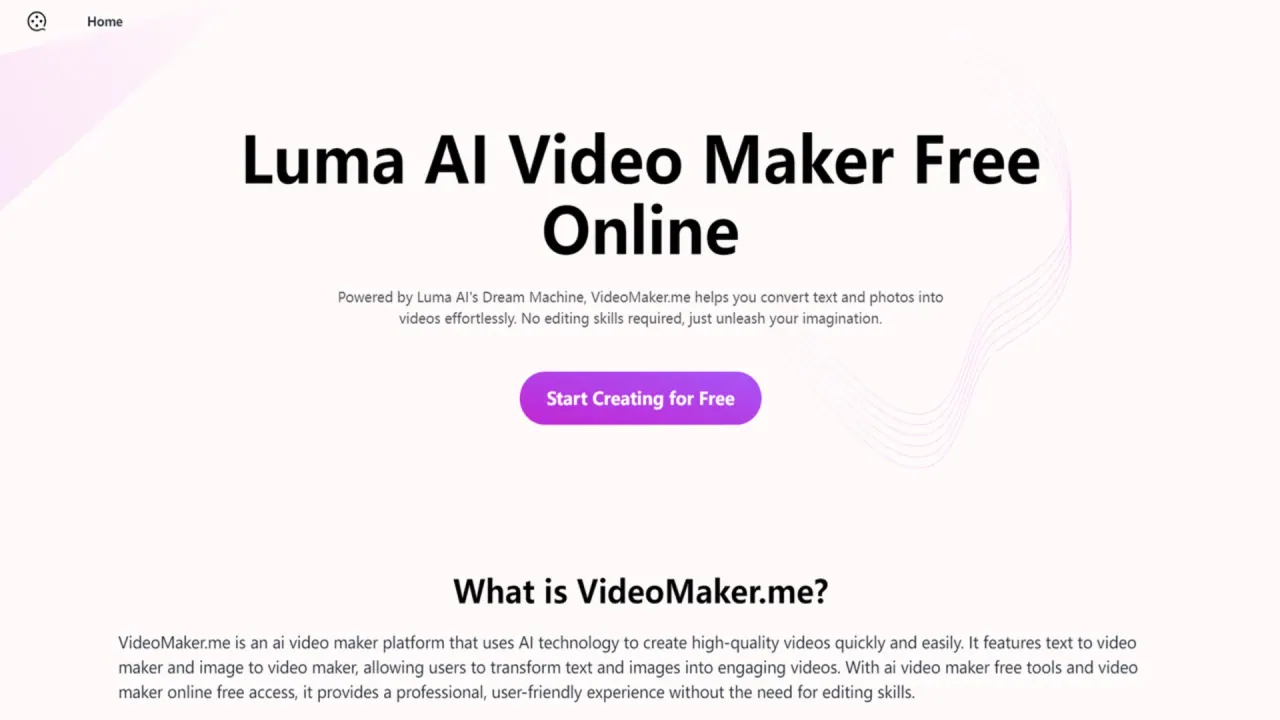
VideoMaker.me is an online AI video generator and video maker that turns written prompts or single images into short video clips—optionally with sound. Use Google Veo 3 models for text-to-video (8-second clips) or switch to the Base model to generate from text or an image, apply creative effects, and control sound or speech.
For text-to-video, type a scene description and generate an 8-second result with Google Veo 3 Fast (with Veo 3 Quality available on Pro and Ultra plans for higher detail). For image-to-video, upload a single photo or illustration and animate it using the Base model or effect templates—helpful for portraits, product shots, pets, and artwork. If you use the Base model, you can enable Auto Sound to add generated audio or Auto Speech to type a line for a character to say.
VideoMaker.me also includes 60+ AI video effect templates (e.g., AI Hug, Paw Elegance pet dress-up, Disco Fever dance clips, 360° Spin, and Anime Glow) so you can create more stylized results from a photo without writing complex prompts. You can generate clips directly in your browser, preview once generation completes, and download your video.
Plans matter for output settings and sharing. On the Free plan, videos include a watermark and stay public, and Base model videos are 5 seconds long. Upgrading to Basic, Pro, or Ultra removes the watermark, keeps generations private, and adds commercial use rights. Paid plans also add longer and higher-resolution options, including 8 seconds on paid plans and 1080p for 5-second clips on Pro and Ultra.
What can I create on VideoMaker.me?
Create short videos from text prompts (using Google Veo 3 models) or from a single uploaded image (using the Base model and/or effect templates). You can also add optional sound and character speech with the Base model.
What’s the difference between Google Veo 3 Fast, Veo 3 Quality, and the Base model?
Google Veo 3 Fast is the default text-to-video option that generates 8-second clips. Veo 3 Quality is available on Pro and Ultra plans for higher detail. The Base model supports both text and image inputs, plus effect templates and sound/speech controls.
How do I make a video from a photo?
Upload a single image, then generate using the Base model or choose one of the 60+ effect templates to animate the photo with a preset style. You can preview the result in your browser and download it after generation.
Can I add sound or a character’s dialogue?
Yes. For the Base model, you can enable Auto Sound to generate audio or use Auto Speech to type what a character should say. Veo 3 selections are listed as generating video with audio as well.
How long are the videos and what resolution can I get?
Google Veo 3 models generate 8-second clips. With the Base model, Free plan videos are 5 seconds (at 360p or 540p), and paid plans add the 8-second option and higher resolutions. Pro and Ultra add 1080p for 5-second clips.
Can I use the generated videos commercially?
On paid plans (Basic, Pro, Ultra), downloads are provided without a watermark and include commercial use rights.
This listing is claimed
Own VideoMaker.me? Sign in with the email used to claim it to manage this listing, or upgrade to Pro for featured-first placement and a newsletter feature.