
ProWritingAid
AI Writing Assistant for Microsoft Office
ProWritingAid is an AI writing assistant that delivers in-depth, actionable feedback to help you craft, polish, and elevate your stories.
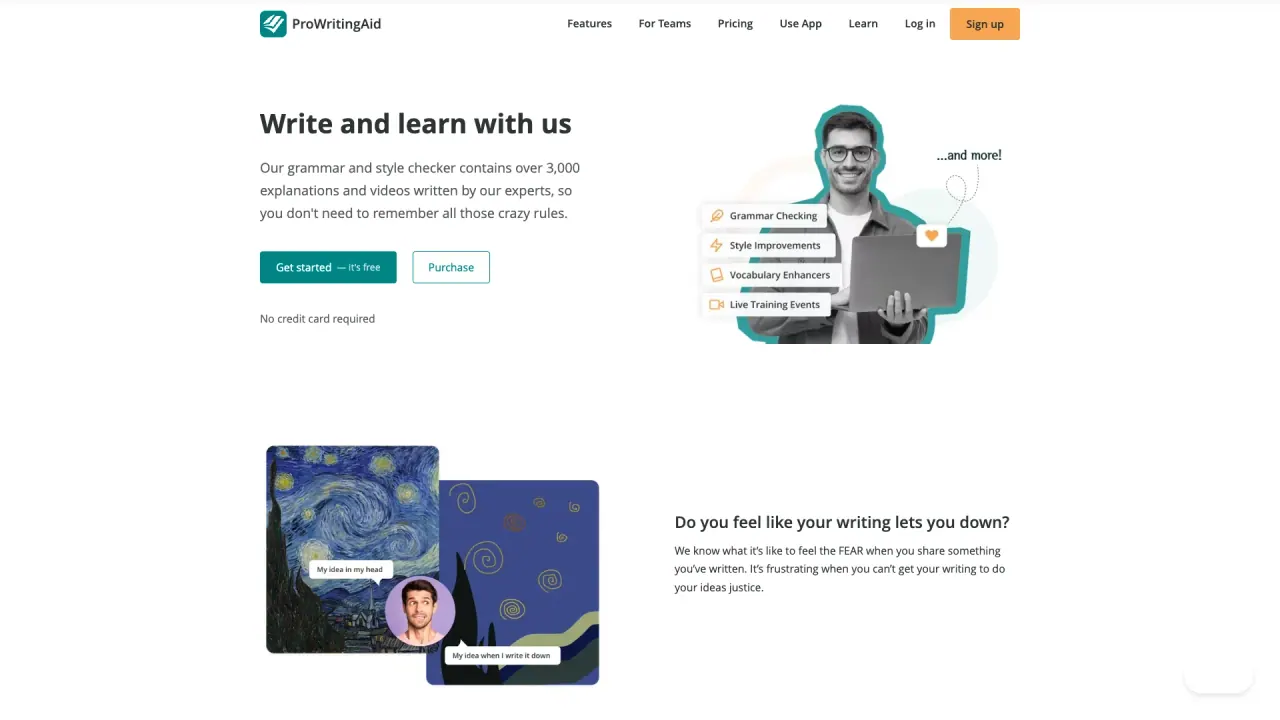
What does ProWritingAid do?
ProWritingAid is a toolkit for storytellers that helps you craft, polish, and elevate your writing with in-depth analysis and actionable feedback. It evaluates multiple aspects of your writing quickly, then teaches you how to improve so your work lands with clarity and impact.
Use it for targeted feedback like Chapter Critique for instant notes on a single chapter, or Manuscript Analysis and Virtual Beta Reader for broader guidance across your entire manuscript. Reports can highlight ways to keep readers engaged with “show, don’t tell” suggestions, sensory details, and pacing improvements.
When you’re stuck, ProWritingAid also includes inspiration tools like Sparks to help you find the right words and push past writer’s block. ProWritingAid fits into your workflow by working with writing apps such as Word, Google Docs, Scrivener, Microsoft Office, Desktop Editor (Windows and Mac), Desktop Everywhere for Windows and Mac, and Chrome Extension (Firefox, Edge), so you can access features where you write.
Your writing is protected with bank-level security, and your text is not used to train the algorithms.
What kinds of feedback does ProWritingAid provide?
It delivers in-depth analysis and actionable feedback to help you strengthen your writing, including guidance on adding sensory details, eliminating weak words, fixing common mistakes, and improving pacing.
How do Chapter Critique, Manuscript Analysis, and Virtual Beta Reader differ?
Chapter Critique focuses on instant feedback for a single chapter, while Manuscript Analysis and Virtual Beta Reader provide faster, broader feedback across your project.
What are Reports and how can they help my story?
Reports offer suggestions to keep readers hooked, including “show, don’t tell” guidance, sensory detail improvements, and pacing recommendations.
What are Sparks, and do they help with writer’s block?
Sparks are inspiration tools designed to help you find the right words when you’re stuck, so you can start or continue writing.
Which writing apps does ProWritingAid work with?
It supports Microsoft Office, Word, Google Docs, Scrivener, Desktop Editor (Windows and Mac), Desktop Everywhere (Windows and Mac), and a Chrome extension for Firefox and Edge.
Is my writing private and secure?
Yes—your writing is kept safe with bank-level security, and your text is not used to train the algorithms.
Is this your tool?
Claim ProWritingAid to manage this listing, or upgrade to Pro for featured-first placement and a newsletter feature.