
AI Stream Companion
Verified
AI Stream Companion for Twitch
Add a Talking AI Character to Your Twitch Stream
What does AI Stream Companion do?
How can I set up the AI Stream Companion for my stream?
To set up the AI Stream Companion, you will need to follow the detailed setup guide that comes with your purchase. It provides a step-by-step tutorial on integrating the AI widget with your Twitch or YouTube stream using StreamElements. The setup involves customizing your AI's personality, selecting text-to-speech options from 206 voices across 69 languages, and uploading custom character images. Make sure to have a paid OpenAI API account ready as it is required for operation.
Can I use the AI Stream Companion with my current streaming software?
Yes, the AI Stream Companion is designed to be compatible with any streaming software. It is hosted on StreamElements, which ensures that it integrates smoothly with popular streaming platforms like Twitch and YouTube. You can easily add it to your existing setup without needing any additional software.
What languages are supported by the AI Stream Companion's text-to-speech feature?
The AI Stream Companion's text-to-speech feature supports a wide range of languages, with 206 voices available across 69 different languages. This allows streamers to customize their AI's voice to fit their audience's language needs.
What is AI Stream Companion?
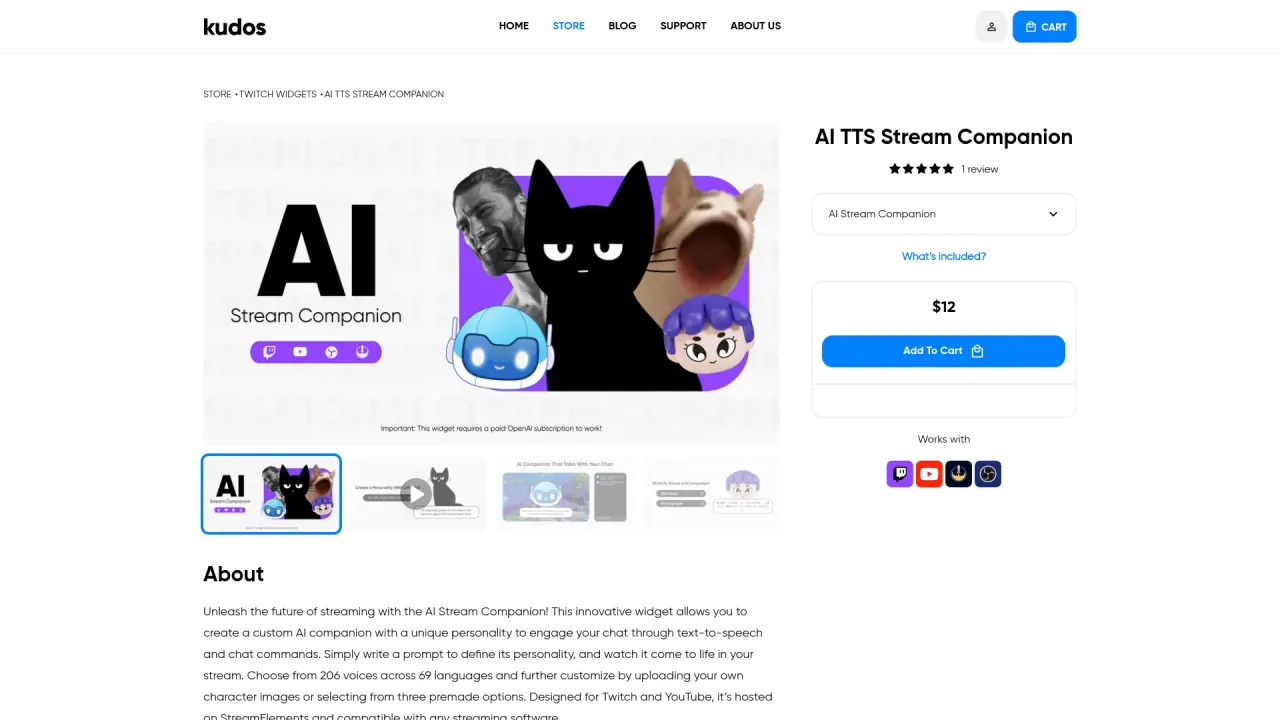
AI Stream Companion is a StreamElements-hosted widget for Twitch and YouTube that lets you create a customizable AI companion with a unique personality to engage chat through text-to-speech and chat commands. You define its personality with a prompt, and you can tailor its appearance by uploading images or choosing from three premade characters. It supports 206 voices across 69 languages and is designed to work with any streaming software.
What will I receive with the AI Stream Companion purchase?
Your purchase includes the StreamElements Widget for Twitch and YouTube, plus setup resources (Setup Guide) and access to AI features. This includes a customizable AI personality, 206 voices across 69 languages, a toggle for text-to-speech, character image options (3 premade characters plus the ability to upload custom images), animation settings, and a range of command and permission features for custom AI and TTS commands.
Can I upload my own character images or choose from premade options?
Yes. You can upload your own character images or choose from three premade characters.
Is there a toggle to turn text-to-speech on or off?
Yes. The AI Stream Companion includes a TTS On/Off toggle so you can enable or disable speech as needed.
Where can I find setup resources?
Setup resources include an AI Companion Setup Tutorial video (WATCH TUTORIAL) and a Full Setup Guide (READ), both provided with your purchase.
Is this your tool?
Claim AI Stream Companion to manage this listing, or upgrade to Pro for featured-first placement and a newsletter feature.