GoEnhance AI
Verified
AI Video to Animation Tool
GoEnhance AI turns text, images, and videos into high-quality animated content with tools like video-to-anime, avatars, and face swap.
Promoted
 RewindType any X/Twitter handle. Get their year back as a narrated video story. Then ask it anything.
 KurodyneSell the tools from your AI side projects. Listing is free.
 Sidrune AI85% off. Stable Claude API for agent developers. Pay as you go. Invoices & refunds available.
 Pixmax.aiPixmax.ai is an all-in-one AI workspace for videos, visual stories, and marketing content.
 SEOify - Improve your SEO & rankingsBuild links to rank in Google. Improve your DR with links you can start building now.Advertise here270,000+ people visit Dang.ai every month.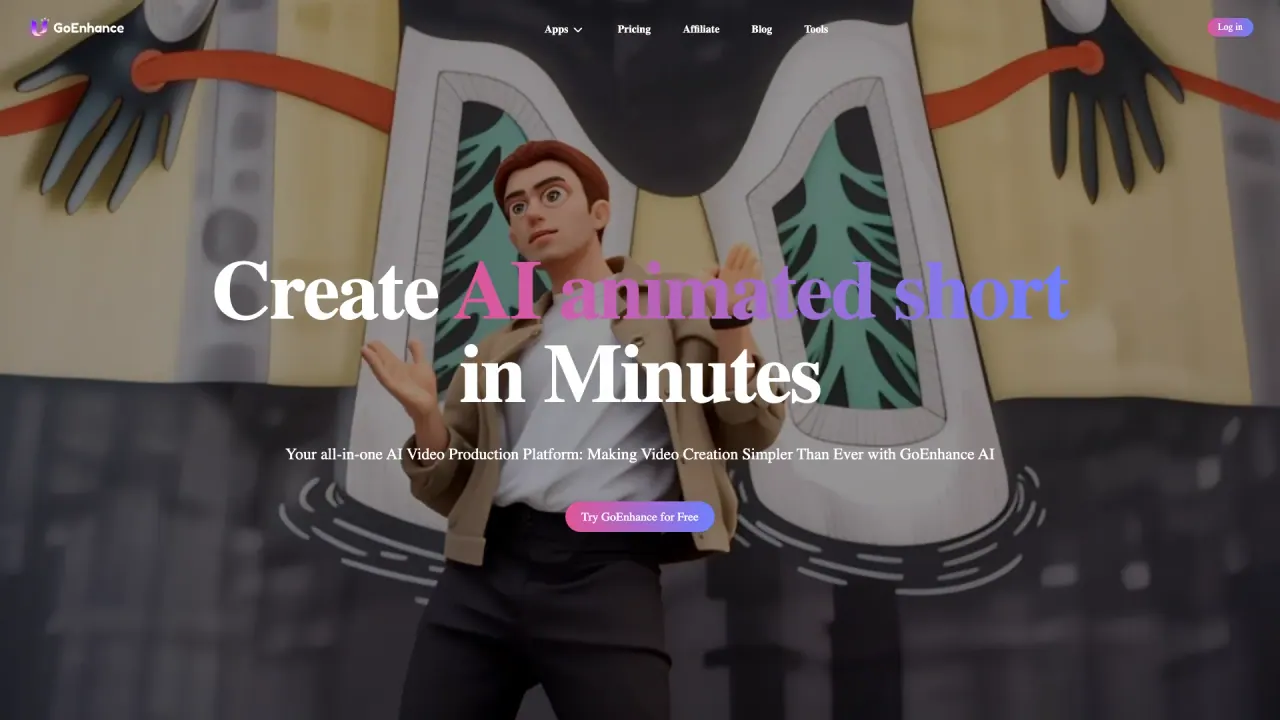
What does GoEnhance AI do?
GoEnhance AI is an all-in-one video and image creation platform designed to help you generate professional-looking content quickly. It supports AI video generation from text prompts, converting still images into animated scenes, and transforming existing videos into new styles.
Key capabilities include video-to-anime conversion with consistent results and high-resolution output (up to 4K, 60fps), plus options for creating consistent characters, performing video face swaps, and syncing lips to audio (lipsync). You can also bring characters to life with features like an AI talking avatar (upload a face and voices) and character animation from a single image. For polish, the platform includes AI video upscaling and image enhancement tools.
GoEnhance AI also offers a wide set of AI image tools such as text-to-image and image-to-image generation, face swap for photos, and image upscaling/enhancement. If you want variety, you can explore many video and image models and apply 100+ video and photo effects for social-ready results.
There is a free tier that includes some tokens, and subscribers receive extra benefits like increased token allowance, faster generation, more concurrent jobs, and access to premium features. Payments are processed with Stripe, and mainstream cards (such as Mastercard, Visa, and AliPay). The platform includes Fast Mode (uses tokens for quicker GPU access) and Relax Mode (doesn’t cost tokens, but may be queued and slower) for supported features on Standard, Pro, and Mega plans.
What can I create with GoEnhance AI?
You can generate AI videos from text prompts, convert images into animated video, and transform videos into different anime-style outputs. It also includes avatar/talking character options, lip sync, face swaps, and video upscaling.
How does video-to-anime work in GoEnhance AI?
It converts your video into anime style with a focus on consistent results and high-resolution output, including support for up to 4K and 60fps.
Does GoEnhance AI have a free tier?
Yes—there’s a free tier that includes some tokens so you can use all platform features. For more capacity and faster performance, paid subscriptions add benefits like increased token allowance and more concurrent jobs.
What’s the difference between Fast Mode and Relax Mode?
Fast Mode attempts to provide quicker GPU access but costs tokens. Relax Mode doesn’t cost tokens, may be queued based on system usage, and can be slower; it’s available for specific functions on Standard, Pro, and Mega plans.
Can I use my creations for commercial purposes?
You keep rights to your creations, and personal use is allowed for free users and Basic plan subscribers. Commercial usage is limited to subscribers of the Standard, Pro, and Mega plans.
Which payment methods are supported?
Payments are collected via Stripe using mainstream cards such as Mastercard and Visa, along with AliPay.
This listing is claimed
Own GoEnhance AI? Sign in with the email used to claim it to manage this listing, or upgrade to Pro for featured-first placement and a newsletter feature.