
Kie.ai
Verified
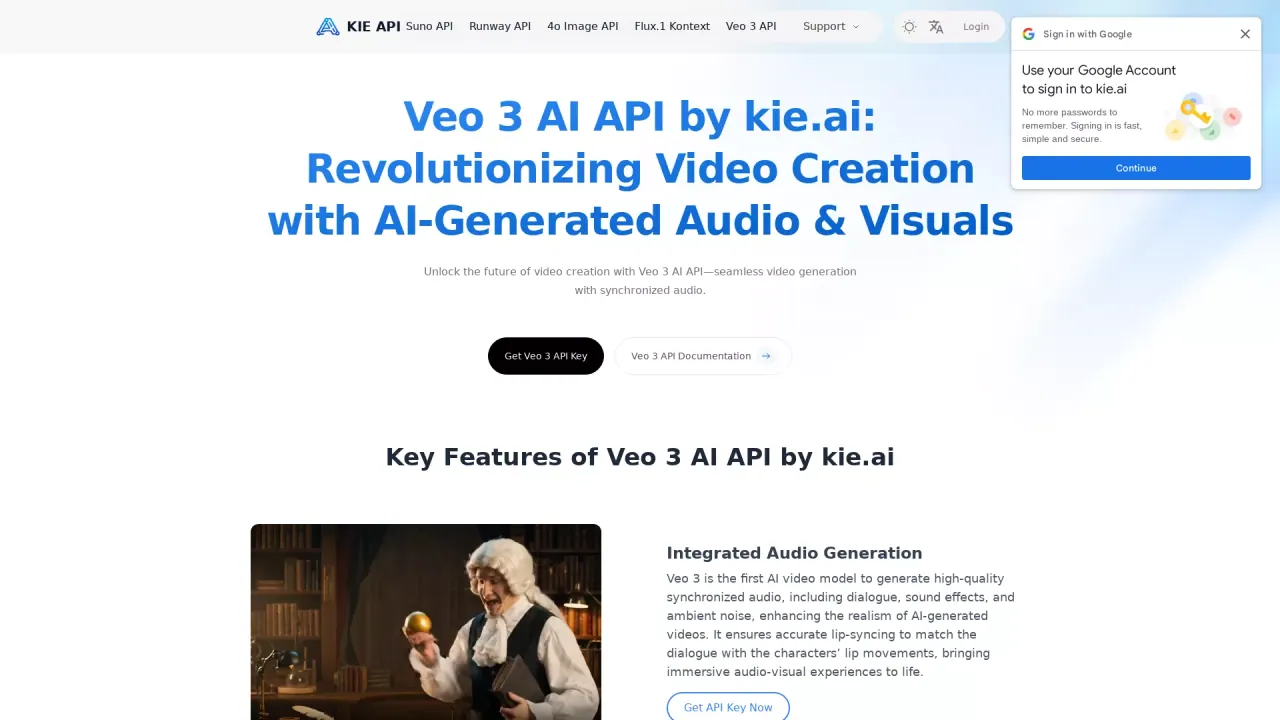
Affordable Veo 3 API
Pay only 30% of what Replicate charge. Engineered for high concurrency and dependable uptime.
- Pricing
- Free trial
- Category
- Video
- Listed
- Feb 17, 2025
- Updated
- May 25, 2026
What does Kie.ai do?
What is Kie.ai and what does it offer?
Kie.ai is an AI platform that provides API access to video, image, music, and chat capabilities through a single API. It offers video generation models like Veo 3.1 (and Veo 3.1 Fast) and Runway Aleph, image generation APIs such as 4o Image API, Flux Kontext API, and Nano Banana API, music generation with Suno API (supporting V3.5, V4, V4.5, and V4.5 Plus), and LLM & AI Chat APIs for natural conversations and helpful prompts. All APIs are accessible via one API key.
What AI APIs does Kie.ai offer for video generation?
- Veo 3.1: high-quality video generation with synchronized audio, smooth motion, and realistic scenes.
- Veo 3.1 Fast: quicker, lower-cost rendering.
- Runway Aleph: advanced scene reasoning and precise camera control for versatile video creation.
What AI APIs does Kie.ai offer for image generation?
- 4o Image API: high-fidelity image generation (OpenAI GPT-4o-based visuals in the lineup).
- Flux Kontext API: vivid, coherent scenes with strong subject consistency for detailed and repeatable outputs.
- Nano Banana API: fast and precise image generation and editing with strong visual consistency.
What AI APIs does Kie.ai offer for music generation?
Suno API with models V3.5, V4, V4.5, and V4.5 Plus. Create tracks with enhanced vocals, richer sound, better song structure, and smart prompts, up to 8 minutes long per track.
What LLM & AI Chat APIs are available?
Advanced LLM and AI Chat APIs for natural conversations, coding help, and knowledge-based responses. Access is provided through a single API key.
How does the pricing work?
Kie.ai uses an affordable, pay-as-you-go credit-based system. You’re charged based on usage with flexible, scalable options suited for startups, agencies, and enterprise projects.
Is there a free trial or playground to test the APIs?
Yes. You can try any of the APIs for free in the AI API Playground before committing to a plan. This lets you test prompts, adjust parameters, and preview results in a real environment.
How do I get started with Kie.ai?
- Sign up for an account.
- Get your API key.
- Start using the APIs via the documentation. If you need help, you can reach support at support@kie.ai.
How do I integrate Kie.ai APIs into my project?
Sign up, obtain your API key, and follow the API documentation for configuration and usage. For assistance, contact support at support@kie.ai.
What are the uptime, latency, and support levels?
- 99.9% uptime
- 25.0s average response time
- 24/7 support and monitoring
What about data security and privacy?
Kie.ai emphasizes robust data security with encryption to protect your data. The platform provides monitoring and safeguards to help ensure data remains secure during use.
Can I access all models with a single API key?
Yes. A single API key provides access to the video, image, music, and chat APIs offered on Kie.ai.
Where can I find API documentation and getting-started resources?
API documentation and getting-started materials are available through the Kie.ai site to guide integration, configuration, and best practices. If you need help, you can also contact support at support@kie.ai.
This listing is claimed
Own Kie.ai? Sign in with the email used to claim it to manage this listing, or upgrade to Pro for featured-first placement and a newsletter feature.