
QA.tech
Verified
AI QA Testing Tool
QA testing of your website or software with AI
Promoted


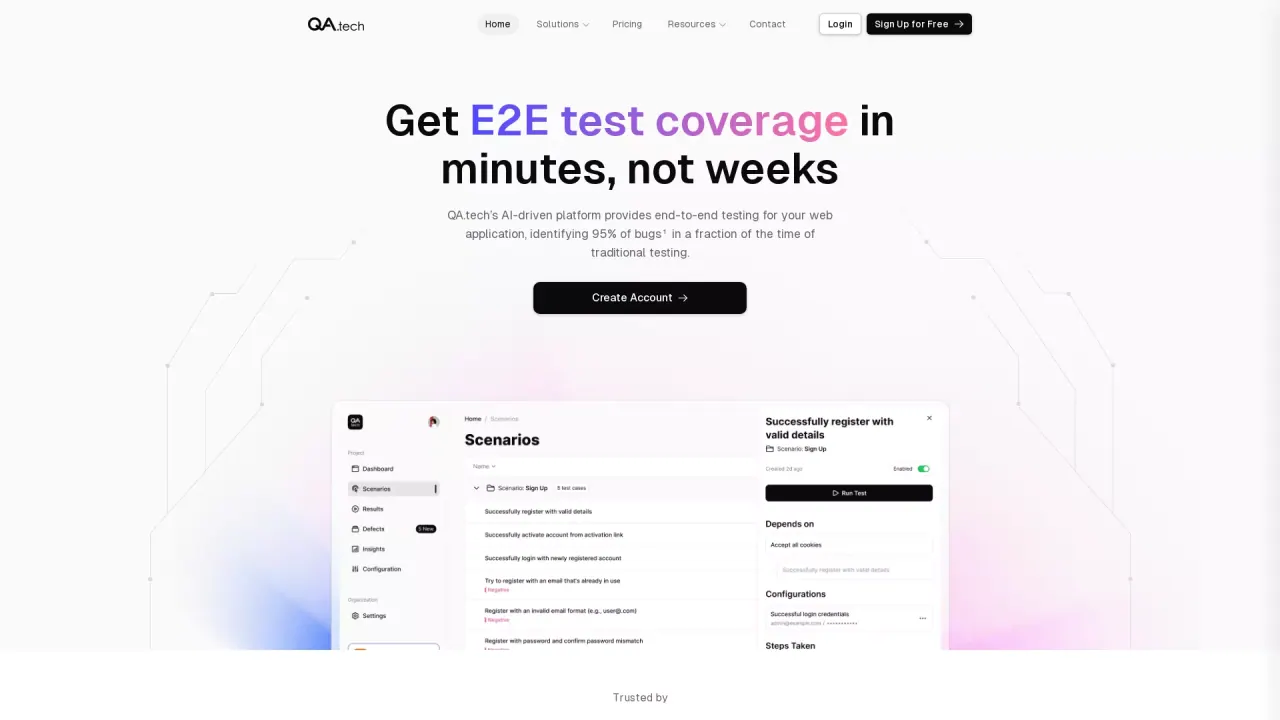
What does QA.tech do?
Do I need to install or manage any infrastructure to use QA.tech?
No. QA.tech runs without requiring you to set up infrastructure. Just point the QA.tech agent toward your environment to get PR reviews and exploratory tests up and running.
What can QA.tech test?
QA.tech runs end-to-end tests across your product, including web, mobile apps, APIs, and even email verification. It tests real user journeys that jump between mobile apps, web, and API calls, covering cross-platform flows and integrations (including third-party apps and queues).
How does QA.tech help reduce flaky tests and improve coverage?
QA.tech uses AI agents that run journeys multiple times to reduce flakiness, and it can propose new test ideas and run exploratory tests to increase coverage. It automates test creation and maintenance, focusing on real user behavior rather than scripted paths.
How does QA.tech integrate with CI/CD and other tools?
QA.tech integrates with your CI/CD so tests run as part of your pipeline, delivering rapid PR feedback. It provides feedback in your familiar tools (GitHub, Slack, Linear, and more), can trigger tests via CI, and can be monitored or extended via API or other integrations (e.g., Prometheus).
What kind of feedback and outputs do QA.tech provide?
QA.tech delivers actionable feedback beyond simple pass/fail. You get detailed test reports, logs that retrace broken paths, and console logs showing what broke, where, and why. It can report bugs to your ticketing system and integrate with your existing workflows.
How do I get started with QA.tech?
Start by requesting a demo or taking a tour. To begin testing, point the QA.tech agent toward your environment, create tests (or tell the AI in plain English what to test), and run exploratory tests. You can also add your own custom tests and edit tests as needed.
Is QA.tech SOC 2 compliant?
Yes. QA.tech is SOC 2 compliant.
How does QA.tech help with test ideas and coverage?
Tell the AI what you want to test in plain English; it will propose new E2E test ideas and run exploratory tests to increase coverage and uncover edge cases.
Is QA.tech compatible with my web framework?
Yes. QA.tech is compatible with any web framework.
Where can I find pricing information?
Pricing information is on the pricing page. QA.tech offers multiple pricing plans to fit different needs and budgets; details are available there.
What kind of time savings have customers seen?
QA.tech has replaced a significant amount of manual testing time for teams (for example, claims of hundreds of hours saved monthly are highlighted in customer examples).
This listing is claimed
Own QA.tech? Sign in with the email used to claim it to manage this listing, or upgrade to Pro for featured-first placement and a newsletter feature.