
SpeechReader
Verified
AI Text to Speech
Turn any text into natural, lifelike speech in seconds.
Promoted
 Sidrune AI85% off. Stable Claude API for agent developers. Pay as you go. Invoices & refunds available.
 Pixmax.aiPixmax.ai is an all-in-one AI workspace for videos, visual stories, and marketing content.
 SEOify - Improve your SEO & rankingsBuild links to rank in Google. Improve your DR with links you can start building now.Advertise here270,000+ people visit Dang.ai every month.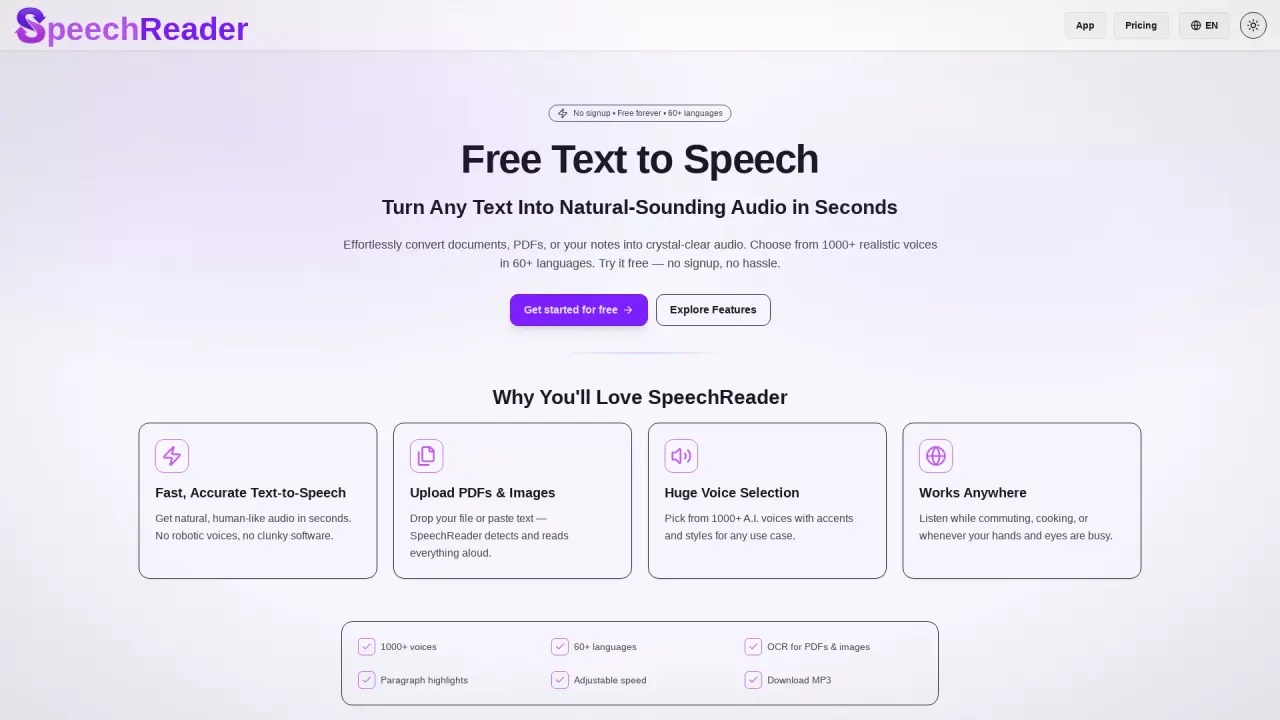
What does SpeechReader do?
What is SpeechReader and how does it work?
SpeechReader is the easiest way to turn text into speech. It converts text into natural-sounding audio in seconds. You can drop PDFs or images or paste text, and SpeechReader detects and reads the content aloud. It offers fast, accurate text-to-speech with 1000+ AI voices in 60+ languages. You can use it for reading, learning, and accessibility, and there’s a free tier with no signup. Upgrading to SpeechReader Premium unlocks more features, including 500,000 characters per day, ultra-premium voices, MP3 downloads, and priority support.
How do I start using SpeechReader for free?
No signup is required to start using SpeechReader. It’s free forever for basic use. You can paste text or drop a file (PDF/image) to hear it read aloud. If you need more features, you can upgrade to Premium later.
Does SpeechReader support multiple languages and voice styles?
Yes. SpeechReader supports 60+ languages and offers 1000+ AI voices with various accents and styles to suit personal, professional, or content-creation needs.
How realistic are the AI voices?
The AI voices are designed to be natural and expressive. SpeechReader highlights fast, accurate text-to-speech with 1000+ realistic voices across 60+ languages.
Can I upload PDFs or images and have them read aloud?
Yes. You can drop or upload PDFs or images, and SpeechReader will detect and read the content aloud. You can also paste text to convert it to speech.
Can I convert text into audio files, and what about MP3 downloads?
You can convert text into speech and listen within the app. If you need downloadable audio, upgrade to SpeechReader Premium to get MP3 downloads, along with a daily character limit of 500,000 and priority support.
Is SpeechReader good for accessibility?
Yes. SpeechReader is trusted for reading, learning, and accessibility, providing an audio-reading experience that can aid comprehension and access to content.
Can I use SpeechReader for content creation?
Yes. You can turn text into speech to create audio content (like voiceovers for articles or documents) using the available 1000+ voices and 60+ languages.
What makes SpeechReader different from other free TTS tools?
SpeechReader combines always-free usage with no signup, a large library of 1000+ voices across 60+ languages, and support for reading PDFs and images, plus quick, natural-sounding output.
Why is SpeechReader the best free text to speech tool?
Because you can use it for free forever without signup, access a broad set of languages and voices, and read PDFs/images, with fast, natural-sounding output and easy-to-use reading functionality.
Where can I use SpeechReader?
SpeechReader works anywhere you have text to read. It’s designed for on-the-go listening—whether you’re commuting, cooking, or multitasking with your hands busy.
What does SpeechReader Premium include?
SpeechReader Premium includes 500,000 characters per day, ultra-premium AI voices, MP3 downloads, and priority support.
This listing is claimed
Own SpeechReader? Sign in with the email used to claim it to manage this listing, or upgrade to Pro for featured-first placement and a newsletter feature.