
Paperpal
Verified
AI Academic Writing Tool
Paperpal is an AI writing assistant for academic work that helps with grammar, paraphrasing, citations, plagiarism and AI detection checks.
Promoted
 Sidrune AI85% off. Stable Claude API for agent developers. Pay as you go. Invoices & refunds available.
 Pixmax.aiPixmax.ai is an all-in-one AI workspace for videos, visual stories, and marketing content.
 RewindType any X/Twitter handle. Get their year back as a narrated video story. Then ask it anything.
 KurodyneSell the tools from your AI side projects. Listing is free.
 SEOify - Improve your SEO & rankingsBuild links to rank in Google. Improve your DR with links you can start building now.Advertise here270,000+ people visit Dang.ai every month.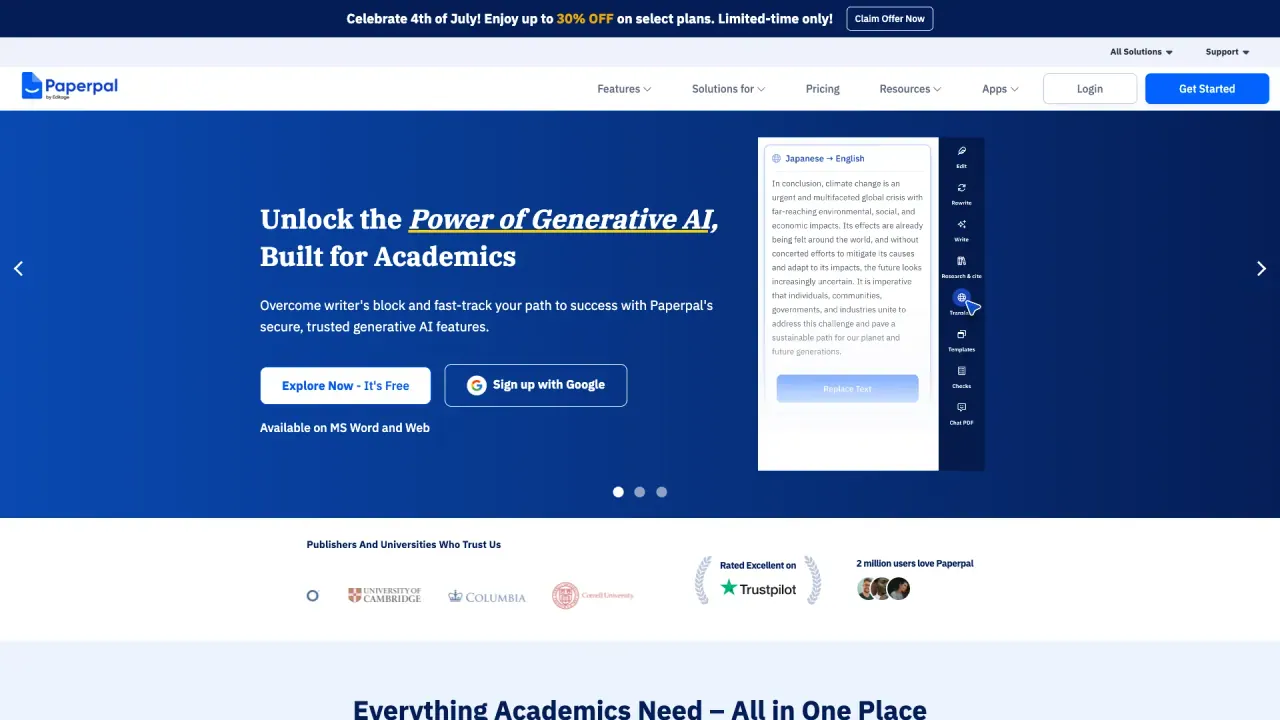
What does Paperpal do?
Paperpal helps you catch issues before submission with a suite of academic writing checks and writing tools. Run plagiarism checks, AI detection, grammar checking, reference checks, and “submission-readiness” review in one workflow—so common problems like missing citations, broken links, and language errors don’t reach reviewers.
Use Paperpal to improve draft clarity and tone with an AI Writing Assistant for submission-ready writing, plus an AI Paraphraser (including language options) to rewrite at the right academic level. You can also streamline research with AI Chat with PDFs: upload documents, ask questions, and compare findings to accelerate your literature review.
Paperpal is available for web use and via plugins/add-ons for MS Word, Google Docs, Chrome, and Overleaf. Start with Paperpal Free (no credit card required) or upgrade to Prime for expanded usage limits, including higher scan/upload limits and more detailed checking.
FAQ
Paperpal includes a set of tools to improve academic writing. It focuses on catching plagiarism and AI-writing risks, fixing citation/reference issues, and improving grammar and academic phrasing.
Paperpal can be used on the web and through plugins/add-ons for MS Word, Google Docs, Chrome, and Overleaf.
You can use Paperpal Free with limited daily/monthly usage for language editing, writing features, research Q&A, citation generation, AI detection scans, plagiarism checks, and Chat with PDFs.
Prime is the paid option that unlocks expanded limits for language editing, writing features, research Q&A, citation generation, Chat with PDFs, AI detection scans, plagiarism checks, reference checks, and journal submission checks. Exact pricing depends on the selected plan and billing period shown on the pricing page.
Paperpal supports language features beyond English, including paraphrasing in 50+ languages and translation across 30+ languages.
Your files are intended to stay private and visible only to you, are not used to train AI, and you can delete files anytime.
What does Paperpal help me do for academic writing?
Paperpal helps you catch plagiarism, AI writing risks, citation/reference issues, and language errors before you submit, while also improving grammar and academic phrasing.
Can I use Paperpal to check plagiarism and AI-generated writing?
Yes. Paperpal includes both a Plagiarism Check and an AI Detection tool so you can review similarity and AI patterns before submission.
What reference and citation issues can Paperpal flag?
Reference Check tools are designed to help fix citation issues, broken links, and AI-hallucinated references that can undermine credibility. It also supports citation generation in multiple styles.
How does Paperpal’s “Chat with PDFs” work?
Upload your sources, then ask questions to get key findings with citations. You can compare across documents to build your literature review more quickly.
Is Paperpal available in Google Docs or MS Word?
Yes. Paperpal offers plugins/add-ons for MS Word and Google Docs, along with web access and additional browser/editor options like Chrome and Overleaf.
Does Paperpal use my documents to train its AI?
No. Your work is intended to stay private and isn’t used to train AI. You can also delete files anytime.
This listing is claimed
Own Paperpal? Sign in with the email used to claim it to manage this listing, or upgrade to Pro for featured-first placement and a newsletter feature.