
Humanize
Verified
Humanize AI Text
HumanizeAIText.ai rewrites AI text to sound natural, original, and bypass detection.
- Pricing
- Free
- Category
- Copywriting
- Listed
- Jul 11, 2025
- Updated
- May 25, 2026
Promoted
 Sidrune AI85% off. Stable Claude API for agent developers. Pay as you go. Invoices & refunds available.
 Pixmax.aiPixmax.ai is an all-in-one AI workspace for videos, visual stories, and marketing content.
 SEOify - Improve your SEO & rankingsBuild links to rank in Google. Improve your DR with links you can start building now.Advertise here270,000+ people visit Dang.ai every month.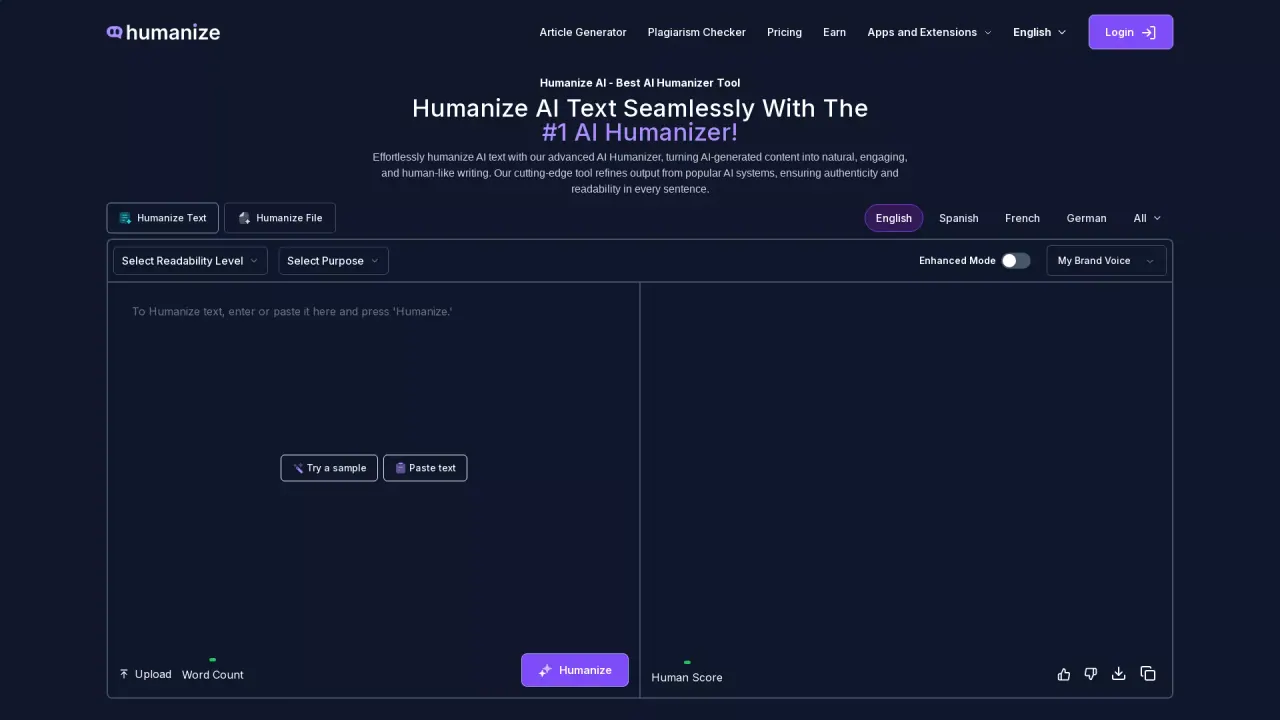
What does Humanize do?
What is Humanize AI Text Tool?
Humanize AI Text Tool is an AI-powered text humanizer that transforms AI-generated content into natural, human-like writing. It refines wording, tone, and flow to read as if a real person wrote it, helps improve readability and engagement, and can be used across browsers and devices. It also offers document upload capabilities (PDF/DOP) and features like brand voice customization to fit different audiences.
How do I use Humanize AI Text Tool?
- Paste your AI-generated text into the input box. 2) Choose a humanization mode (Standard, Shorten, Expand, Simplify, or Improve Writing). 3) Set any content goals (clarity, tone, audience). 4) Click the Humanize button and view the updated text in seconds. You can edit the results afterward if needed.
Can it handle AI-generated text from multiple platforms?
Yes. The tool refines AI-generated text from platforms like ChatGPT, Gemini, Claude, and other sources into natural, human-like writing.
What modes does it offer and what does each do?
- Standard: transforms AI text into natural, humanlike writing.
- Shorten: trims content while keeping key details.
- Expand: adds clarity and depth without losing tone.
- Simplify: makes complex ideas easier for any audience.
- Improve Writing: enhances flow, structure, and style for a polished result.
Can I upload PDFs or Word documents and keep formatting?
Yes. You can upload PDF or DOC/DOCX files, and the tool preserves formatting—fonts, headers, tables, and spacing—without distorting multi-column layouts, images, charts, or footnotes. Citations and links stay intact, so academic or professional documents remain legitimate.
How long does it take to humanize text?
Typically around 5–10 seconds per text input, delivering clean, natural-sounding results quickly.
Is my content secure and private?
Yes. The tool emphasizes confidentiality: input text is not stored or shared, so your writing remains private throughout the process.
Does the tool support multiple languages?
Yes. Humanize supports multiple languages and is designed to refine AI writing into natural text across languages, helping a global audience maintain context and readability.
Can I tailor tone or audience with this tool?
Yes. You can customize tone and audience by using Brand Voice settings or the Personalize option, which lets you input your tone, persona, and target audience so outputs align with your style.
Is the output truly undetectable as AI-generated content?
The site claims that the humanized content is undetectable as AI-generated and can pass checks from major detectors. It also notes compatibility with detectors like GPTZero, Originality.ai, Turnitin, and Copyleaks, and provides options to verify with its own AI Detector or Plagiarism Checker.
Can I process large volumes of content?
Yes. The tool supports handling larger volumes, including uploading content files and processing text in parts to maintain quality and readability.
Does it help with SEO?
Yes. By producing natural, readable content, the tool aims to improve user engagement and search engine appeal, which can contribute to better rankings. It emphasizes readability and natural tone as part of its SEO-friendly approach.
Are there free options, and how do I access them?
There is a free version available that you can try instantly without registration, allowing you to test the tool’s capabilities before committing to a paid plan.
What browsers and devices does Humanize support?
The tool is designed to work across major browsers and on multiple devices, providing universal compatibility and flexibility for writing on desktop, tablet, or mobile.
Can I edit the output after it’s generated?
Yes. The humanized text is fully editable after conversion, so you can tweak wording, tone, or formatting to suit your needs.
This listing is claimed
Own Humanize? Sign in with the email used to claim it to manage this listing, or upgrade to Pro for featured-first placement and a newsletter feature.