
CDanceAI
AI Video Generation Tool
C Dance AI generates Hollywood-grade AI videos from text, images, or video using Seedance 2.0.
Promoted
 Sidrune AI85% off. Stable Claude API for agent developers. Pay as you go. Invoices & refunds available.
 Pixmax.aiPixmax.ai is an all-in-one AI workspace for videos, visual stories, and marketing content.
 SEOify - Improve your SEO & rankingsBuild links to rank in Google. Improve your DR with links you can start building now.Advertise here270,000+ people visit Dang.ai every month.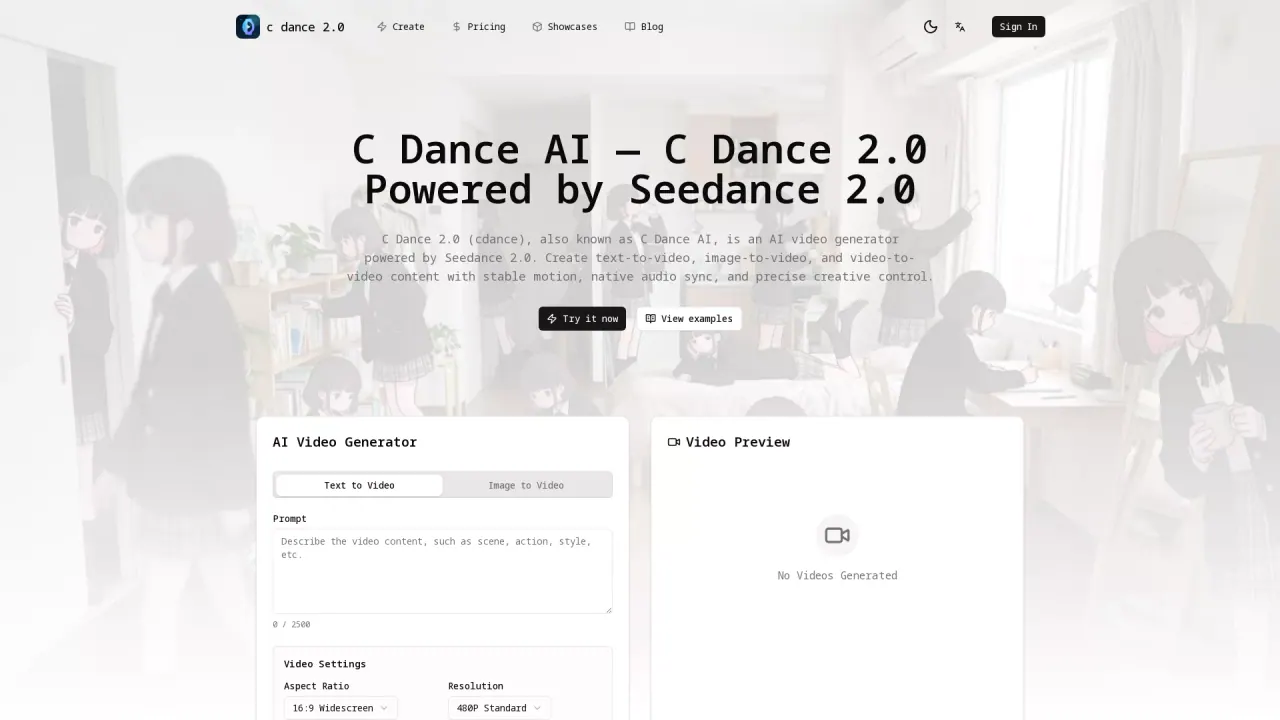
What does CDanceAI do?
C Dance AI is a movie-grade AI video generator built on Seedance 2.0. It turns a prompt—or a still image or existing clip—into cinematic, production-ready motion with native audio-visual synchronization.
Use it when you want short, high-quality videos without complex editing. Generate cinematic camera movements and atmospheric results in a browser workflow, then use the model selector to choose the input type and the supported generation settings. With prompt-driven workflows and style transfer, you can shift the look (pixel art, watercolor, anime, 3D render, and more) while keeping your intent and scene direction.
C Dance AI supports multiple creative pipelines: text-to-video for fresh scenes, image-to-video to animate an existing composition, and video-to-video to restyle or enhance existing footage. It’s also positioned for brand storytelling—cinematic motion, ethereal lighting, and frame-worthy compositions for ads, music visuals, and mood-driven campaigns.
Pricing is organized around credits and paid plans. New users can claim a sign-up bonus and check-in credits (up to 260 total credits) and try generating without a card required. Plans include Starter Yearly ($99.99/year billed yearly), Pro Yearly ($299.99/year billed yearly), and Unlimited Yearly ($899.99/year billed yearly), with additional promotional credits and rollover behavior described for yearly access after successful repurchase.
What can I create with C Dance AI?
You can generate AI videos from text prompts, still images, or existing video clips. Common outputs include product shots, ads, social content, story concepts, explainers, and cinematic short clips.
How do I make a video from text or an image?
Start a text-to-video workflow for new scenes, or image-to-video when you already have the composition. Add a focused prompt, choose a model, then review the exact credit cost before generating.
Which workflow should I use: text-to-video, image-to-video, or video-to-video?
Use text-to-video to create a scene from an idea, image-to-video to animate a still image, and video-to-video to restyle or enhance existing footage. Switching workflows can help when you want tighter control over composition.
Can C Dance AI generate videos with sound?
Yes—when you choose a model mode that supports audio. The workspace shows the relevant audio option for supported models.
Are generated videos usable for commercial projects?
Yes. Commercial use is supported, but you must have rights to any uploaded reference assets (including people, brands, images, video, and audio) and follow applicable requirements.
How do credits and trials work?
You can claim sign-up bonus credits and daily check-in rewards, unlocking up to 260 credits. For paid plans, generation costs depend on the selected model and settings, and the exact cost is shown before you generate.
This listing is claimed
Own CDanceAI? Sign in with the email used to claim it to manage this listing, or upgrade to Pro for featured-first placement and a newsletter feature.