FirefliesAI
AI Meetings Summarization Tool
Automate meeting notes with FirefliesAI: an AI meetings summarization tool for transcription, search, and analysis.
What does FirefliesAI do?
What is Fireflies and what can it do for my meetings?
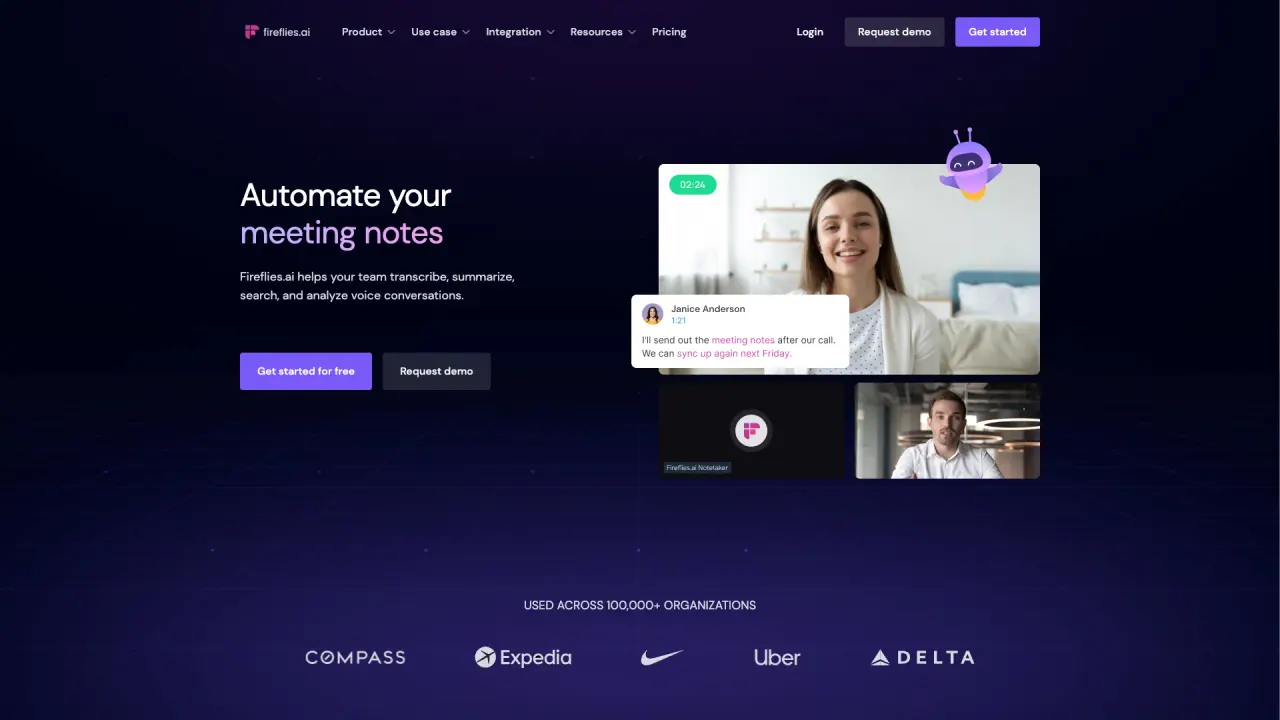
Fireflies automates meeting notes by transcribing conversations from Google Meet, Zoom, Teams, and more, then generates AI-powered notes, summaries, action items, and searchable transcripts. It can also handle uploaded audio files, capture in-person meetings, and transcribe phone calls to create consistent notes across your conversations.
How does Fireflies capture meetings across platforms and where does it join?
Fireflies can join meetings automatically when you schedule them and include fred@fireflies.ai as a participant, or you can invite Fireflies to join via calendar integration. It offers a Chrome Extension for Google Meet, a Desktop App, a Mobile App, and it can record from dialers (Aircall, RingCentral and others) or process audio/video files via the API or uploads.
What languages are supported and how accurate is the transcription?
Fireflies supports 100+ languages and provides transcription in those languages with auto-language detection. Transcriptions are advertised as highly accurate (about 95% accurate in practice).
What is Live Assist and how can it help during meetings?
Live Assist is a feature that provides real-time suggestions, coaching, and answers during your meetings to help you stay productive.
What can I do with the AI-powered summaries and search?
After each meeting, Fireflies delivers comprehensive AI summaries (detailed notes, action items, and custom notes) and enables AI-powered search to find specifics across transcripts. You can also use features like Meeting Search and Ask Fred to retrieve answers from your meetings.
What is Ask Fred?
Ask Fred reviews your meetings and returns answers to questions you have about the content of those meetings.
What is Fireflies MCP and how does it integrate with other AI tools?
Fireflies MCP Server lets you bring meeting insights into your AI tools (such as Claude, Devin, and ChatGPT) in one click, helping you integrate meeting data with your existing AI workflows.
What integrations and extensions are available?
- Chrome Extension for automatic Google Meet recording and transcripts
- Desktop App and Mobile App for transcribing on the go
- Dialers: transcribe calls from Aircall, RingCentral, and others
- API for processing audio/video files
- Integrations with Slack, Notion, Asana, Salesforce, HubSpot, and other CRMs and tools
- Zapier and other automation capabilities for logging notes and transcripts
- Ability to log notes and transcripts in your existing tools and share notes via popular apps
What data security and privacy features does Fireflies offer?
Fireflies offers enterprise-grade security and privacy features including SOC 2 Type II, GDPR compliance, HIPAA compliance, Zero Data Retention (data isn’t used for AI training beyond your business needs), Private Storage (secure, dedicated cloud storage for your organization’s data), and Customer Own Their Data (you retain ownership of your data).
Can I download or export meetings and transcripts?
Yes. You can download summaries, transcripts, and the associated meeting audio or video.
Can I share notes and collaborate with my team?
Yes. Fireflies supports comments, pins, and reactions on transcripts; you can create soundbites, organize meetings into channels, and use user groups. You can share notes in Slack, Notion, Asana, and other collaborators’ platforms.
What are AI Apps and how do they help?
AI Apps are build-in tools (over 200 available) that automatically extract key details, generate follow-up emails, score candidates, and provide other insights from your meetings.
How do I sign up and start using Fireflies?
You sign up by syncing your Google or Outlook calendar, then configure how Fireflies should join your meetings. You can invite teammates to your workspace and try the Business tier for a free 7-day trial. Start scheduling meetings from your Fireflies dashboard and invite Fireflies to record and transcribe them.
How do I integrate Fireflies with my calendar?
During setup, choose how Fireflies should join meetings. Schedule meetings from your calendar and invite fred@fireflies.ai to join automatically, then Fireflies will record and transcribe the discussions.
What file types can Fireflies transcribe?
Fireflies can transcribe audio and video files, including MP3, MP4, WAV, and M4A.
Where can I get help or support?
Help Center and Contact Us options are available for support and guidance.
Is this your tool?
Claim FirefliesAI to manage this listing, or upgrade to Pro for featured-first placement and a newsletter feature.