
ImgToImg
Verified
Image To Image AI
AI Image Generator From Image
Promoted
 Sidrune AI85% off. Stable Claude API for agent developers. Pay as you go. Invoices & refunds available.
 Pixmax.aiPixmax.ai is an all-in-one AI workspace for videos, visual stories, and marketing content.
 SEOify - Improve your SEO & rankingsBuild links to rank in Google. Improve your DR with links you can start building now.Advertise here270,000+ people visit Dang.ai every month.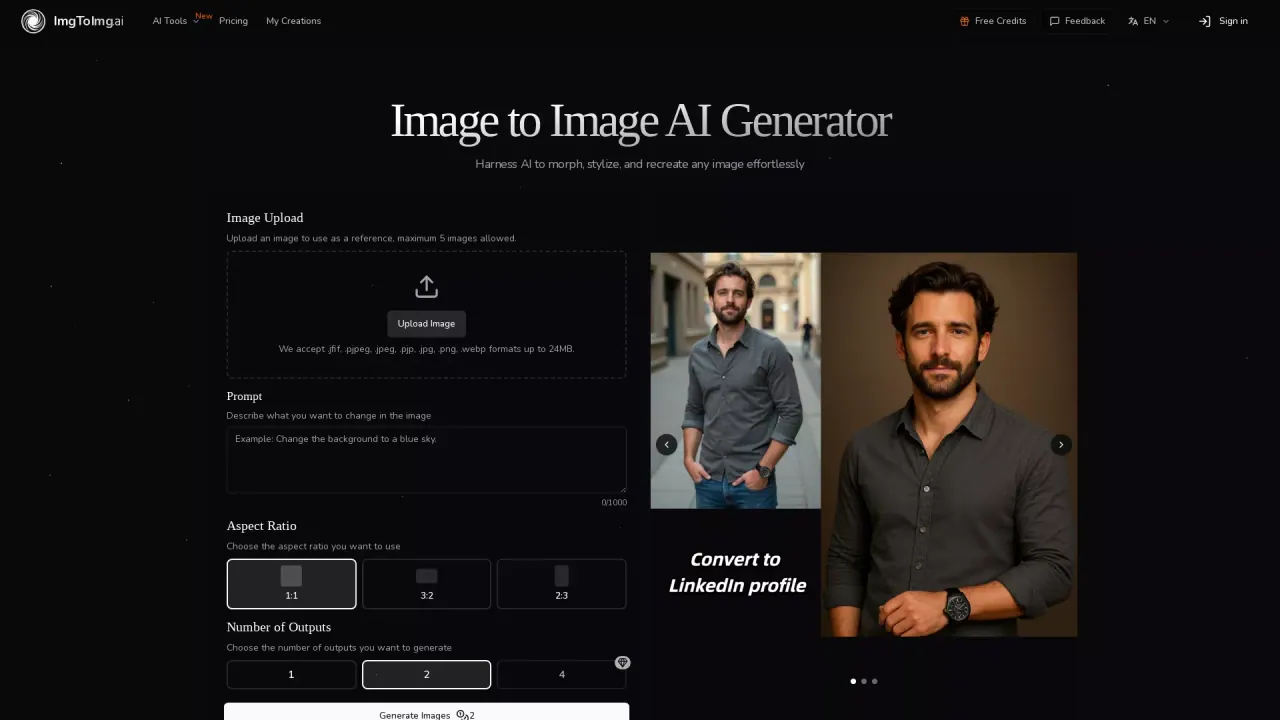
What does ImgToImg do?
How does Image to Image differ from Text to Image generation?
Image to Image AI transforms existing images into new variations while preserving the original structure and key elements, applying the described changes. Text to Image generation creates images from scratch based on a text prompt.
What is the process to use the Image to Image AI Generator?
- Upload your photo(s) as the starting point (up to five images). 2) Describe the changes you want. 3) Adjust settings like aspect ratio, number of outputs, and transformation strength. 4) Generate, review the results, and download the versions you like.
What image formats and sizes are supported for uploads?
Supported formats: .jpeg, .jpg, .png, and .webp. Each image can be up to 24MB in size.
How many reference images can I upload?
You can upload up to five reference images to use as starting points for your transformations.
What output options are available (number of outputs)?
You can choose how many outputs to generate: 1, 2, or 4.
What aspect ratios are supported?
Aspect ratios include 1:1, 2:3, 3:2, 3:4, 4:3, 9:16, and 16:9.
What AI models can I choose and how do they differ?
The platform offers model options for image generation. Typical choices include Max (4K output, faster processing, recommended), Pro/Standard quality (slower generation), and Max4K output (4K output, faster processing, recommended). Different models balance output quality and processing speed.
How long does generation take?
Generation is fast and designed to produce multiple variations in seconds.
Can I use the transformed images commercially?
Yes. The transformed images are professional-quality and suitable for commercial use, including marketing materials, product visuals, websites, and social media.
How do I access and download the generated images?
After generation, browse the results, select your favorites, and download the high-quality versions.
Is there a limit to how many images I can transform?
The site specifies a limit of up to five reference images per transformation. It does not specify a cap on the total number of transformations.
What should I do if I’m not satisfied with the results?
If you’re not satisfied, refine your prompt or transformation settings and generate new variations. You can iterate by adjusting prompts and parameters and regenerating.
Are there pricing details or free credits available?
Pricing details are available on the Pricing page, and the site also mentions Free Credits in the navigation. For current terms and availability, please check the Pricing and Free Credits sections.
This listing is claimed
Own ImgToImg? Sign in with the email used to claim it to manage this listing, or upgrade to Pro for featured-first placement and a newsletter feature.