
Saner.ai
Verified
AI Note Taking Tool
Simple & Powerful AI Second Brain - Instantly capture information, find, and extract insights without manual organizing.
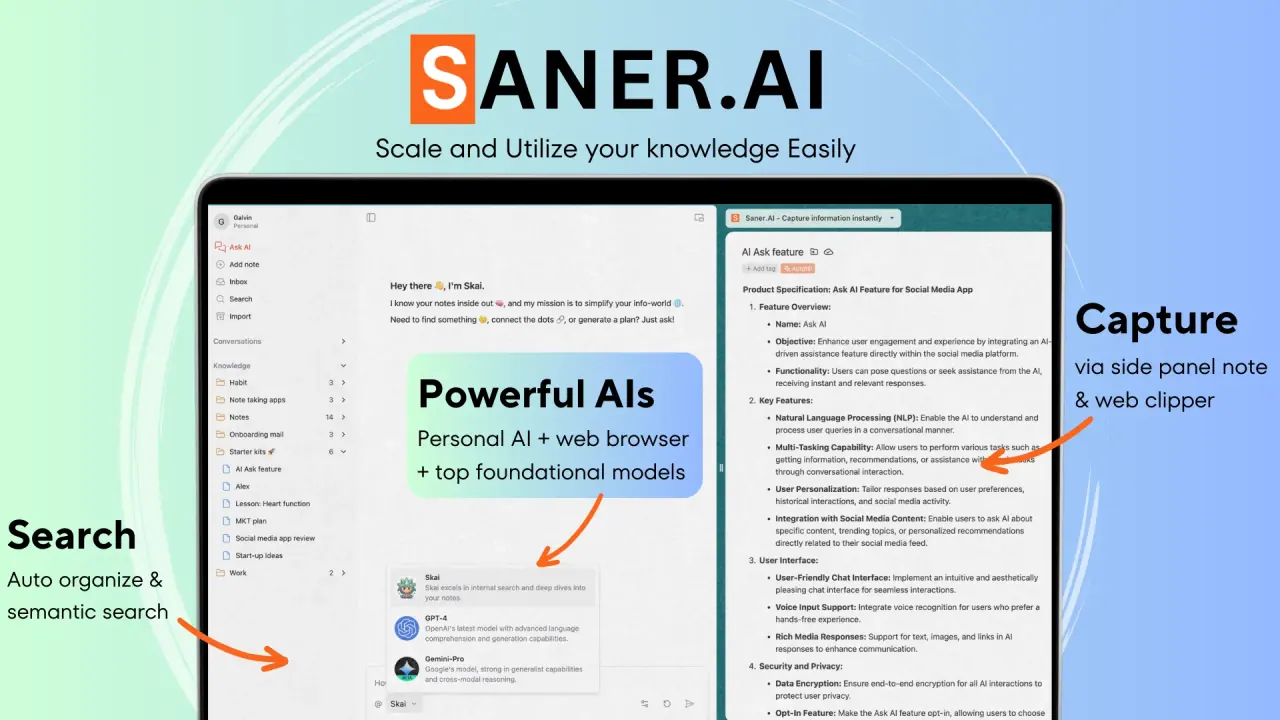
What does Saner.ai do?
What is Saner.AI and what does it do?
Saner.AI is an ADHD-friendly AI personal assistant for emails, notes, and to-dos. It puts everything you need in one place—search across your notes, plan tasks with Skai, write with AI, and connect your notes to emails, calendars, and documents to help you stay organized and productive.
How does Saner.AI help with ADHD organize notes and tasks?
Saner.AI uses AI to automatically organize, prioritize, and synthesize insights from your notes. It provides hierarchical folders, automatic tagging, and a smart inbox for tasks, reducing cognitive load and helping you handle information and actions in one structured system.
How can I capture and recall information with Saner.AI?
Capture is quick and flexible: write notes in your browser with Chrome, capture voice notes on the go, or upload/import documents. You can ask Saner.AI to surface specific notes, connect insights across topics, and see related notes while you write. It also supports searching the web alongside your notes and turning chats into notes.
How does Saner.AI help with task planning and management?
Saner.AI includes Skai Task Assistant to help you plan and manage tasks. It can turn emails into tasks, convert brain dumps into plans, and prioritize and schedule in one click. You’ll also get a calendar-style timeline view, AI-backed tagging, smart inbox improvements, and suggestions to keep you organized.
What integrations and connectivity does Saner.AI offer?
Saner.AI can pull information from Calendar, Slack, Drive, and Gmail, helping you stay synchronized across tools. It works to keep your working documents and tasks connected so you can stay in flow with fewer context switches.
Is my data secure, and does Saner.AI use my data to train its AI?
Yes. Saner.AI does not train on your data, and we do not sell or share your data. Data is stored encrypted in transit and at rest, with strict privacy compliance. You have control over access and sharing settings, and our team’s access is limited to service improvement and troubleshooting. Regular backups and a clear privacy policy ensure data recovery and transparency.
Can I import and export notes?
Absolutely. You can import thousands of notes into Saner.AI, and some users have imported over 3,000 notes. You can also export your notes easily from the app using the built-in export feature.
Is there a free plan and what is the beta version like?
We currently offer a free package. The beta version is an early release intended to explore the best feature set with users. During the beta, we back up data daily, prioritize security, and provide an export option for all your notes. Early adopters can participate in discounted pricing as part of the beta.
How does Saner.AI generate responses?
Saner.AI uses a combination of the latest AI technology and our own systems. It leverages your notes, emails, and calendar to generate relevant, context-aware answers, helping you surface information and plan actions efficiently.
How do I access Saner.AI and install the Chrome extension?
You can get started by signing up for free. Saner.AI offers a Chrome Extension to capture and work with notes directly in your browser, enhancing on-the-go capture and quick access to your information.
Where can I get help or learn more?
Helpful resources include the Help Center, Ultimate Guide, Features Introduction, and Video Academy. You can also follow Product Updates and join our community channels (Discord, Slack) for support and discussions.
Is this your tool?
Claim Saner.ai to manage this listing, or upgrade to Pro for featured-first placement and a newsletter feature.