
Tldv
AI Meeting Recorder
Effortlessly record, transcribe, and summarize meetings with Tldv, the AI-powered meeting recorder.
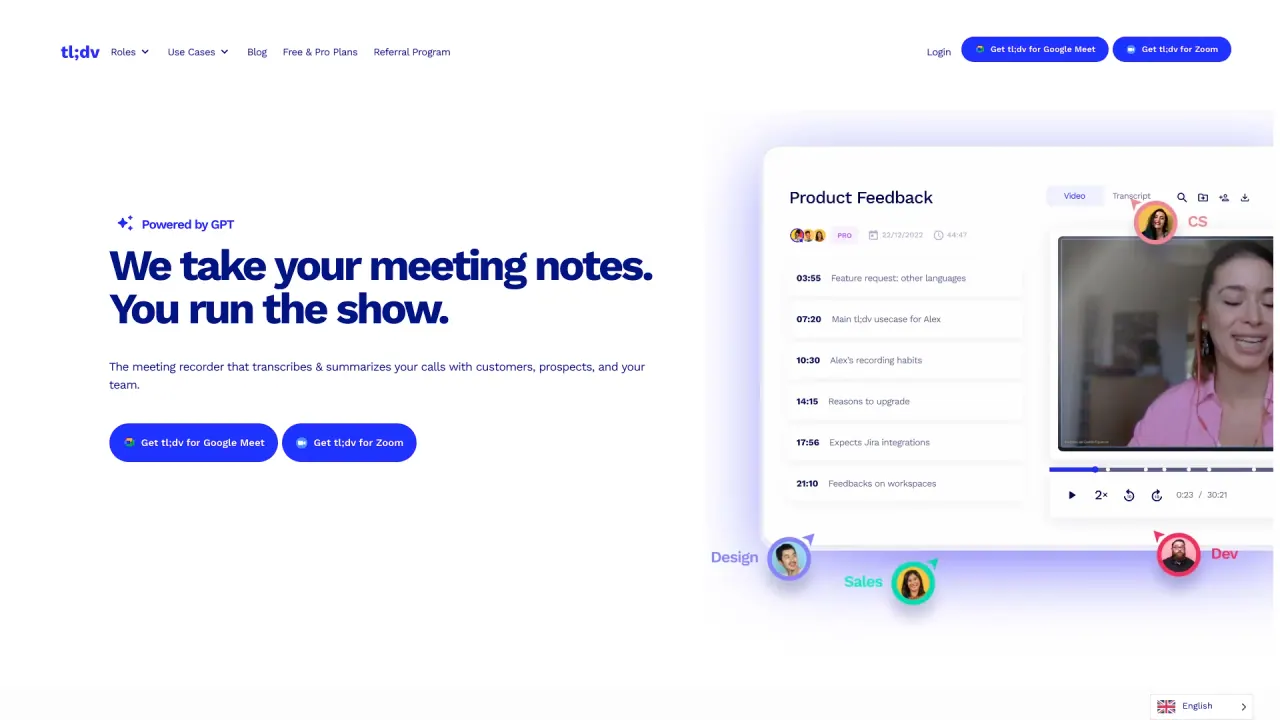
What does Tldv do?
What is tl;dv?
tl;dv is an AI-powered notetaker that goes beyond recording, transcription, and summaries. Standing for "Too Long, Didn't View," it delivers actionable insights that drive better team collaboration. Designed for sales, customer success, and internal meetings, tl;dv easily integrates with CRMs, ticketing systems, knowledge management platforms, and 5000+ other tools, making meeting intelligence instantly accessible across your organization.
How does tl;dv enhance meeting productivity with AI technology?
tl;dv’s AI notetaker automatically generates crisp AI summaries after every meeting, so you can focus on the discussion. It logs call notes and CRM outcomes, automatically updating CRM fields and recording deals, leads, and action items where you need them. It can also draft follow-up emails and next-step tasks based on the conversation, so you can review and send with minimal effort.
What integrations and platforms does tl;dv support?
tl;dv integrates with 6000+ tools, including Jira, Slack, Google Docs, Salesforce, and HubSpot. It also works with major meeting platforms like Zoom, Google Meet, and Microsoft Teams.
Can tl;dv be customized for different languages and meeting types?
Yes. tl;dv records and transcribes meetings in 30+ languages and supports translations. It also offers fully custom summary templates to tailor the notes for different meeting types and audiences.
What languages does tl;dv support for transcription and translation, and is the UI localized?
tl;dv provides AI-powered transcription in 30+ languages and dialects (examples include English, Spanish, Portuguese, French, German, Japanese, Chinese, Korean, Italian, Russian, etc.), and can translate transcripts and summaries across languages. For the user experience, tl;dv is fully localized in 7 languages.
Is tl;dv free?
Yes. tl;dv offers a Free Forever plan that provides AI-powered meeting transcription, recording, and insights — with unlimited recordings and transcriptions in 30+ languages and no upfront costs.
Does tl;dv work with Zoom, Google Meet & Microsoft Teams?
Yes. tl;dv integrates with Google Meet, Zoom, and Microsoft Teams, providing AI-powered transcription, automatic recording, and smart meeting summaries across these platforms.
Can I record & transcribe meetings on mobile with tl;dv?
Yes. While tl;dv does not have a native mobile app yet, you can still automatically record, transcribe, and summarize meetings on mobile using tl;dv with Google Meet, Zoom, and Microsoft Teams on iOS and Android.
How secure is tl;dv?
Your data is protected with end-to-end encryption, GDPR compliance, and SOC 2 certification. Your recordings and transcripts are yours (not ours), and tl;dv will never use them to train AI. tl;dv partners with Anthropic to deliver secure Generative AI, anonymizing metadata and processing meetings in randomized, small chunks. Data is stored in ISO 27001-certified data centers with AES-256 encryption. Tl;dv is hosted and stored in the EU, with options for privately hosted AI on request.
How does tl;dv help with sales coaching?
tl;dv isn’t just for automated note-taking — it’s a sales coaching platform powered by AI. AI-driven call analysis helps you track playbook adherence, improve objection handling, and gain real-time insights into rep performance. New hires can ramp faster by reviewing curated, AI-selected clips from real customer calls, and the AI uncovers coaching opportunities automatically.
What are AI-generated reports, and how do they help?
AI-generated reports deliver aggregated insights from your meetings straight to your inbox, making it easier to spot trends, save time, and optimize meeting intelligence for smarter decision-making.
How do I get started with tl;dv?
Get tl;dv — Free Forever. Visit the tl;dv site to sign up (no credit card required), then connect your preferred meeting platforms and start recording, transcribing, and generating notes.
Where can I find help or learning resources for tl;dv?
Access tl;dv’s Help Center, Guides, Blog, and other resources listed in the Product and Resources sections of the site. These resources are designed to help you maximize tl;dv’s features and capabilities.
Is this your tool?
Claim Tldv to manage this listing, or upgrade to Pro for featured-first placement and a newsletter feature.