B12
AI Website Builder
B12's AI website builder: Attract leads, win business, serve clients online. Build your free site today.
- Pricing
- Free trial
- Category
- Design
- Listed
- Jul 22, 2023
- Updated
- May 25, 2026
Promoted
 Sidrune AI85% off. Stable Claude API for agent developers. Pay as you go. Invoices & refunds available.
 Pixmax.aiPixmax.ai is an all-in-one AI workspace for videos, visual stories, and marketing content.
 SEOify - Improve your SEO & rankingsBuild links to rank in Google. Improve your DR with links you can start building now.Advertise here270,000+ people visit Dang.ai every month.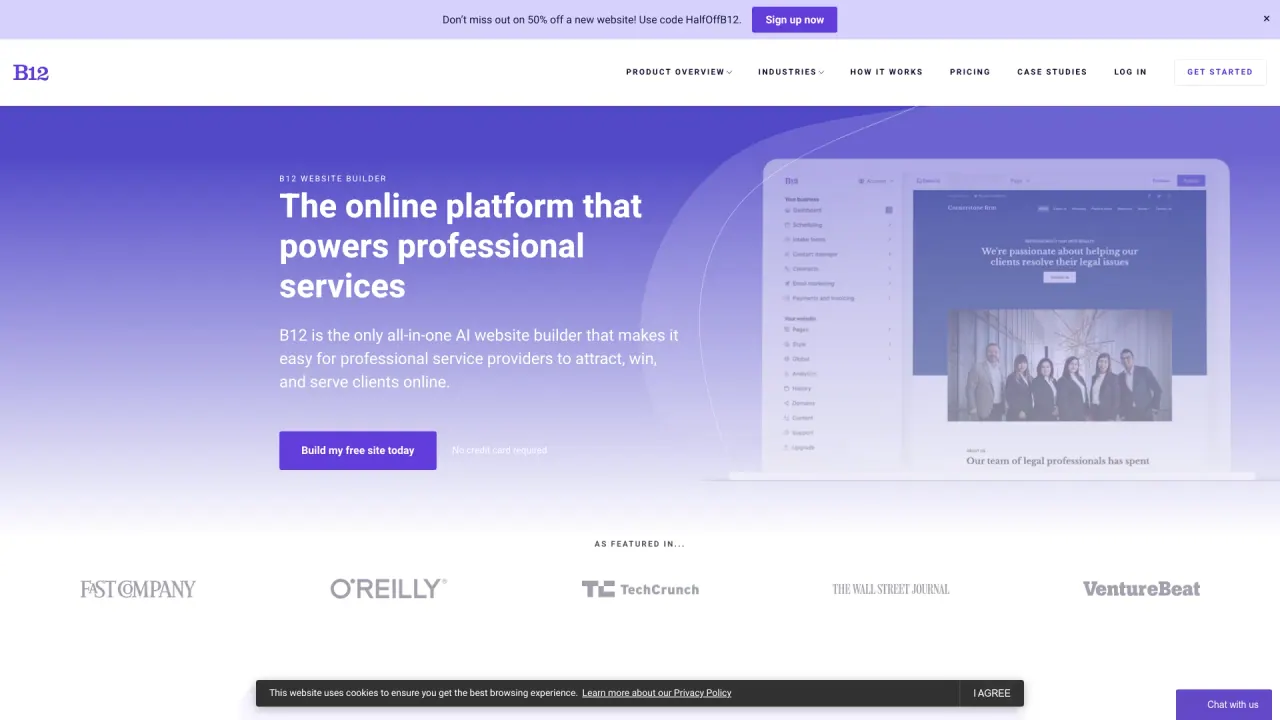
What does B12 do?
What are the benefits of using B12's AI-generated website tool?
B12's AI-powered website tool automates the creation of a professional website by generating a full site, including text and images, within seconds. It also provides built-in business tools like invoicing, scheduling, eSignatures, and email marketing, helping you connect with clients more efficiently and save time so you can focus on your core business.
How does B12 ensure security and collaboration for businesses?
B12 uses premier security measures, including HTTPS and TLS certificates, to protect websites built on the platform. The system is designed for teamwork, allowing you to invite team members to help manage your website, client interactions, communications, documents, appointments, and payments in a secure, collaborative environment.
What features are included in B12's built-in tools for business websites?
B12 includes a suite of built-in tools to streamline client interactions and services, such as eSignatures for secure agreements, contact forms, online appointment scheduling, invoicing, and email marketing capabilities.
How does the B12 AI website builder work?
Start for free, tell AI what to build, and your personalized site comes to life in seconds. You can refine the content and tools, edit as needed, and launch your site with ease.
Can I preview AI-generated starting points and start for free?
Yes. B12 offers AI-generated starting points that you can preview and customize to build a site that’s uniquely yours.
What industries does B12 support?
B12 serves all industries, with templates and designs available for various sectors, including law, insurance, and consulting, among others.
Is there a promotional offer, and what does the pricing look like?
There is a limited-time offer to try B12 for $1 per month for 3 months. You can also start for free to explore and preview AI-generated starting points.
Does B12’s AI have any limitations or disclaimers?
B12 may make mistakes; please use the tool with discretion.
Is this your tool?
Claim B12 to manage this listing, or upgrade to Pro for featured-first placement and a newsletter feature.