
Audyo
AI Audio Generator
Effortlessly craft professional audio recordings with Audyo—a revolutionary AI audio generator. Simplify the process of creating high-quality audio outputs without technical expertise.
Promoted
 Pixmax.aiPixmax.ai is an all-in-one AI workspace for videos, visual stories, and marketing content.
 AI Checker PlusAI detector that highlights which passages AI wrote. Free check, no sign-up. Plagiarism too.
 RewindType any X/Twitter handle. Get their year back as a narrated video story. Then ask it anything.
 KurodyneSell the tools from your AI side projects. Listing is free.
 Sidrune AI85% off. Stable Claude API for agent developers. Pay as you go. Invoices & refunds available.
 SEOify - Improve your SEO & rankingsBuild links to rank in Google. Improve your DR with links you can start building now.Advertise here270,000+ people visit Dang.ai every month.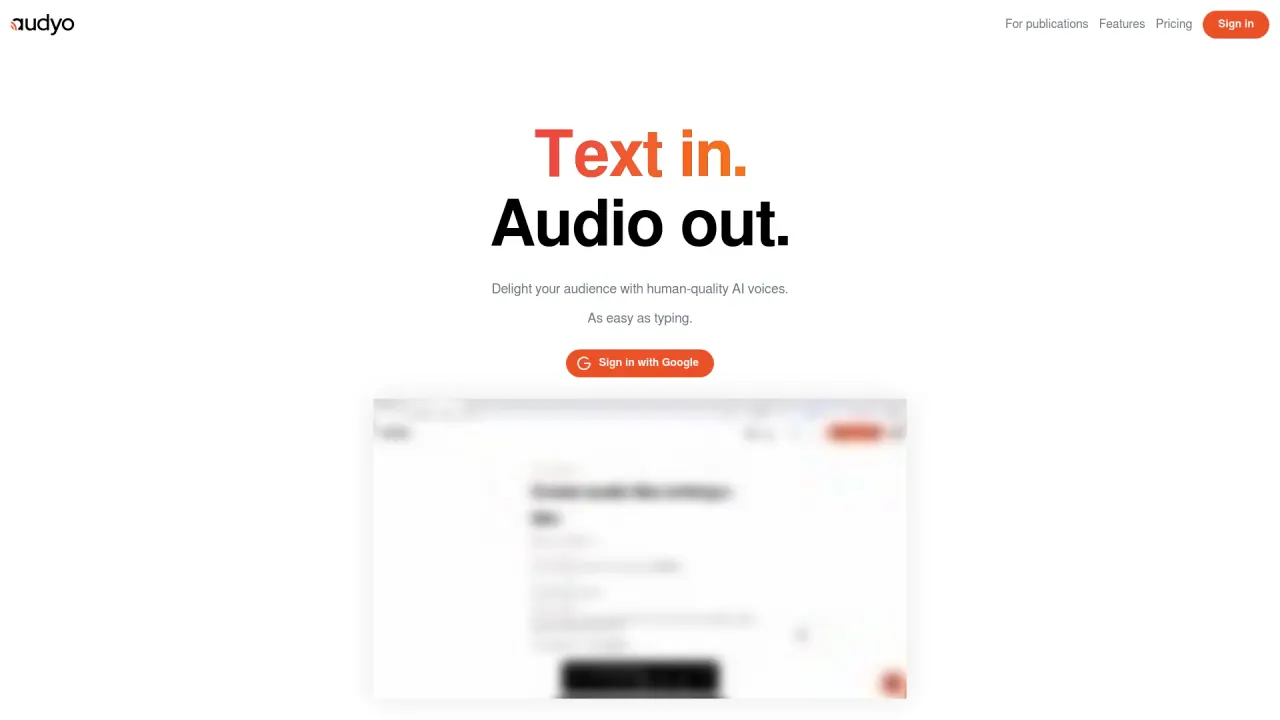
What does Audyo do?
What features make Audyo stand out for content creators?
Audyo delivers human-quality AI voices for text-to-speech, with a library of 100+ voices across languages and accents, including celebrity voices like Donald Trump, Joe Biden, Morgan Freeman, and Taylor Swift. It supports English, French, Spanish, German, Italian, Brazilian Portuguese, Japanese, Korean, Chinese, Hindi, Arabic, Turkish, Russian, and more. It’s designed for ease of use: type your script and edit words directly rather than fiddling with waveforms. You can adjust pronunciations with phonetics, format scripts with Markdown, and add pauses using horizontal dividers. Create conversations by swapping between speakers, making Audyo suitable for videos, podcasts, audiobooks, presentations, and more.
How can Audyo be used in different content formats?
Audyo can power professional voiceovers for videos, podcasts, audiobooks, and presentations. Use the quick speaker-switch to create dialogues, drop the audio into video or slides, and export it for use wherever you need clear, natural-sounding narration.
What languages and voices does Audyo support?
Audyo supports a growing list of languages and accents, including English, French, Spanish, German, Italian, Brazilian Portuguese, Japanese, Korean, Chinese, Hindi, Arabic, Turkish, Russian, and more. It offers over 100 voices across languages and accents, including celebrity voices such as Donald Trump, Joe Biden, Morgan Freeman, and Taylor Swift.
Can I create conversations with multiple voices?
Yes. Audyo includes a Create Conversations feature that lets you quickly swap between speakers to build dialogues and multi-voice content.
Can I mix languages in a script?
Yes. Audyo’s multilingual capabilities allow mixing languages within your script, enabling global reach and diverse storytelling.
Can I customize pronunciations or phonetics?
Yes. You can edit phonetics to fine-tune pronunciations and ensure words sound exactly how you want them.
Does Audyo support Markdown formatting for scripts?
Yes. Audyo supports Markdown formatting, allowing you to use headings, lists, code snippets, and to add pauses between paragraphs with horizontal dividers.
What does "Edit words, not waveforms" mean?
It means you can refine your script by editing the text itself rather than adjusting waveform editing. You can improve phrasing, pacing, and pronunciation by editing the written content.
How do I export or download audio?
You can export and download your audio instantly. Download your audio to use in videos, podcasts, presentations, or other projects, and drop it into your preferred workflow.
How secure is my content on Audyo?
Audyo emphasizes data security: it uses encryption for data in transit and at rest, and it does not retain your input text or generated audio after delivery. The free plan includes an audio watermark. For detailed practices, review Audyo’s privacy policy.
What is the pricing model for Audyo?
Audyo offers three plans:
- Free Plan: Ideal for beginners. Includes 15 minutes of audio per month, unlimited downloads and listening, an embeddable web player, and a shareable web player. Audio watermark included.
- Basic Plan: Priced at $3 for 1 hour, $7 for 3 hours, or $12 for 6 hours. Includes all benefits of the Free plan.
- Pro Plan: $29 per month (discounted from $49). Includes everything in the Free plan, plus additional features: no audio watermark, custom embed player colors, download subtitles, create custom intros, multilingual translation, MP3 file upload, and download block MP3s as a ZIP file. Bonus: +3 hours of audio free.
Is this your tool?
Claim Audyo to manage this listing, or upgrade to Pro for featured-first placement and a newsletter feature.