
Social Media Post Generator
Verified
AI Social Media Post Generator
Flick’s AI Social Assistant helps you plan, write, hashtag, schedule, and analyze social posts across major platforms.
- Pricing
- Freemium
- Category
- Advertising
- Listed
- Aug 4, 2023
- Updated
- Oct 23, 2026
Promoted
 KurodyneSell the tools from your AI side projects. Listing is free.
 Sidrune AI85% off. Stable Claude API for agent developers. Pay as you go. Invoices & refunds available.
 Pixmax.aiPixmax.ai is an all-in-one AI workspace for videos, visual stories, and marketing content.
 RewindType any X/Twitter handle. Get their year back as a narrated video story. Then ask it anything.
 SEOify - Improve your SEO & rankingsBuild links to rank in Google. Improve your DR with links you can start building now.Advertise here270,000+ people visit Dang.ai every month.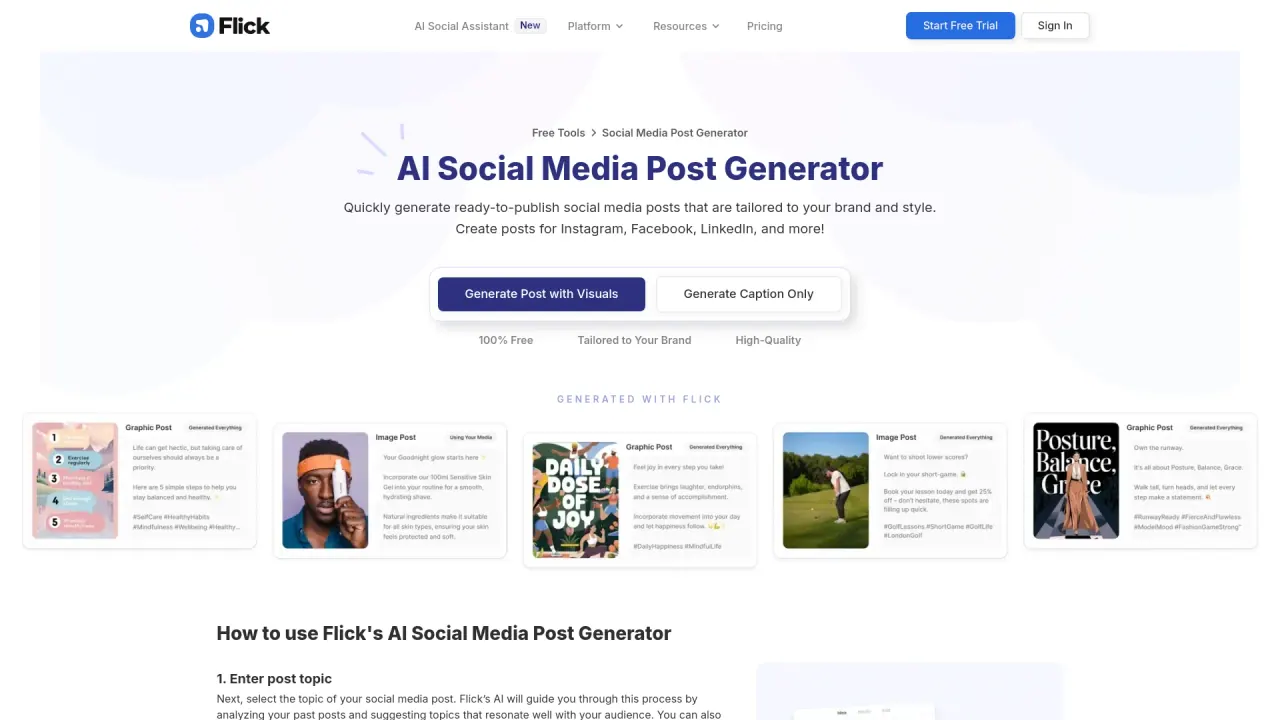
What does Social Media Post Generator do?
Flick is an all-in-one social marketing platform built to help busy business owners, marketers, and creators manage and grow their social presence. It brings together scheduling, hashtag tools, AI caption/post assistance, and analytics so you can spend less time juggling tasks and more time publishing with confidence.
At the center of Flick is Iris, the AI Social Media Assistant. Iris helps with strategy and planning, supports content creation, and generates captions to reduce manual work across your workflow. Whether you’re refining your approach or drafting posts faster, Iris is designed to guide you through key steps.
Flick also includes a Post Scheduler with a drag-and-drop calendar and feed preview, making it easier to plan content ahead of time. You can pair that planning with hashtag tools to discover relevant tags, manage them, and track performance using reporting so you can make smarter decisions about what to post and when.
You can use Flick in a web browser or through iOS/Android. Start with a 7-day free trial to explore the platform, including scheduling, AI assistance, hashtag tools, and analytics.
What is Flick and what does it help me do?
Flick is an all-in-one social media marketing platform that combines scheduling, hashtag tools, AI writing assistance, and analytics to help you grow and manage your socials.
What is Iris in Flick?
Iris is Flick’s AI Social Media Assistant. It supports strategy and planning, helps with content creation, and provides help with caption writing across your workflow.
Can I schedule Instagram posts with Flick?
Yes. Flick lets you visually plan and schedule Instagram posts using a drag-and-drop calendar, with a feed preview and hashtag support within the same platform.
Which platforms can I schedule posts for?
Flick supports visual planning and scheduling for Instagram, Facebook, TikTok, and LinkedIn, using a drag-and-drop calendar and feed preview.
How do Flick’s hashtag tools work?
Flick helps you find, manage, and track hashtags, including hashtag search in 20+ languages. If the hashtags are discoverable on Instagram, they’re available in Flick.
What devices can I use Flick on, and can I try it for free?
You can use Flick on a web browser or via the iOS or Android app. It offers a 7-day free trial.
This listing is claimed
Own Social Media Post Generator? Sign in with the email used to claim it to manage this listing, or upgrade to Pro for featured-first placement and a newsletter feature.