
Vheer
Verified
AI Text to Image Generator
Generate Professional & High-quality Images for Your Creative Projects with Vheer - 100% Free, No Watermark!
Promoted
 RewindType any X/Twitter handle. Get their year back as a narrated video story. Then ask it anything.
 KurodyneSell the tools from your AI side projects. Listing is free.
 Sidrune AI85% off. Stable Claude API for agent developers. Pay as you go. Invoices & refunds available.
 Pixmax.aiPixmax.ai is an all-in-one AI workspace for videos, visual stories, and marketing content.
 SEOify - Improve your SEO & rankingsBuild links to rank in Google. Improve your DR with links you can start building now.Advertise here270,000+ people visit Dang.ai every month.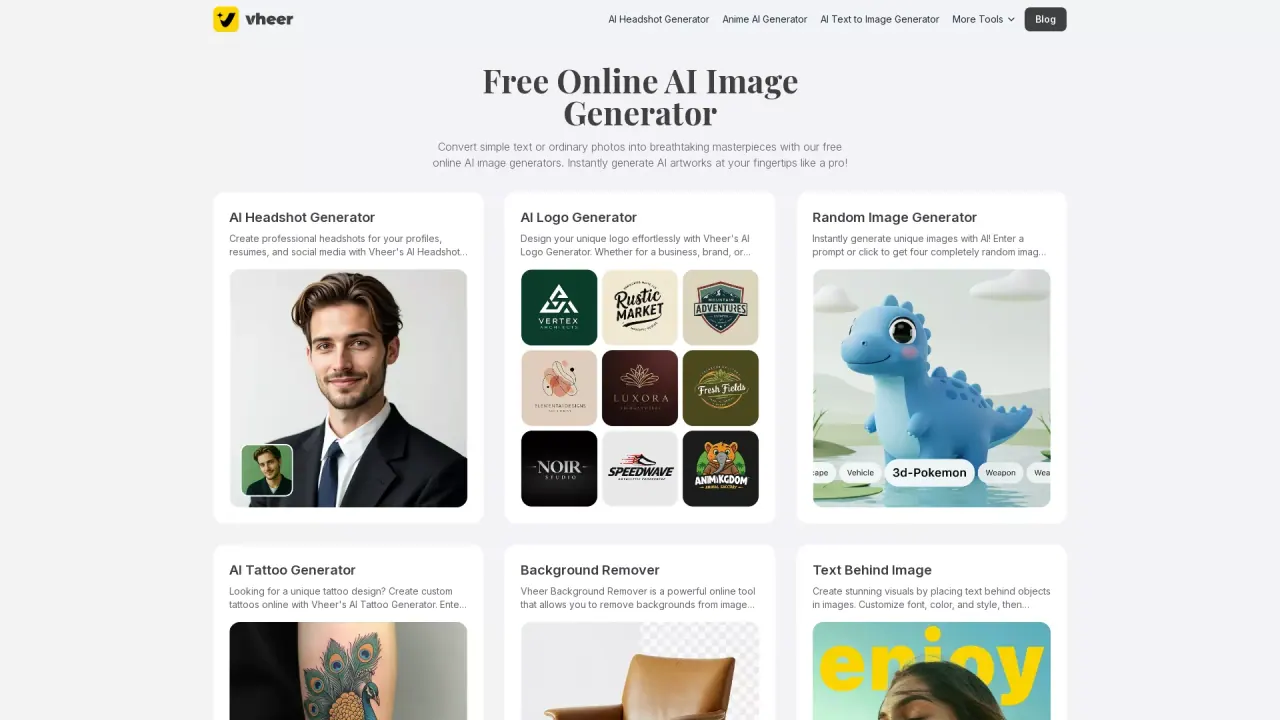
What does Vheer do?
What is Vheer AI and what can it do?
Vheer is an all-in-one AI creative platform that lets you generate images from text, turn photos into videos, and merge multiple reference images into a single ready-to-use visual for marketing, social media, or creative projects. All tools and workflows are integrated into one unified dashboard, enabling you to describe, generate, and edit AI images and videos without switching between multiple apps.
Do I need to sign up to use Vheer?
You can access basic features without creating an account. If you want to use advanced models for higher quality and faster generation, or manage your history and credits, signing up is required.
How do credits work?
Vheer uses a flexible credits system based on what you create. Image generation tasks usually cost fewer credits, while video generation requires more. The exact credit usage depends on the AI model you choose. Before you start any task, Vheer will clearly show how many credits will be used.
Can I generate AI images without a watermark?
Yes. All images created on Vheer can be exported in high resolution without watermarks.
What AI generation models are available on Vheer?
Vheer offers multiple models for image and video generation, including Vheer Quality Free, Nano Banana Pro, Nano Banana 2, Flux Klein, SeeDream V4, SeeDance V1 Pro Fast, Veo3 Fast, LTX Video 2.3 Fast, Sora 2, MiniMax Image 01, and MiniMax Hailuo 2.3 Fast. Each model varies in quality, speed, and style.
Can I customize the video creation?
Yes. You can customize video creation by selecting aspect ratios (1:1, 4:3, 9:16, 16:9), choosing models such as Vheer Quality Free, SeeDance V1 Pro Fast, or Veo3 Fast, and enabling prompt enhancement for better results.
What is an image-to-image generator?
An image-to-image generator creates a new image based on an existing one. You upload a reference image, and the AI generates a new version inspired by it while keeping key elements like layout, colors, or style. It’s useful for creating variations, changing styles, or quickly improving an image.
What is Prompt Enhancement?
Prompt Enhancement is a feature that makes it easier to write strong prompts for AI image generation. It helps refine prompts to produce better visuals.
What is Combine Photos?
Combine Photos lets you upload multiple reference images and describe how elements should interact. Vheer will instantly create a single high-quality visual that blends the references for purposes like product photos, fashion visuals, or creative compositions.
Is my data secure on Vheer?
Yes. Vheer is designed with user privacy and security in mind. Your data and generated content are processed securely, and your files are not shared with others.
How can I contact support?
If you have any issues, please contact support@vheer.com.
Can I view and manage my generation history?
Yes. Vheer tracks generation history for users, helping you review and reuse previous prompts and outputs.
What tools exist under Image Tools?
Vheer offers a suite of image tools, including Image Invert, Image Grayscale, Image Black White, Image Flip, Image Blur, Face Blur, Image Resizer, Image HSL, Image Splitter, Image Outline, Background Blur, Color Palette, and Image Combiner.
This listing is claimed
Own Vheer? Sign in with the email used to claim it to manage this listing, or upgrade to Pro for featured-first placement and a newsletter feature.