
Narakeet
AI Voiceover And Narrated Video Generator
Narakeet turns scripts, documents, and slides into realistic narrated audio or full videos with subtitles in 100 languages.
What does Narakeet do?
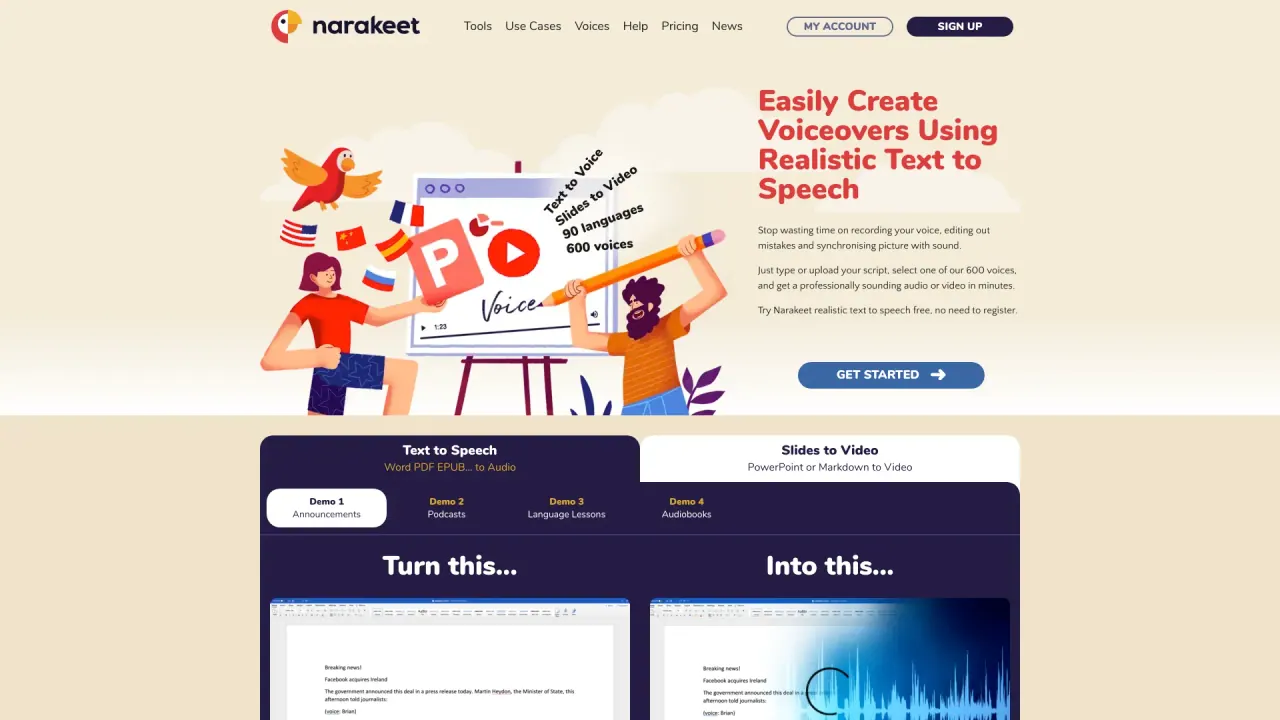
Narakeet is a text-to-speech and video creation platform designed to help you produce narrated audio and presentation videos quickly—without recording your voice, re-recording takes, or manually syncing narration to visuals.
Generate natural-sounding narration by typing or uploading a script and choosing from 900 voices across 100 languages. You can also convert Word, PDF, and EPUB content directly into audio, then iterate by updating the text.
For video production, Narakeet converts slides (PowerPoint, Google Slides, Keynote) into narrated videos, lets you script entire videos using Markdown, and embeds visual assets like images, screen recordings, and video clips. Add subtitles and closed captions automatically, and create synchronized dubbing audio from subtitle files (SRT or WebVTT).
If you need scale, Narakeet can produce multiple versions of the same video in different languages and/or resolutions. Developers can automate workflows using the Narakeet API or a command-line client.
What can I create with Narakeet?
You can generate realistic text-to-speech audio or create narrated videos from scripts and slide presentations. Narakeet can also add subtitles/closed captions and produce synchronized dubbing from subtitle files.
How many languages and voices are available for narration?
Narakeet offers text-to-speech in 100 languages with 900 voices.
Can I convert my documents into audio?
Yes. Narakeet can convert Word, PDF, and EPUB files into audio.
Can Narakeet turn PowerPoint or slides into a video with narration?
Yes. You can convert PowerPoint presentations (and also Google Slides or Keynote) into video, then add voiceover narration. It can also create slide shows with music.
Does Narakeet support subtitles and dubbing?
Yes. Narakeet can automatically add subtitles/closed captions, and it can convert SRT or WebVTT subtitle files into synchronized dubbing audio in 100 languages.
Is there a way to automate video production?
Yes. Narakeet provides a developer API and a command-line client so you can integrate video production into automation and continuous delivery pipelines.
Is this your tool?
Claim Narakeet to manage this listing, or upgrade to Pro for featured-first placement and a newsletter feature.