
Parsio
AI Document Parser
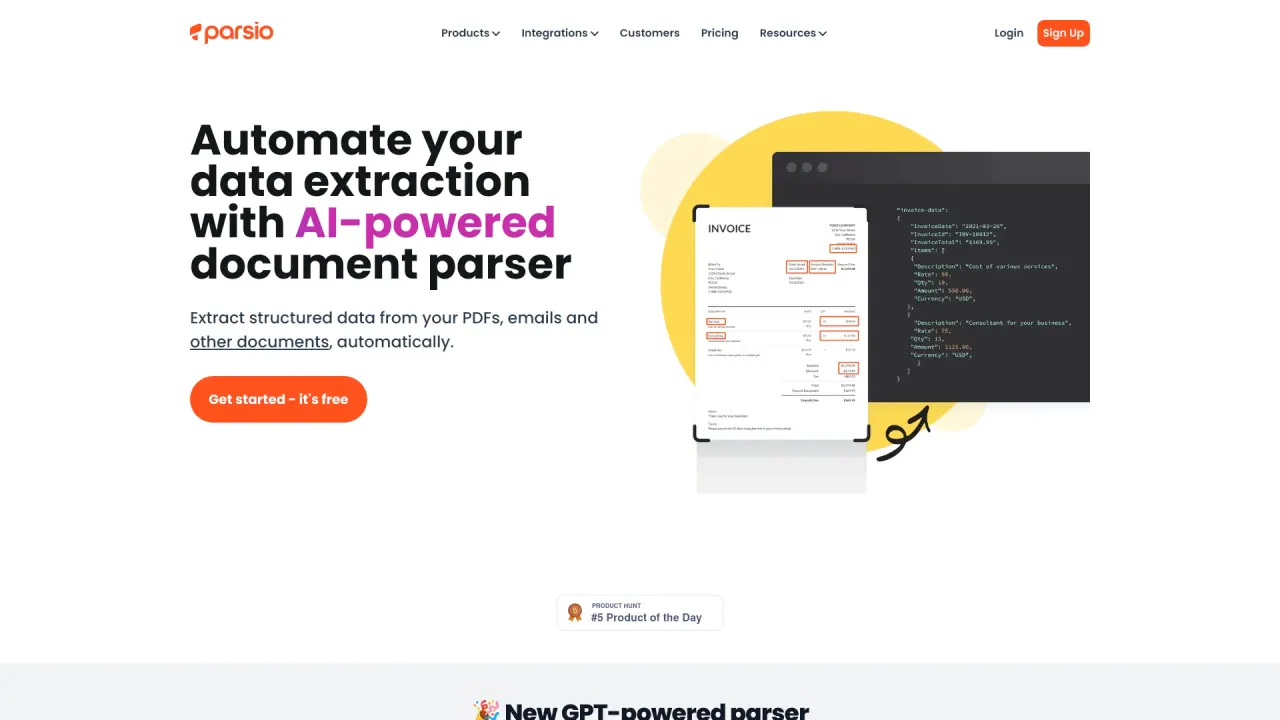
Automate data extraction with AI-powered document parser.
What does Parsio do?
What is Parsio and what can it do for me?
Parsio is an automation platform that extracts data from emails and documents automatically using AI-powered parsing and OCR. It offers a PDF parser with pre-built models for invoices, business cards, ID documents, and more, plus an email parser to capture data from emails and attachments in real time. With built-in templates and easy export to popular apps, Parsio helps you automate data entry, improve data quality, boost productivity, run workflows automatically, and save time.
What document types can Parsio parse?
Parsio’s PDF parser handles many document types with pre-built models (invoices, business cards, ID documents, and more). It supports table extraction with variable row counts and can recognize handwritten and printed text in Latin and European languages. The email parser captures data from emails and attachments, including PDF, HTML, XLSX (Excel), CSV, DOCX, XML, TXT and more.
Can Parsio extract data from tables in PDFs?
Yes. Parsio’s PDF parser includes table extraction that handles tables with a variable number of rows.
What languages does Parsio support for text recognition?
Parsio is trained to recognize handwritten and printed text in Latin and European languages.
How do I get started with Parsio?
Getting started is quick: a 5-minute setup, no-code templates, and an API option. You can start for free, and no credit card is required.
What templates and data export options are available?
Parsio includes built-in templates to parse emails from platforms like HARO, Airbnb, and LinkedIn, and more. You can apply custom formatting and business logic before exporting parsed data, and you can export to applications such as Google Sheets, QuickBooks, and Google Drive, as well as upload attachments to Cloud Storage and other integrations.
What integrations does Parsio offer?
Parsio integrates with Google Sheets, Slack, QuickBooks, and Google Drive, among other tools. It also supports connectors like Zapier, Make, Pabbly Connect, KonnectzIT, and Integrately to connect with many apps.
Do I need to code to use Parsio?
No. Parsio offers a no-code experience with templates and an API for developers, making it easy to set up data extraction without programming.
How is Parsio priced?
Pricing details are available on the Pricing page. You can start with a free option, and there are paid plans with additional capabilities and usage. For the latest options and terms, see the Pricing page.
Is my data secure and compliant with privacy laws?
Parsio adheres to data protection practices and GDPR. You can review the Security, Privacy & Cookies, Data Protection, and DPA pages for details on security measures and compliance.
Where can I get help or learn more?
Help resources are available via the Help Center, Blog, Status, and Product Updates. You can also explore integrations and API information in the Resources area.
Is this your tool?
Claim Parsio to manage this listing, or upgrade to Pro for featured-first placement and a newsletter feature.