
PDF Summarizer
Verified
AI PDF Summarization Tool
Never read a full PDF again. PDF summarizer scans documents and pulls out only what you need to know.
Promoted
 Pixmax.aiPixmax.ai is an all-in-one AI workspace for videos, visual stories, and marketing content.
 AI Checker PlusAI detector that highlights which passages AI wrote. Free check, no sign-up. Plagiarism too.
 RewindType any X/Twitter handle. Get their year back as a narrated video story. Then ask it anything.
 KurodyneSell the tools from your AI side projects. Listing is free.
 Sidrune AI85% off. Stable Claude API for agent developers. Pay as you go. Invoices & refunds available.
 SEOify - Improve your SEO & rankingsBuild links to rank in Google. Improve your DR with links you can start building now.Advertise here270,000+ people visit Dang.ai every month.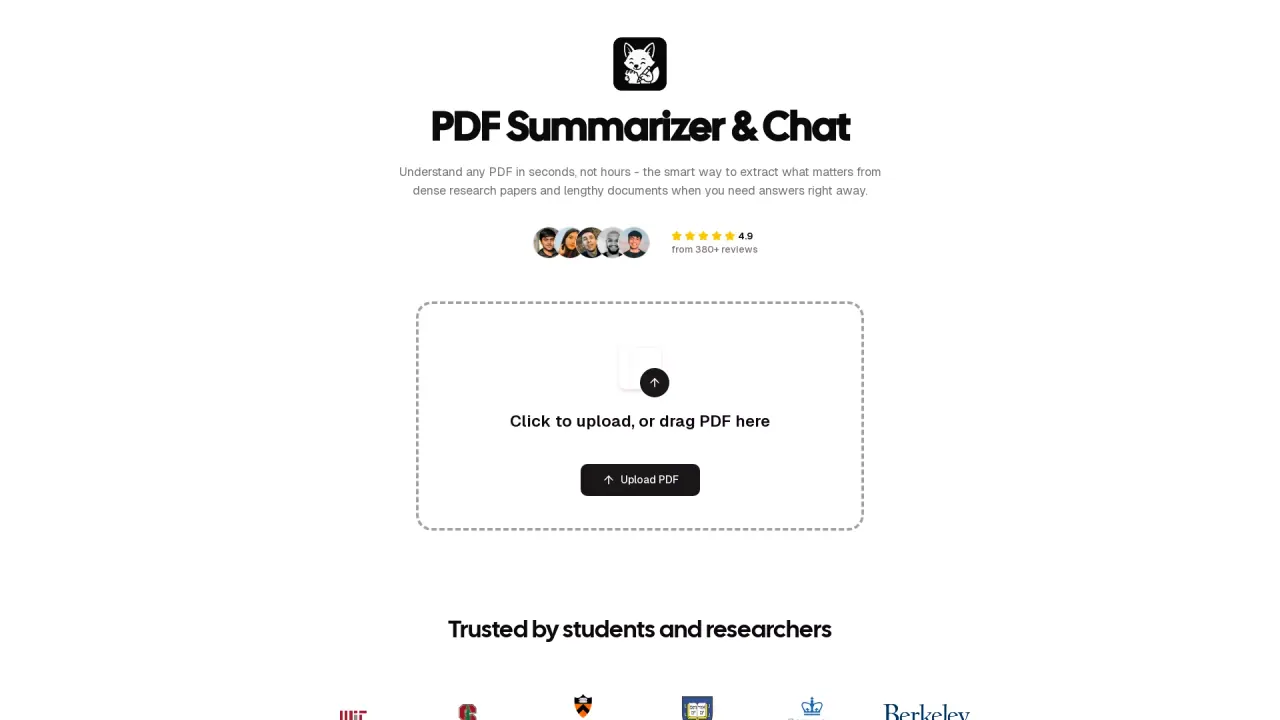
What does PDF Summarizer do?
What is PDF Summarizer and how can it help me?
PDF Summarizer lets you talk with your documents as if you’re having a conversation. Upload a file and ask questions to get quick, targeted answers, summaries, or highlights without reading the entire document.
Is there a free tier or trial, and how does pricing work?
You can try PDF Summarizer for free with your first few messages. After that, a subscription is required to continue using the service.
What is the maximum file size and page limit for uploads?
You can upload PDF files up to 50MB in size and up to 500 pages long.
Do I need to create an account to use PDF Summarizer?
No, you can try it out without signing up. Just upload a file and start exploring.
How does the AI in PDF Summarizer work?
The system builds a map of the document and, when you ask questions, quickly locates the relevant parts and provides clear answers. It also shows you exactly where the information came from in the original document.
How can I ensure my data is secure and private?
Your documents are protected with strong encryption during transfer and storage. The service carries SOC 2 Type II certification for security, and you retain control of your data with the ability to delete documents whenever you want.
Can I upload documents in languages other than English, and can I chat in my preferred language?
Yes. PDF Summarizer supports documents in any language, and you can ask questions in your preferred language. You can also have a document in one language and chat in another.
On which devices can I use PDF Summarizer?
PDF Summarizer is accessible from any device with a web browser—computer, tablet, or phone.
Does PDF Summarizer use GPT-5 or other AI models?
The system routes questions between GPT-5 and GPT-5-mini models to balance speed and quality.
Why should I use PDF Summarizer for PDF analysis instead of a general AI like ChatGPT?
PDF Summarizer is designed specifically for working with documents. It shows your chat alongside the document and lets you jump to exact source locations in the original file, making it faster and more reliable for document-focused tasks.
How do I upload files and start a summary?
Drag & drop or click to add an image, PDF, or audio file, then begin asking questions about the content.
Can I work with multiple PDFs in a single conversation?
Yes. The Multi-File Chats feature lets you add multiple PDFs to one conversation and ask questions across documents without switching tabs.
What is the Side-by-Side View and how does it help?
Side-by-Side View shows your document and chat in the same window, letting you see sources, click through to exact locations, and explore topics without losing your place.
How are sources shown in the results?
When you ask a question, the AI highlights the exact portion of the document that supports the answer, so you can verify information directly in the source.
How can I delete my uploaded documents or data?
You have control over your data and can delete your documents from the platform at any time.
This listing is claimed
Own PDF Summarizer? Sign in with the email used to claim it to manage this listing, or upgrade to Pro for featured-first placement and a newsletter feature.