
PDF Guru
Verified
AI PDF Summarizer - AI Data analysis & extraction tool
PDF Guru summarizes uploaded PDFs with AI and lets you chat for follow-up questions, translations, simplifications, and key-point extraction.
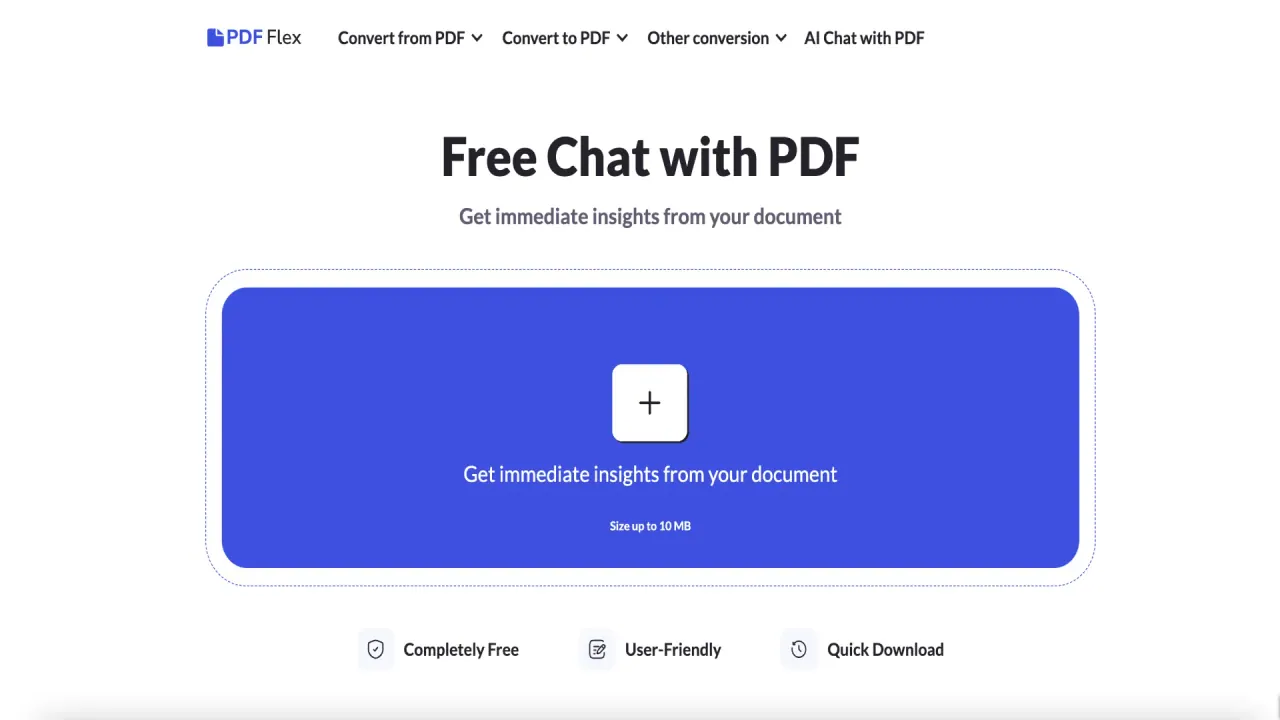
What does PDF Guru do?
Upload a PDF to PDF Guru and get an AI-generated summary in seconds, designed to help you understand long documents without endless scrolling.
After the summary is ready, use the AI chat to clarify content and go deeper—such as translating text, simplifying it, rephrasing it, or extracting key information from the document.
PDF Guru is built for ease of use in your browser on Mac or any device with an internet connection, with upload protection during processing. You can start free with your first summary, then upgrade for unlimited access and additional PDF tools like convert, compress, edit, and e-sign.
Can PDF Guru summarize a PDF file?
Yes. Upload your PDF and the AI analyzes it to produce a concise summary, which you can review right away.
What can I do after I get the summary?
Use the AI chat to translate, simplify, rephrase, or extract key information, and ask follow-up questions about specific parts of your PDF.
Is there a free option for summaries?
Yes. Your first PDF summary is free, and you can ask up to three questions in the chat before you upgrade for more.
How big can my PDF be when I upload it?
PDF uploads support sizes up to 100 MB.
Does PDF Guru work on a Mac and other devices?
Yes. It runs in the browser, so you can use it on Mac or any device with an internet connection—no app installation needed.
Is it safe to upload documents for summarization?
PDF Guru uses HTTPS encryption to protect your files during upload and processing, and it’s verified by Google Safe Browsing.
Is this your tool?
Claim PDF Guru to manage this listing, or upgrade to Pro for featured-first placement and a newsletter feature.