
GptForWork
Verified
AI Spreadsheet Automation
Automate spreadsheet and document work with AI by integrating model-powered actions into Excel and Google Sheets.
Promoted
 AI Checker PlusAI detector that highlights which passages AI wrote. Free check, no sign-up. Plagiarism too.
 RewindType any X/Twitter handle. Get their year back as a narrated video story. Then ask it anything.
 KurodyneSell the tools from your AI side projects. Listing is free.
 Sidrune AI85% off. Stable Claude API for agent developers. Pay as you go. Invoices & refunds available.
 Pixmax.aiPixmax.ai is an all-in-one AI workspace for videos, visual stories, and marketing content.
 SEOify - Improve your SEO & rankingsBuild links to rank in Google. Improve your DR with links you can start building now.Advertise here270,000+ people visit Dang.ai every month.
What does GptForWork do?
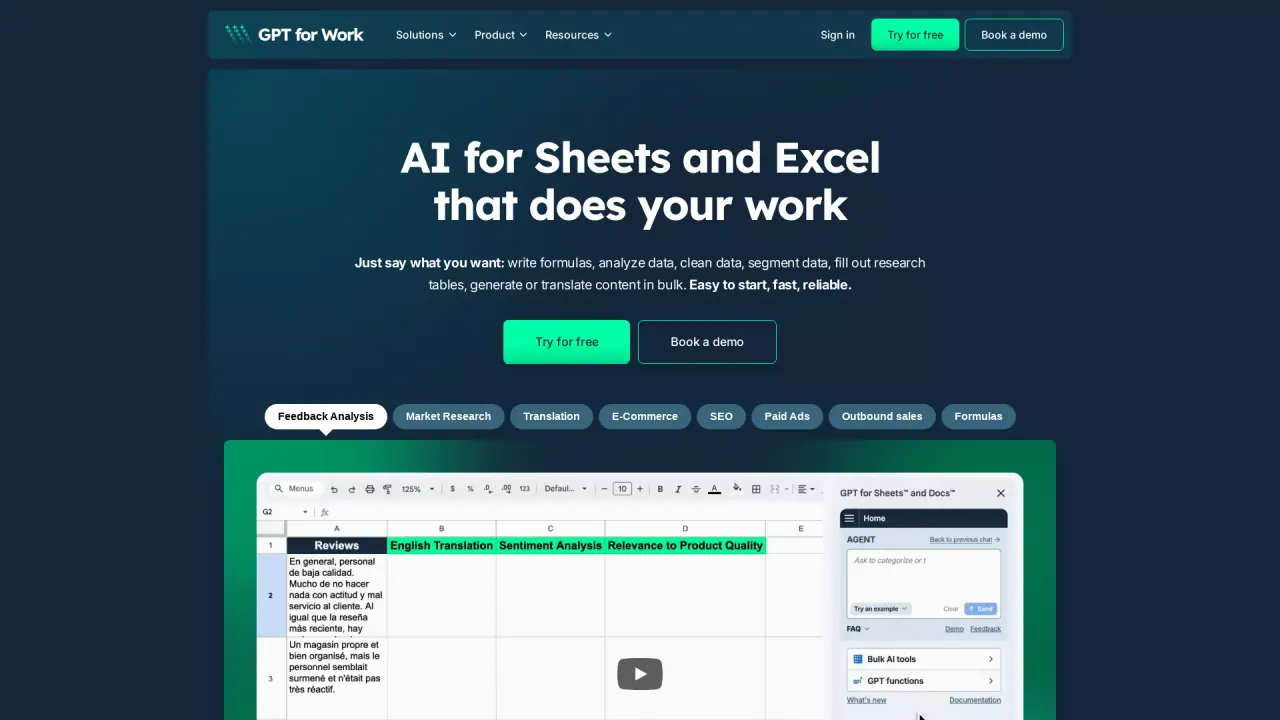
GPT for Work (Autosheet) is an AI agent built for spreadsheet workflows in Excel and Google Sheets, designed to help you move faster on row-by-row tasks. Instead of switching between tools, it brings AI-powered processing directly into your sheets so you can clean, enrich, categorize, translate, and generate content at scale.
Key capabilities include cleaning messy data (fixing inconsistent names and dates, removing duplicates, standardizing values), applying the same prompt to thousands of rows, and enriching rows through web research while writing results back into your spreadsheet with sources you can check. It can also help with spreadsheet authoring tasks like writing, checking, and fixing formulas; formatting and organizing tables; and sorting/restructuring data for easier analysis.
If you want to understand what your sheet is saying, GPT for Work supports analysis and explanations—so you can ask questions to find trends, compare groups, and diagnose unusual results without manually reviewing every row. There’s also a focus on reliability and speed for bulk processing (including applying work across hundreds of thousands of rows).
For teams that need more control over model choice, the platform is multi-AI provider friendly and can even work with custom AI endpoints. It’s available as GPT for Excel add-in, GPT for Sheets add-on, and Autosheet MCP for Claude and ChatGPT. Pricing is available on the site with a free trial (no card required) and a pay-as-you-go credit system, with a $29 credit pack as an entry point.
What can I do with GPT for Work inside my spreadsheets?
You can clean messy data, apply the same instructions across thousands of rows, translate and categorize content, enrich rows via research, and generate or fix formulas—without leaving Excel or Google Sheets.
Does it support bulk processing of large datasets?
Yes. GPT for Work is built for fast bulk processing across hundreds of thousands of rows, with real-time progress tracking and controls.
Can I write or repair spreadsheet formulas with it?
Yes. You can describe the calculation you need to create formulas, and it can explain and help find and fix mistakes in existing workbooks.
How does row enrichment work?
It can research missing information for companies or products for each row and write the results back into your spreadsheet, including sources you can check.
Is there a free trial or do I need a credit card?
You can try it for free with no card required.
How does pricing work?
Pricing uses a pay-as-you-go credit system with no monthly subscription. A $29 credit pack is the cheapest entry point, and new users receive free trial credits to test the tool.
This listing is claimed
Own GptForWork? Sign in with the email used to claim it to manage this listing, or upgrade to Pro for featured-first placement and a newsletter feature.