
SkyReels V4
Verified
AI Text to Videos Tool
SkyReels V4 generates cinema-quality videos with synchronized sound and pro editing in a single, multimodal workflow.
Promoted
 Pixmax.aiPixmax.ai is an all-in-one AI workspace for videos, visual stories, and marketing content.
 AI Checker PlusAI detector that highlights which passages AI wrote. Free check, no sign-up. Plagiarism too.
 RewindType any X/Twitter handle. Get their year back as a narrated video story. Then ask it anything.
 KurodyneSell the tools from your AI side projects. Listing is free.
 Sidrune AI85% off. Stable Claude API for agent developers. Pay as you go. Invoices & refunds available.
 SEOify - Improve your SEO & rankingsBuild links to rank in Google. Improve your DR with links you can start building now.Advertise here270,000+ people visit Dang.ai every month.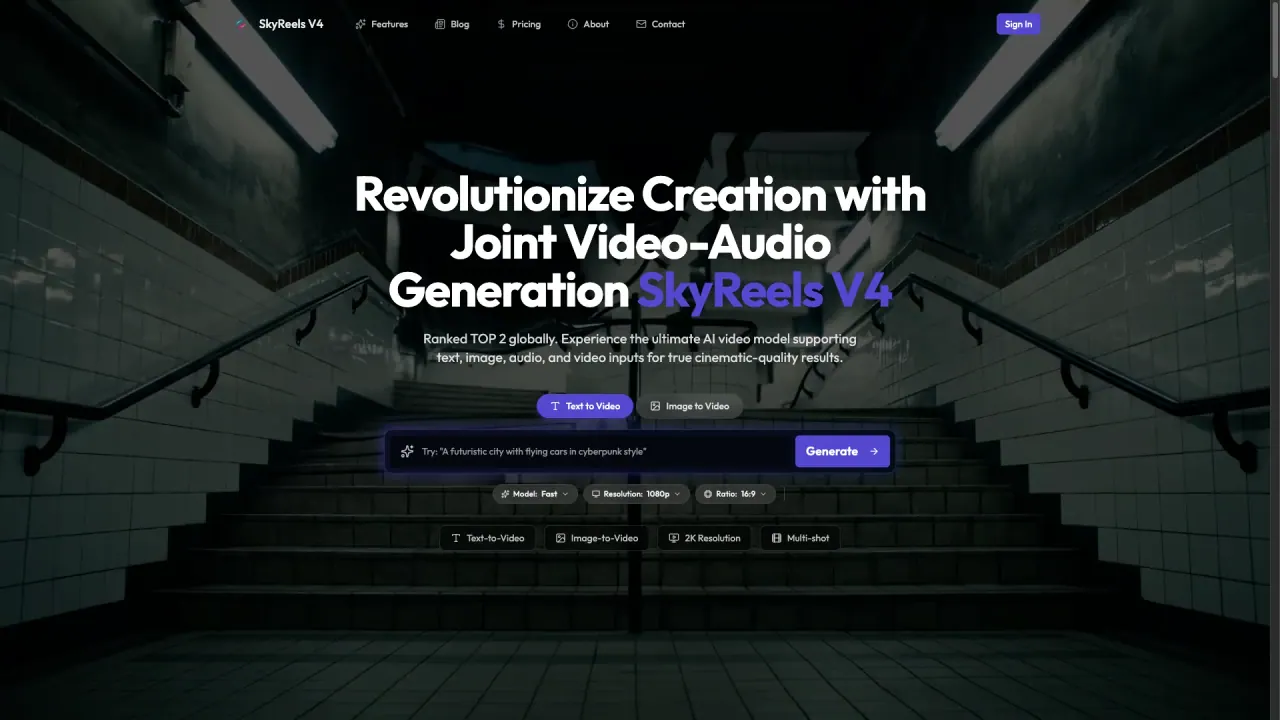
What does SkyReels V4 do?
SkyReels V4 is a multimodal AI video generator accessible through SkyCine, designed to turn ideas into cinematic video output with synchronized audio. It supports multiple input types—text, images, audio, and video—so you can start from a prompt, build from a reference, or remix existing fragments into a new scene.
A standout capability is joint video-audio generation via a dual-stream architecture. Instead of creating visuals first and then adding sound later, SkyReels V4 can generate lip-synced dialogue and ambient audio in a single generation pass. This helps reduce manual post-production effort while keeping visuals and audio aligned.
For creation and refinement, SkyCine provides professional-grade editing tools powered by the SkyReels V4 model. You can perform local modifications such as inpainting and outpainting, replace specific subjects, and remove unwanted elements (like watermarks and logos). Reference images and action guidance also help maintain subject and action consistency across multi-shot sequences.
SkyReels V4 targets creators who want a unified workflow for generating, editing, and restyling AI videos—whether you’re making cinematic intros, social content, product showcases, or stylized sequences. Video output can reach up to 2K resolution, and you can choose settings like style, duration, and aspect ratio. You can start free, with free credits on sign-up and no credit card required.
What can I create with SkyReels V4?
You can generate videos using text prompts, image-to-video, and reference-to-video workflows. You can also combine multimodal inputs (including audio) to shape the final scene.
Does SkyReels V4 generate synchronized audio with the video?
Yes—SkyReels V4 supports joint video-audio generation, including lip-synced dialogue and ambient sound, generated in a single pass.
What editing tools are available for generated videos?
You can make surgical-level local modifications such as inpainting and outpainting, replace specific subjects, and execute element removal (e.g., watermarks and logos).
How does SkyReels V4 help with consistency across multiple shots?
Reference images and action guidance support subject and action consistency across multi-shot sequences, helping characters and motion stay coherent frame to frame.
What resolution and aspect options are supported?
SkyReels V4 can generate up to 2K resolution videos, and you can choose an aspect ratio as part of your customization settings.
Is there a free way to try SkyReels V4?
Yes. You can start free with free credits on sign-up and no credit card required.
This listing is claimed
Own SkyReels V4? Sign in with the email used to claim it to manage this listing, or upgrade to Pro for featured-first placement and a newsletter feature.