
Powersave
Save to Airtable with AI
Save to Airtable with AI.
Promoted
 Pixmax.aiPixmax.ai is an all-in-one AI workspace for videos, visual stories, and marketing content.
 Sidrune AI85% off. Stable Claude API for agent developers. Pay as you go. Invoices & refunds available.
 SEOify - Improve your SEO & rankingsBuild links to rank in Google. Improve your DR with links you can start building now.Advertise here270,000+ people visit Dang.ai every month.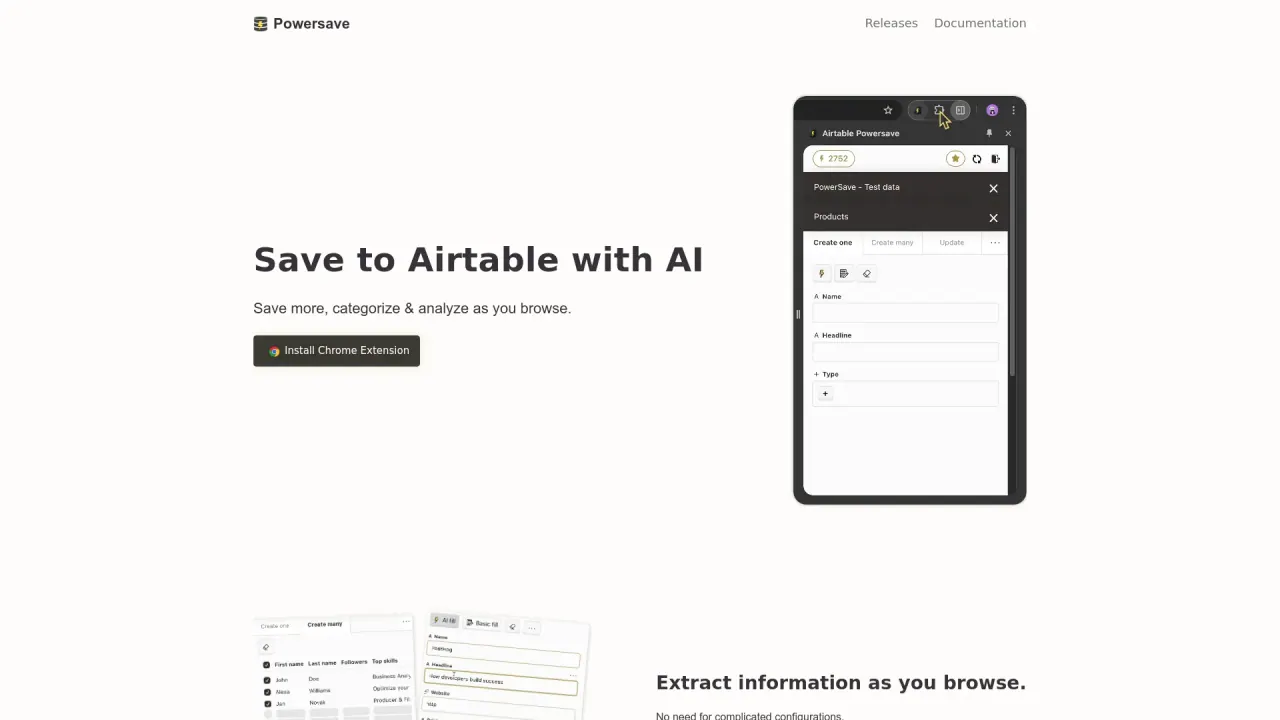
What does Powersave do?
What is Powersave for?
Powersave reads data from the currently open website and allows you to quickly save it to connected destinations like Airtable, Coda, a configured webhook, or email & calendar.
What destinations can I save data to?
Powersave supports saving to Airtable bases and tables, Notion (rows), Coda (rows), and configured webhooks; you can also forward data to email & calendar. More platforms are planned.
What can I save from a website?
Information from the website is autofilled into a form, and you can freely edit and adjust anything.
How does core autofill work?
Core autofill reads structured data on the website and fills the corresponding fields instantly, without AI.
How does AI autofill work, and what are the limits?
AI autofill can fill data into all columns and does not rely on page metadata. It’s available in the Pro plan and includes 100 AI autofills per month, plus capabilities to create records with AI, create tables with AI, and enrich existing records with AI.
What is included in the Core (free) plan?
Core includes: save to any Airtable base/table, save to any webhook URL, unlimited saved websites, autofill for URLs, images, headers, and descriptions, save screenshots, and installation at no cost.
What is included in the Pro plan?
Pro includes everything in Core plus 100 AI autofills per month, and AI-powered actions: create records with AI, create tables with AI, and enrich existing records with AI. Pro features are available in the extension.
How do I install Powersave?
Install the Chrome extension from the Chrome Web Store (Powersave is available as a Chrome extension).
Which browsers are supported?
Powersave currently runs well in Chrome and Brave. Support for Firefox and Safari is planned, and Arc support is more complex due to its extension limitations.
Will Powersave slow down my browser?
No. Powersave is designed to boot up on interaction and only runs when you instruct it.
Is Powersave secure?
Sensitive data, like access tokens, are stored only on the device and not on the Powersave server. Except for initial authentication, which routes through a server, the extension communicates directly with target platform servers, with no middle layer.
Who is behind Powersave?
Powersave is being built by Martin Malinda.
How can I get help or learn more?
Visit the Help Center for tutorials and support, and explore the Blog and Roadmap for latest updates.
What notable data collection features does Powersave offer?
- Non-AI Autofill: core autofill reads structured data from the website.
- AI Autofill: fill all columns with AI (Pro only).
- Screenshots: save website screenshots to attachments.
- Link Match: highlight already-saved pages.
- Clip: clip text and save it to the right columns.
- Rich Text Editor: markdown-style formatting for notes and fields.
This listing is claimed
Own Powersave? Sign in with the email used to claim it to manage this listing, or upgrade to Pro for featured-first placement and a newsletter feature.