
Visily
App Wireframe Designs by AI
Lightning speed app wireframe designs by AI. Design stunning wireframes effortlessly.
What does Visily do?
How does Visily use AI in design?
Visily uses AI to accelerate design work and collaboration, enabling non-designers to contribute to ideation, design, and presentation. It supports transforming input signals into editable designs and speeds up workflows with AI-powered capabilities and collaborative features such as on-canvas chat, comments, follower mode, and shared asset libraries.
What AI-powered features does Visily offer?
- Text to Diagram Beta: instantly create fully editable flowcharts and diagrams from simple text prompts.
- Screenshot to Design: convert an image into an editable high-fidelity design for quick tweaks.
- Sketch to Design: upload a sketch and have Visily convert it into an editable design.
Can I use Visily as a wireframe tool for mobile apps and websites?
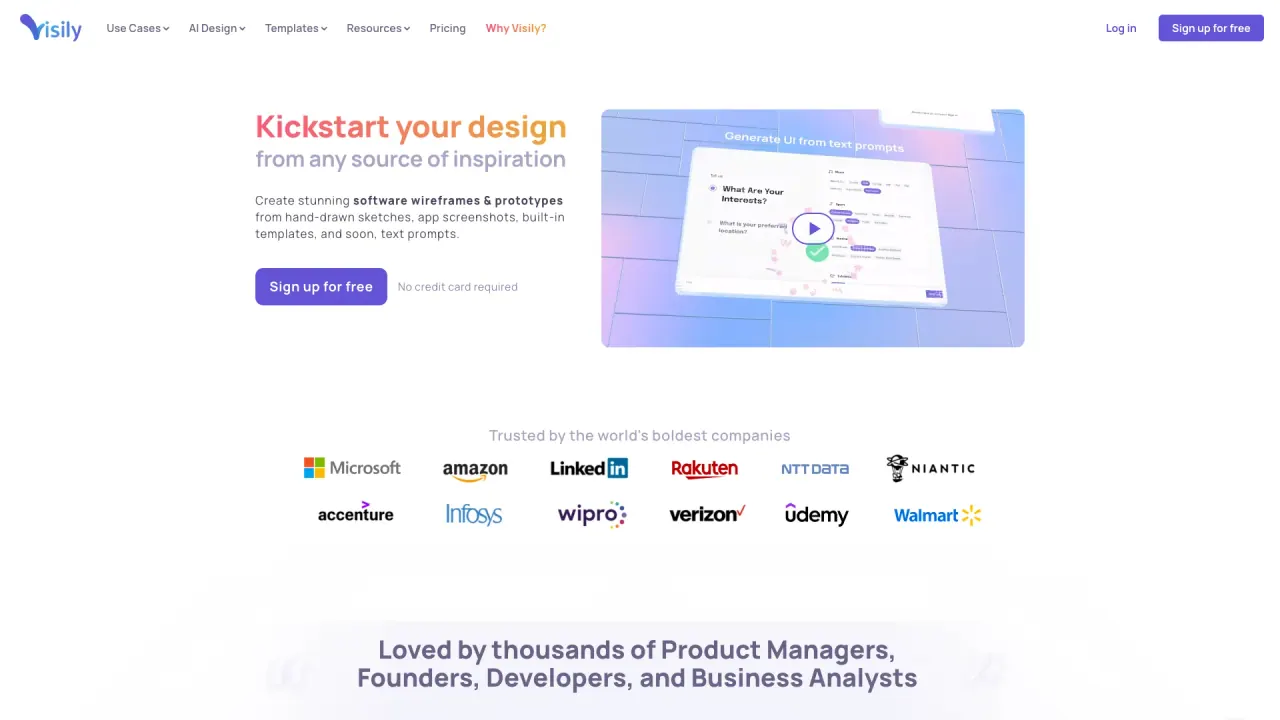
Yes. Visily is designed for wireframing and rapid prototyping, enabling you to start concepts from a text prompt, a screenshot, diagrams, templates, or other inspiration and turn them into shareable visuals.
Do I need design experience to use Visily?
No. Visily is built for non-designers with a no-learning-curve approach. Its drag-and-drop components, templates, and easy-edit AI outputs let you point, click, and share without prior design training.
What makes Visily different from other UI design tools?
Visily emphasizes a user-friendly, AI-assisted workflow with an emphasis on turning inputs into high-fidelity designs quickly. It aims to avoid the traditional blank-canvas hurdle and supports rapid collaboration with simple, intuitive editing.
Can I collaborate with my team in Visily?
Yes. Visily includes collaboration features such as on-canvas chat, comments, follower mode, and shared asset libraries to help teams work together smoothly.
Is Visily good for product managers or startup founders?
Yes. Visily is designed to help non-designers contribute to product ideation, design, and presentation, enabling faster buy-in from clients, executives, and teammates. It’s highlighted by positive testimonials from product-focused professionals.
Does Visily integrate with Figma?
Yes. Visily offers a Figma plugin, enabling integration with your existing design workflow.
What is the pricing for Visily?
Visily offers a free option. There is a Pro plan (annual) that includes additional AI credits (2× the normal amount). There is also a temporary promotion offering 6,000 AI credits per month for the next two months (up from 3,000).
How do I get started with Visily?
You can start from a text prompt, a screenshot, or one of thousands of pre-built templates. Visily emphasizes starting from inspiration and then easily editing everything on the canvas to shape your idea.
What are the limitations of Visily AI?
- Limited features for
advanced design elements; some professional-design capabilities such as complex animations, transitions, or interactions may be lacking.
- Pricing and access considerations; while there is a free option, future paid plans could affect accessibility or value perception.
Are templates and assets available in Visily?
Yes. Visily offers thousands of pre-built templates and a library of assets to help you start quickly and customize easily.
Is this your tool?
Claim Visily to manage this listing, or upgrade to Pro for featured-first placement and a newsletter feature.