
Animate Old Photos
Animate Old Photos with AI
Turns your old photos into vivid videos
Promoted
 Sidrune AI85% off. Stable Claude API for agent developers. Pay as you go. Invoices & refunds available.
 Pixmax.aiPixmax.ai is an all-in-one AI workspace for videos, visual stories, and marketing content.
 SEOify - Improve your SEO & rankingsBuild links to rank in Google. Improve your DR with links you can start building now.Advertise here270,000+ people visit Dang.ai every month.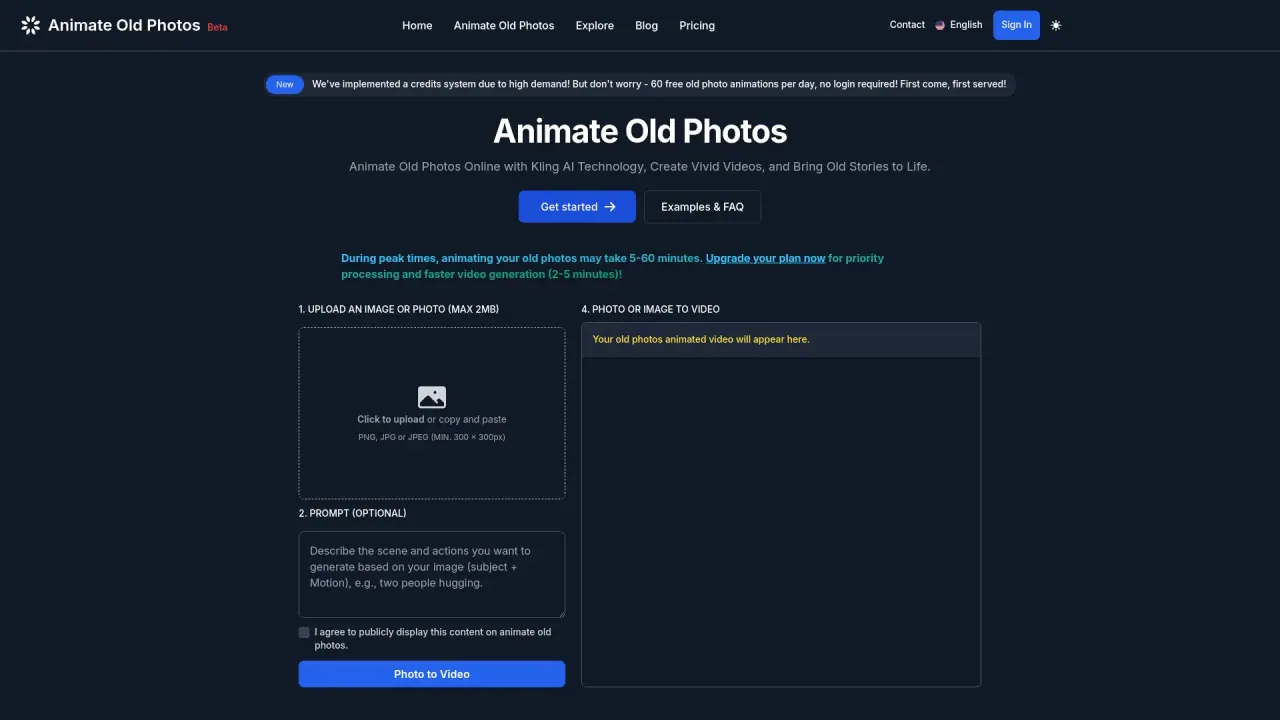
What does Animate Old Photos do?
What is Animate Old Photos?
Animate Old Photos is a creative AI-powered tool that turns your old photos into short videos, bringing memories to life. It can produce approximately 5-second videos and offers features like restoration, hugging videos, and other creative AI-driven effects.
How do I animate an old photo?
- Choose a photo from your device. 2) Click the Photo to Video button and add an optional prompt. 3) Download and share your animated video. Typically, it takes about 2-5 minutes to generate, but during peak times it may take longer (5-60 minutes).
How do I create a Hug Video?
Create heartwarming hug videos in 3 steps: select your photo, add a description (e.g., "A girl hugging her mother"), and download your hug video to share. Tutorial available if you want more details.
What should I do if I don’t like how my old photo video turned out?
If the result isn’t to your liking, try leaving the Prompt and Negative Prompt blank to see what the AI generates on its own. You can also try refining your prompt to be clear and concise (1-2 short sentences describing subject and motion). See the User Guide for more tips.
How long does it take to animate a photo, and can peak times affect it?
Typically, 2-5 minutes to render. During peak times, processing can take longer (5-60 minutes). Upgrading your plan can provide priority processing, Advanced mode (1080p HD video and better prompt understanding), and faster generation (2-5 minutes).
What happens if my photo animation fails?
If an attempt fails, your credits are fully refunded. This can happen due to prohibited content or high traffic, but you’ll receive a refund for the failed attempt.
Where can I find and view my old photo videos?
After logging in, click My Videos in the top-right corner. Your videos are stored for 7 days.
Do you offer free animations daily?
Yes. Animate Old Photos provides 60 free old photo animations daily. No login is required, and services are first come, first served.
What benefits come with upgrading my plan?
Upgrading provides priority processing, access to Advanced mode (1080p HD video, better prompt understanding), and faster video generation (2-5 minutes).
Can I cancel my subscription anytime?
Yes. You can cancel your subscription at any time, and your remaining credits stay usable after cancellation. To cancel, log in, click your profile picture, and choose Manage Subscription.
How can I contact support if I have more questions?
If you can’t find the answer, reach out to our customer support team via the Contact Us page. You can also contact us by email, join our Discord, or follow us on Twitter.
This listing is claimed
Own Animate Old Photos? Sign in with the email used to claim it to manage this listing, or upgrade to Pro for featured-first placement and a newsletter feature.