
SliceTube
Verified
AI YouTube video trimming tool
SliceTube is a privacy-first YouTube cutter that trims and downloads clips in MP4, MP3, or WebM up to 4K—no sign-up required.
Promoted
 RewindType any X/Twitter handle. Get their year back as a narrated video story. Then ask it anything.
 KurodyneSell the tools from your AI side projects. Listing is free.
 Sidrune AI85% off. Stable Claude API for agent developers. Pay as you go. Invoices & refunds available.
 Pixmax.aiPixmax.ai is an all-in-one AI workspace for videos, visual stories, and marketing content.
 SEOify - Improve your SEO & rankingsBuild links to rank in Google. Improve your DR with links you can start building now.Advertise here270,000+ people visit Dang.ai every month.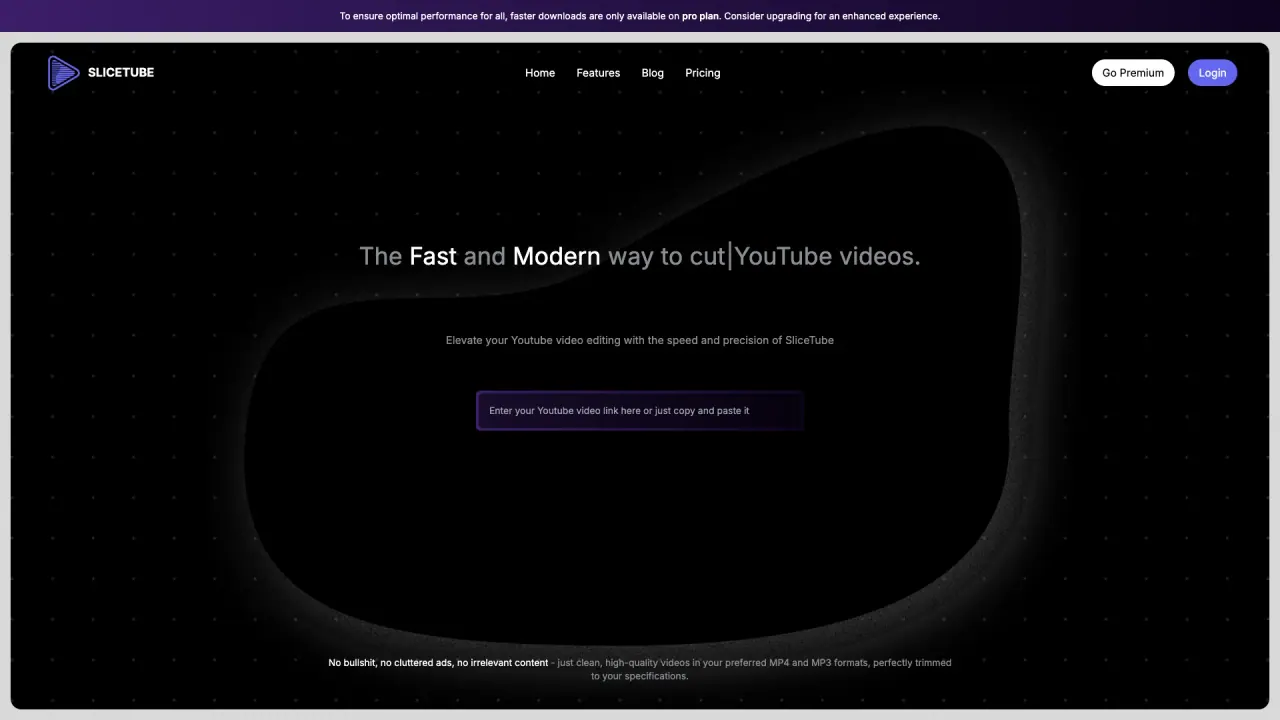
What does SliceTube do?
SliceTube is a privacy-first YouTube video cutter built for fast, simple trimming and downloads. Paste a YouTube link, choose your start and end timestamps, apply the cut, and download just the clip you want—no software needed.
The core workflow uses the Slicer tool, where you select the exact time range to save. SliceTube exports clips in MP4, MP3, or WebM, and supports video downloads in up to 4K resolution. It also includes batch downloading so you can cut and download multiple videos in one go.
Designed for creators and anyone who regularly repurposes video, SliceTube can help with short-form content like TikTok, Instagram Reels, and YouTube Shorts by creating trimmed clips from longer videos. You can also use it for podcasts, lectures, and livestream segments—any time you want a specific portion without downloading the full video.
There are no sign-up requirements to cut and download videos. Downloads are positioned as watermark-free, with no ads or clutter described around the experience. Paid plans include a Monthly Pass for $5, a 6 Months Pass for $15, and a Yearly Pass for $25. A limited-time “Lifetime Access” offer is listed as $30 (shown alongside $99).
How do I cut a YouTube video with SliceTube?
Paste the YouTube link, set your start and end timestamps, apply the cut, then download the resulting clip in your chosen format.
Can I trim a YouTube video without downloading the full video first?
Yes—SliceTube is designed to cut and download only the selected portion based on your timestamps.
What file formats and resolutions can I download from SliceTube?
You can download in MP4, MP3, or WebM, with video downloads available up to 4K resolution.
Does SliceTube support batch downloads?
Yes. SliceTube supports batch downloading so you can cut and download multiple videos.
Is there a watermark on the downloaded clips?
SliceTube positions its downloads as watermark-free, with no watermark described for exported clips.
What plans does SliceTube offer?
Plans listed are Monthly Pass ($5), 6 Months Pass ($15), and Yearly Pass ($25). A limited-time Lifetime Access offer is also shown as $30 (alongside $99).
This listing is claimed
Own SliceTube? Sign in with the email used to claim it to manage this listing, or upgrade to Pro for featured-first placement and a newsletter feature.