
Imagetovideo
No longer active
Image To Video Generator
Image to Video Free is a powerful AI tool that converts your static images into dynamic videos.
Imagetovideo is no longer available
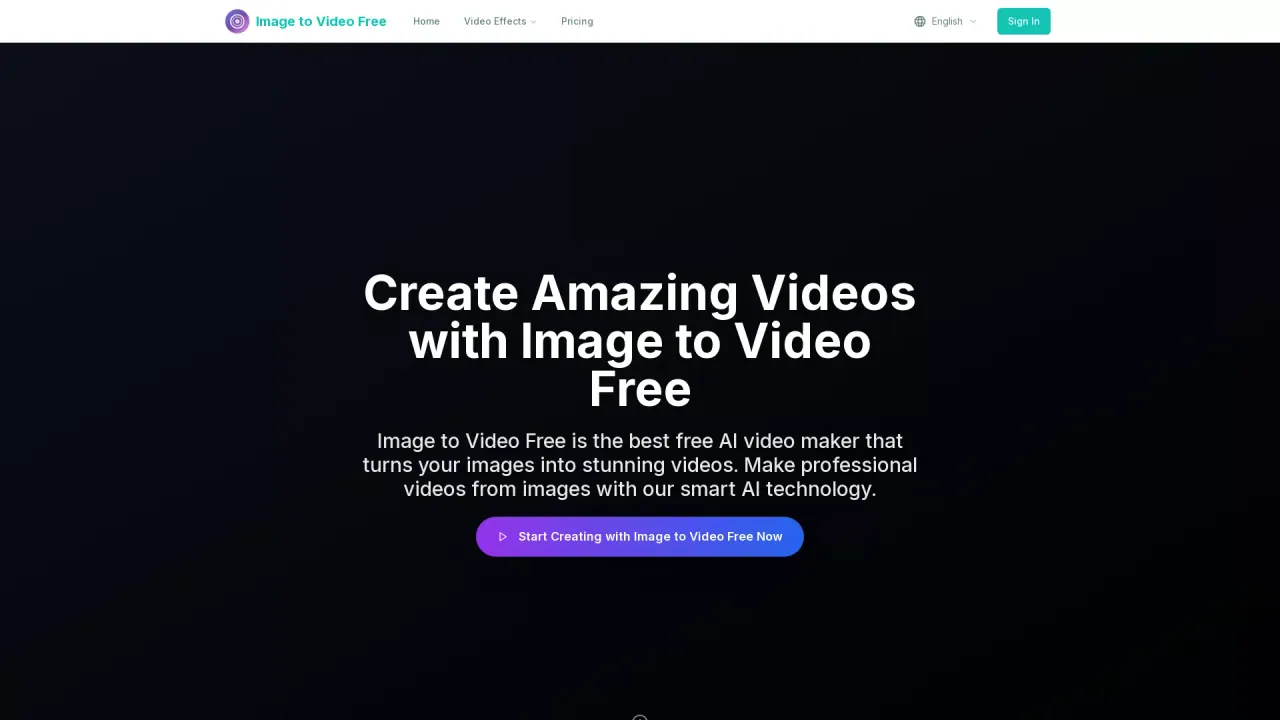
What does Imagetovideo do?
How do you create videos from still images using Image to Video Free?
Create amazing videos in 3 simple steps: 1) Upload your image (JPG, PNG, or WebP). 2) Choose your style and customize as needed. 3) Download and share your video. Each video generation uses 40 credits.
What image formats does Image to Video Free support?
JPG, PNG, and WebP.
What aspect ratios, video durations, and quality options are available?
- Aspect Ratio: 16:9 and 9:16
- Video Duration: 5s or 10s
- Video Quality: 720p or 1080p
- Video Preview: 100–300 seconds
- Processing Time: Fast processing (2–15 minutes, depending on settings)
How do credits work and how are they consumed?
Each video generation consumes 40 credits. New users start with 30 free credits. Plan-specific credits include: Basic 1,000 credits/month (12,000/year), Professional 2,000 credits/month (24,000/year), and Business 5,000 credits/month (60,000/year).
What are the available subscription plans and what do they include?
- Basic: $29.9/month (or $23.9/year with 20% off); 12,000 credits/year; 1,000 credits/month; Up to 1080p; Standard Quality; Basic editing tools; Standard customer support; Cancel anytime.
- Professional: $49.9/month (or $39.9/year with 20% off); 24,000 credits/year; 2,000 credits/month; Up to 1080p; Advanced Quality; Priority customer support; Commercial use license; Cancel anytime.
- Business: $99.9/month (or $79.9/year with 20% off); 60,000 credits/year; 5,000 credits/month; Up to 1080p; Advanced Quality; Expert team support; Commercial use license; Cancel anytime.
Do videos export watermark-free, and are there watermark-free options on the free plan?
Yes. Image to Video Free exports watermark-free videos, including on the free plan. The service highlights watermark-free exports (HD lossless) for all users.
Can I use generated videos for commercial purposes?
Yes. Commercial use licenses are included with Professional and Business plans.
Can I brand my videos with intros, outros, colors, and logos?
Yes. Image to Video Free supports branded visuals, including branded intros, outros, color schemes, and logo placements.
Is Image to Video Free browser-based (no software to install)?
Yes. The entire workflow runs in your browser with no plugins or downloads required, and no specialized editing skills needed.
How long does video generation take?
Processing times are described as fast, typically 2–15 minutes depending on settings and plan.
How do I get started and what is the 30 free credits offer?
Start with 30 free credits to begin creating right away. After that, you can upgrade to access more credits and features.
How do I manage or upgrade/cancel my subscription?
Subscriptions can be managed from your account. You can upgrade or downgrade as needed and cancel anytime. Yearly plans offer a 20% savings compared to monthly plans.