NeoSVG
AI Svg Image Generator
Revolutionize design with neoSVG: the AI SVG image generator for stunning graphics.
- Category
- Design
- Listed
- Aug 4, 2023
- Updated
- May 25, 2026
What does NeoSVG do?
What is NeoSVG and what can I use it for?
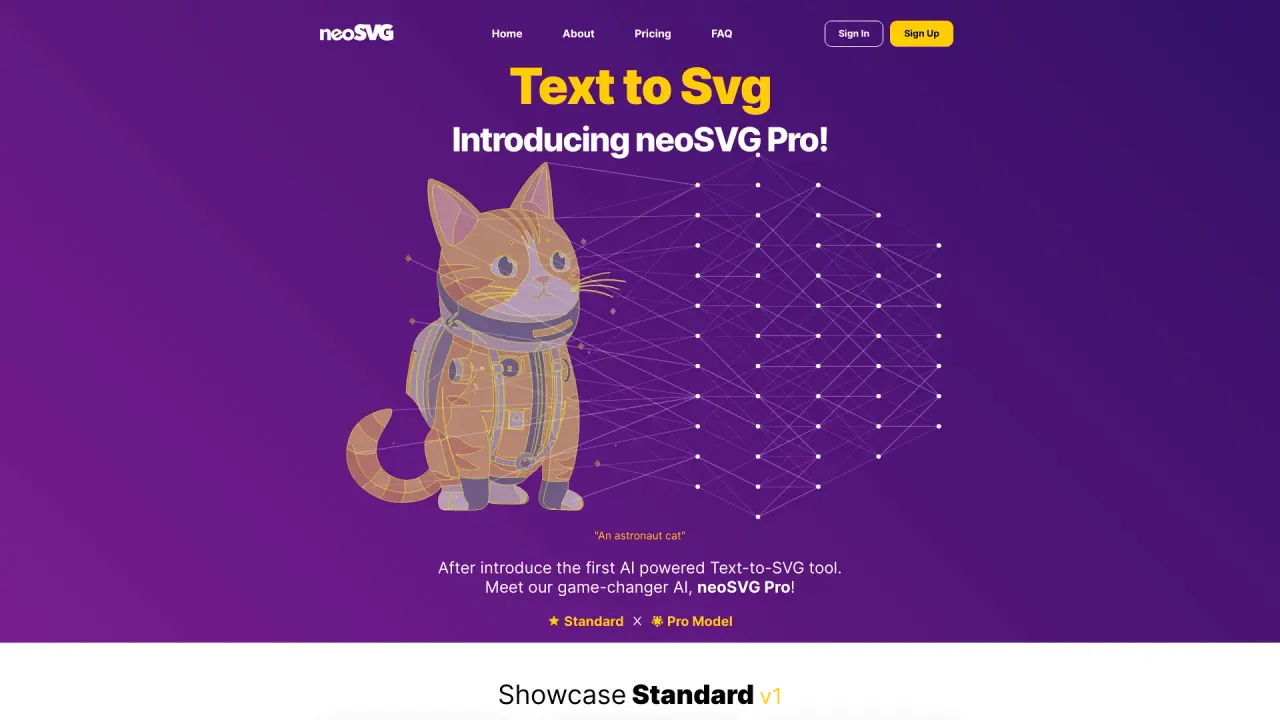
NeoSVG is an AI-powered tool that generates Scalable Vector Graphics (SVG) from simple text prompts. It uses in-house technologies alongside state-of-the-art AI and renders outputs with Bezier curve paths (not pixels) to deliver infinite zoom resolution. NeoSVG targets applications such as web design, mobile, print media, AR/VR, UI/UX, logos, and more, providing fast, scalable vector outputs.
What pricing plans does NeoSVG offer and what do they include?
NeoSVG offers Starter, Professional, and Enterprise plans. Pricing (monthly) is Starter from $15 per month, Professional from $35 per month, and Enterprise from $95 per month. Each plan provides access to all three vector models (Basic 1, Standard 4, Pro 2) and includes monthly credits and generation quotas:
- Starter: 50 credits monthly; up to 250 vectorizations; up to 250 Basic Generations; up to 50 Standard 4 Generations; up to 10 Pro 2 Generations; SVG download; Continuous updates.
- Professional: 150 credits monthly; up to 750 vectorizations; up to 750 Basic Generations; up to 150 Standard 4 Generations; up to 30 Pro 2 Generations; SVG download; Continuous updates.
- Enterprise: 500 credits monthly; up to 2,500 vectorizations; up to 2,500 Basic Generations; up to 500 Standard 4 Generations; up to 100 Pro 2 Generations; SVG download; Continuous updates.
All plans include access to Basic, Standard, and Pro models.
What are the available vector models and how do they differ?
NeoSVG currently offers three models: Basic 1, Standard 4, and Pro 2. They differ as follows:
- Basic 1: Monochromatic colors, fast generation, no lines between paths, curve quality Excellent, context perception Good, cost per vector 0.2 credits.
- Standard 4: Colorful output, slower generation, lines between paths enabled, curve quality Excellent, context perception Highest, cost per vector 1 credit.
- Pro 2: Colorful output, slower generation, lines between paths enabled, curve quality Amazing, context perception High, cost per vector 5 credits.
All models are accessible across every plan.
How do I generate and download an SVG?
Sign up or log in to your NeoSVG account, enter your text prompt describing the SVG you want, choose a model (Basic 1, Standard 4, or Pro 2), click Generate, then view and download the resulting SVG. Each plan includes an SVG download option and ongoing updates.
Are all models available on every plan?
Yes. Basic 1, Standard 4, and Pro 2 are accessible across Starter, Professional, and Enterprise plans.
What are the benefits of using NeoSVG?
NeoSVG offers several benefits:
- Streamlined design: Converts text prompts directly into vector graphics.
- Time and effort efficiency: Delivers outputs quickly.
- Customizable designs: Tailor graphics to your needs.
- Intuitive interface: Easy for users of all skill levels.
- Overall, a practical and efficient solution for fast, professional vector graphics.
What are the limitations of NeoSVG?
Be aware of some limitations:
- Complex designs: May struggle with highly intricate graphics.
- Preset limitations: Not all creative needs may be covered by presets.
- Learning curve: Beginners may need a short acclimation period.
- AI inaccuracies: Occasionally, outputs may require manual adjustments.
How can I contact NeoSVG support?
You can reach NeoSVG at contact@neosvg.com. The brand also maintains a presence on YouTube, X, TikTok, Instagram, and Reddit for updates and community support.
What is the Bezier curve approach used by NeoSVG?
NeoSVG uses Bezier curve paths (not pixels) to generate SVGs, enabling infinite zoom resolution and scalable vector outputs.
Is this your tool?
Claim NeoSVG to manage this listing, or upgrade to Pro for featured-first placement and a newsletter feature.