
Odin AI
AI Productivity Tool
Transform your productivity with Get Odin AI - the ultimate AI productivity tool for professionals and enterprises.
Promoted
 KurodyneSell the tools from your AI side projects. Listing is free.
 Sidrune AI85% off. Stable Claude API for agent developers. Pay as you go. Invoices & refunds available.
 Pixmax.aiPixmax.ai is an all-in-one AI workspace for videos, visual stories, and marketing content.
 SEOify - Improve your SEO & rankingsBuild links to rank in Google. Improve your DR with links you can start building now.Advertise here270,000+ people visit Dang.ai every month.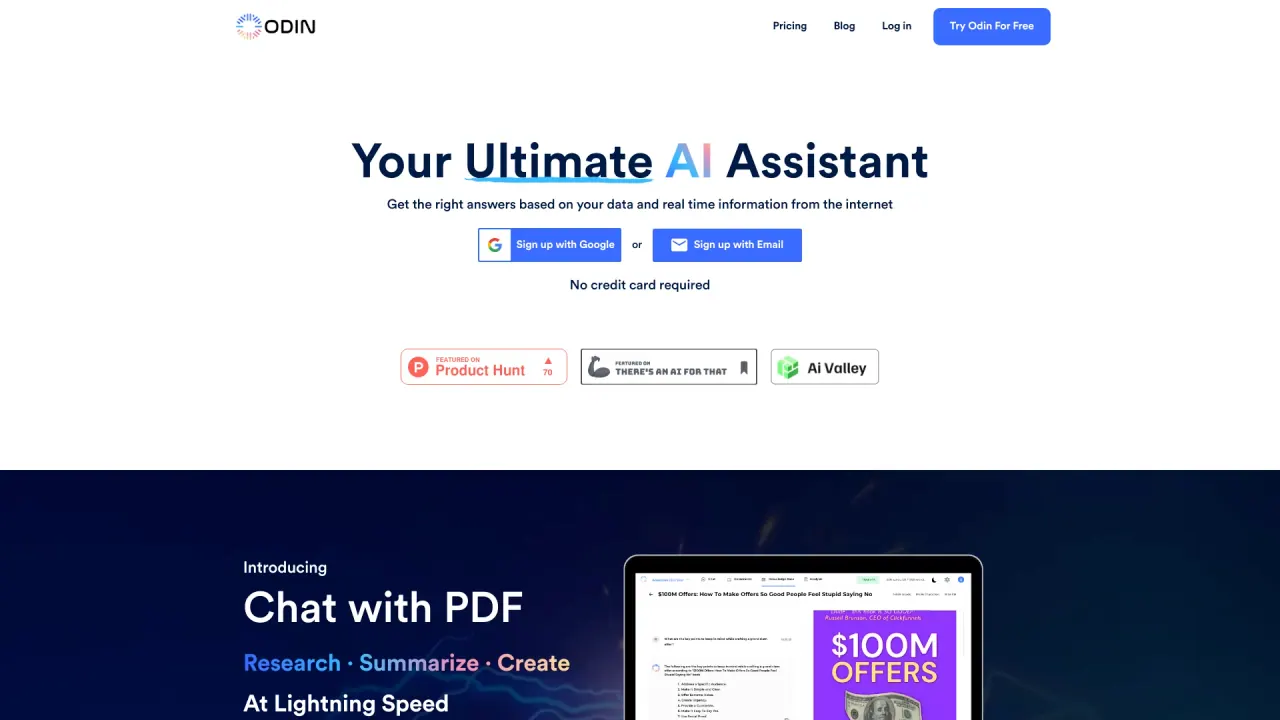
What does Odin AI do?
What is Odin AI and what can it do for my business?
Odin AI is an enterprise-grade Agentic AI platform that lets you create specialized AI agents to automate tasks across business functions. Agents operate 24/7, learn your workflows, and deliver rapid ROI by reducing errors and increasing productivity. Build, deploy, and manage autonomous agents that work with your data and team processes to scale operations.
What is the Knowledge Vault and how does Odin AI handle data management?
Odin AI provides a Gen AI–powered knowledge base and cloud storage called the Knowledge Vault. You can access business intelligence and insights at any time using natural language queries. Data can be kept safe and controlled with on-prem deployment to meet privacy requirements, and your AI runs on your knowledge base rather than a generic model.
Can Odin AI be deployed on-premises or in our own environment?
Yes. Odin AI supports on-prem deployment to help you meet privacy, security, and regulatory needs.
How does Odin AI keep my agents safe, compliant, and governed?
Odin AI emphasizes trust and governance through:
- Guardrails to keep agents on-topic, compliant, and aligned with business rules
- Safe integration practices
- Auditing and data governance
- Privacy controls
These features help ensure agents act reliably within your policies and data protections.
What is Odin Automator and how many integrations does it support?
Odin Automator is a no-code automation platform with 200+ integrations. It enables you to automate tasks across apps you already use, including Google Calendar, Microsoft Outlook, Zapier, Dropbox, Figma, Discord, QuickBooks, and more, connecting your work management, communications, media sharing, and storage tools.
What templates are available in the Template Gallery and what do they do?
The Template Gallery offers battle-tested workflows you can customize, such as:
- Lead Enrichment Agent — automatically research and enrich prospect data from sources like LinkedIn and company databases to build lead profiles (Beginner, 12 nodes)
- Content Generation Agent — create blog posts, social content, and marketing copy aligned to your brand voice (Intermediate, 18 nodes)
- Customer Support Bot — 24/7 inquiries handling with smart responses, routing, and escalation (Beginner, 8 nodes)
- Expense Management Agent — automatically categorize expenses, extract receipts, validate against policies, and generate reports (Advanced, 24 nodes)
What are the features of Odin AI's Notetaker for meetings?
Notetaker captures key points and action items from meetings, transforming documentation and follow-ups to boost team productivity. It integrates with calendar and schedules, and supports syncing with Zoom, Google Meet, and Teams for seamless meeting coverage.
How do I get started with Odin AI?
You can start by building your first AI agent with templates and workflows designed to get you running quickly. You can book a demo, or sign up to begin creating agents that operate alongside your team.
What pricing plans does Odin AI offer and what do they include?
Pricing on the site shows several plans:
- Professional: $29.99 per month
- Plus: $24.00 per month
- Business: $25.00 per month
- Pro: $16.99 per month
- Team Plan: $25 per month
The page also highlights a savings message: Save $71 per month (about 74% savings) compared to using separate tools. Some plans mention features like unlimited teammates (notably the Pro plan).
Do teams get unlimited collaborators or seat-based access?
Pricing pages indicate that some plans offer unlimited teammates, while others are seat-based. Check the plan details to confirm how many collaborators are included in your chosen plan.
Who uses Odin AI and what scale does it serve?
Odin AI is trusted by thousands of businesses globally and serves organizations from startups to Fortune 500 companies across 50+ countries. The platform emphasizes enterprise-grade reliability, including mentions of uptime guarantees.
How can I learn more or get help with Odin AI?
You can sign up, book a demo, or talk to the sales team to discuss your use case. The site also highlights resources and support options, including chat support and plan-based access to email support on certain plans.
This listing is claimed
Own Odin AI? Sign in with the email used to claim it to manage this listing, or upgrade to Pro for featured-first placement and a newsletter feature.