
SummarAIze
Verified
AI Video to Text Tool
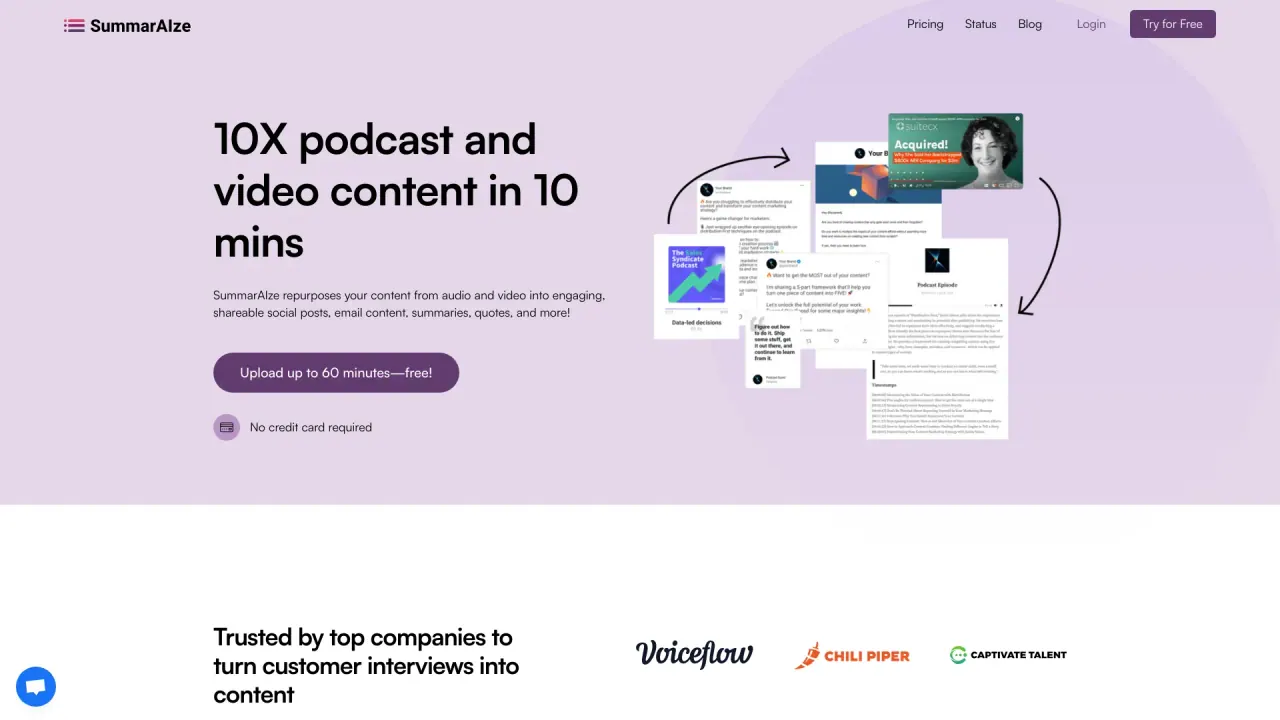
AI powered content repurposing tool that turns audio and video content into multiple content assets including social posts, emails, blogs, transcripts, clips, and more in minutes.
- Pricing
- Free trial
- Category
- Podcast
- Listed
- Jul 5, 2024
- Updated
- May 25, 2026
What does SummarAIze do?
How does SummarAIze pricing work and what do I get with each plan?
SummarAIze offers three plans with monthly credits:
- Creator — $29/month, 350 credits/month
- Content Manager — $59/month, 800 credits/month
- Business — $149/month, 2500 credits/month
All plans include the same core features:
- Transcription for any audio or video file
- AI-generated content assets: titles, SEO descriptions, blogs, newsletters, and social posts
- Timestamps, captions, and short clips
- Create content across recordings using AI
- Unlimited Brand Kits to define voice, audience, and rules
- Unlimited Templates for different content types
- Ask SummarAIze to generate additional assets via chat
- Shareable results link (client-friendly; no log-in required)
You can choose between monthly or annual billing (annual saves the equivalent of 2 months). You can start for free with 75 credits to begin, and no credit card is required to try.
Do I get started for free?
Yes. Start for free with 75 credits to begin, and no credit card is required. You can try SummarAIze before committing to a plan.
What input formats does SummarAIze support?
You can upload your audio or video content directly. It supports files of any length and works with various formats; in addition, you can use YouTube videos or YouTube links. Supported input formats include common audio and video types such as MP3, WAV, M4A for audio and MP4, MOV, M4V for video, and it provides multilingual support for recordings.
What assets can SummarAIze generate from my recording?
From a single upload, SummarAIze can generate a range of ready-to-publish assets:
- Social posts for LinkedIn, X/Twitter, and Instagram
- YouTube assets: SEO-friendly titles and descriptions
- Email newsletters and blog posts
- Video clips with timestamps and pull quotes
- Chapter breakdowns and key point summaries
- Transcripts and captions
- Custom assets via Ask SummarAIze
- New formats added regularly
All formats are designed to be sent from one upload, and you can produce multiple asset types from the same recording.
What is Ask SummarAIze and how does it work?
Ask SummarAIze is an AI chat interface that lets you request additional assets from the same recording. You can make natural-language requests, ask for more variations, and continue refining outputs with context-aware responses—no limits on follow-up questions.
Can I share results with clients without logging in?
Yes. SummarAIze provides shareable links you can send directly to clients or teammates. It’s a client-friendly interface with one-click sharing and no login required.
What are Brand Kits and Custom Templates?
- Brand Kits: Define your voice, tone, target audience, keywords, and writing rules once. This helps keep every piece of content on-brand across projects.
- Custom Templates: Platform-specific formats and layouts you can reuse. Templates are optimized for different content types and channels (e.g., podcasts, webinars, interviews) to speed up production.
How do I get started with a project?
Three steps:
- Tell us about your content by setting up your Brand Kit and choosing the templates you want.
- Upload your audio or video file (any length, various formats, multilingual supported).
- Get ready-to-publish content in minutes. If you need more, use Ask SummarAIze to generate additional assets.
Are there limits on how many assets I can generate per upload?
All plans include unlimited content assets per upload. You can generate multiple assets from each original recording rather than being limited per file.
Is this your tool?
Claim SummarAIze to manage this listing, or upgrade to Pro for featured-first placement and a newsletter feature.